
























Blender Tutorial: Creating Generative Animations with Geometry Nodes and Noise Fields
By
abduzeedo
Summary
This Blender generative art tutorial by Polina Kotova demonstrates how to create dynamic animations using noise fields and Geometry Nodes without scripting. The tutorial focuses on using node graphs to control particle density, allowing mass to cluster and dissolve organically. The approach is geared toward creating printable poster art through procedural, keyframe-free animation techniques.
Source

 AbduzeedoBlender Tutorial: Creating Generative Animations with Geometry Nodes and Noise Fieldsabduzeedo.com
Key quotes
· 4 pulledPolina Kotova builds her motion showreel around one recurring move: feed a noise field into a particle system, let Geometry Nodes decide where mass collects and where it thins out.
No keyframes carry the structure. The node graph does, and that's the part worth studying frame by frame.
Density becomes the subject.
In one sequence, particles cluster into a tight core and dissolve toward the edges of the frame, the same gradient
You might also wanna read


Using Blender's Geometry Nodes for Cosmology Research Visualization
A Ph.D student in Physics/Cosmology shares how they use Blender's Geometry Nodes (GeoNodes) for scientific visualization in cosmology resear
 blender.org·2mo ago
Creating Anamorphic Images with Generative Techniques
The article discusses a method for creating anamorphic images using generative techniques and latent rectified flow models.
studios.disneyresearch.com·1y ago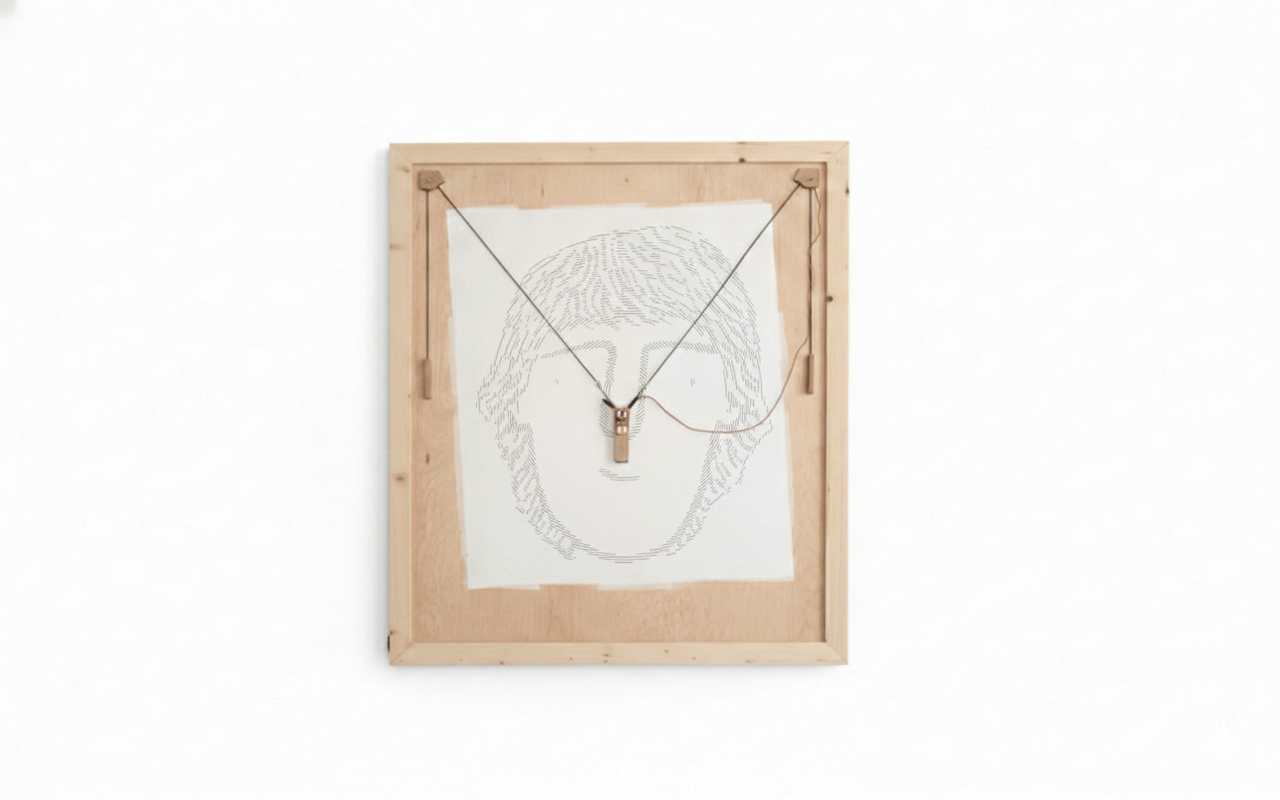
Building a Generative Pen Plotter: The GPenT Project for Custom Wall Art
The article describes the author's personal project called "Generative Pen-trained Transformer" (GPenT), a color-changing pen plotter with c
 theodore.net·5mo ago
openFrameworks Tutorial: Generating a Gradient Cylinder with Noise Deformation
This article contains C++ source code using the openFrameworks creative coding toolkit. It sets up a 3D graphics application that generates

De novo design of DNA origami with a generative diffusion model
OpenFrameworks Generative Art: Gradient Amoeba with Perlin Noise
This article contains source code for an openFrameworks application that generates a gradient amoeba-like visual pattern using Perlin noise.
Comments
Sign in to join the conversation.
No comments yet. Be the first.