
























Installing A/UX 1.1 on a Vintage Mac Emulator: A Retro Computing Walkthrough
By
zdw
4h ago· 6 min readen
Summary
A detailed technical walkthrough of installing A/UX 1.1, Apple's vintage UNIX operating system for 68k-based Macs, on a modern emulator called Snow. The article covers hardware requirements (MMU, FPU), the multi-disk installation process, partitioning, booting, and getting the system stable — all from the perspective of a retro computing enthusiast.
Source

 Hacker NewsInstalling A/UX 1.1 on a Vintage Mac Emulator: A Retro Computing Walkthroughthomasw.dev
Key quotes
· 3 pulledA/UX was Apple's version of UNIX that ran on the 68k-based series Macs.
It required a Memory Management Unit to achieve process isolation; either the optional 68851 PMMU on the original 68020-based Macintosh II or the integrated MMU in the 68030- and 68040-based machines.
Recently, I have been successful in making A/UX boot and run stable on my vintage Macintosh emulator; Snow.
Recently, I have been successful in making A/UX boot and run stable on my vintage Macintosh emulator; Snow. A/UX was Apple’s version of UNIX that ran on the 68k-based series Macs. It required a Memory Management Unit to achieve process isolation; either t
You might also wanna read

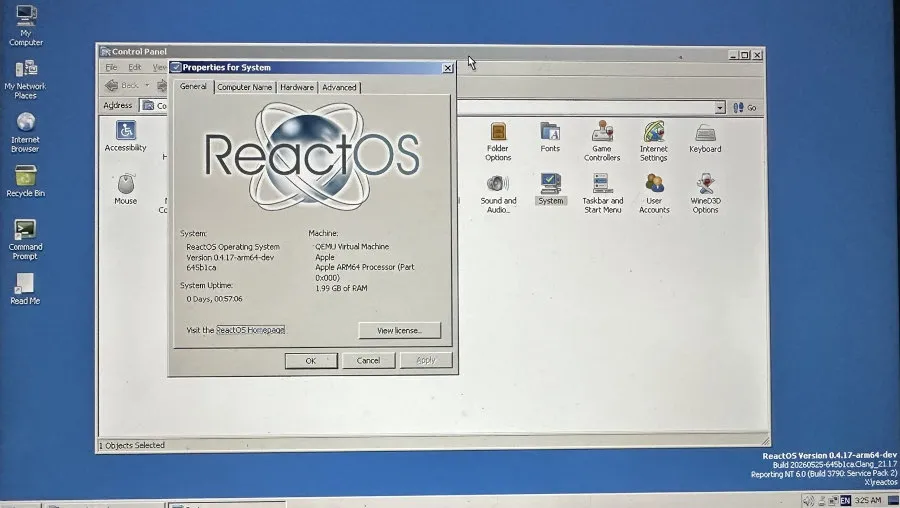
ReactOS Achieves Experimental ARM64 Support, Boots on Apple Silicon via QEMU
ReactOS, the open-source project aiming for binary compatibility with Microsoft Windows, has achieved experimental support for running on 64
 phoronix.com·1mo ago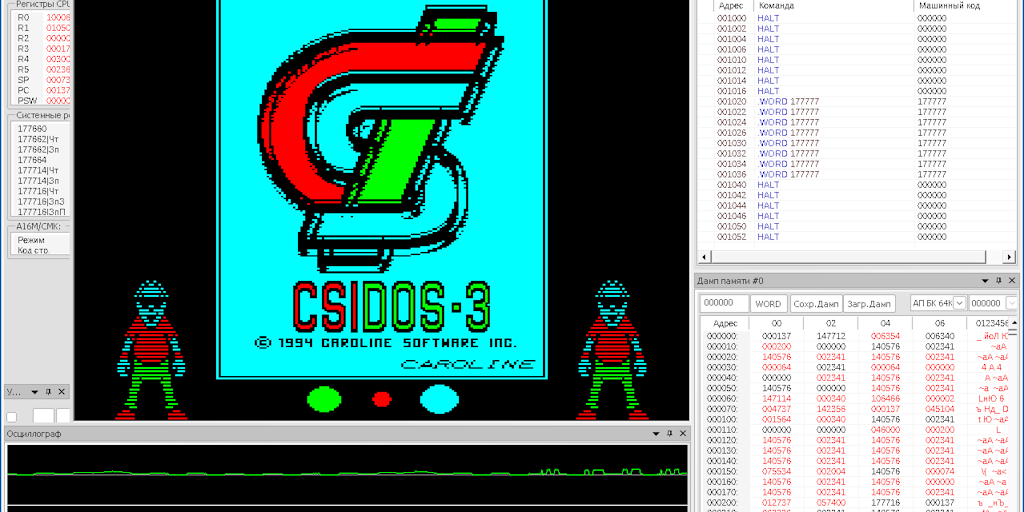
The Virtual OS Museum: Relive vintage operating systems right on your desktop | Product Hunt
 Product Hunt·27d ago
RetroMac: A macOS app that applies real-time retro screen effects (CRT, VHS, Game Boy) to your modern Mac
RetroMac is a macOS menu bar app that applies real-time retro visual effects (CRT, VHS, Game Boy, classic Macintosh, etc.) to your screen, d
Product Hunt·9d ago
LLMs on Intel Macs with AMD GPUs in MacOS is here
MacRumors·1d ago

macOS Tahoe 26 on Unsupported Macs Discussion
MacRumors·1d ago
Comments
Sign in to join the conversation.
No comments yet. Be the first.