
























How to format a USB drive as FAT32 on Windows 11, 10
From the article
You can format a drive as FAT32 from File Explorer, Settings, Command Prompt, and PowerShell, and in this guide, I will show you how. The post How to format a USB drive as FAT32 on Windows 11, 10 appeared first on Pureinfotech
Continue reading on PureinfotechYou might also wanna read


Sick of trying to find a USB and Windows key? Microsoft has just made reinstalling Windows 11 less painful
TechRadar·1d ago
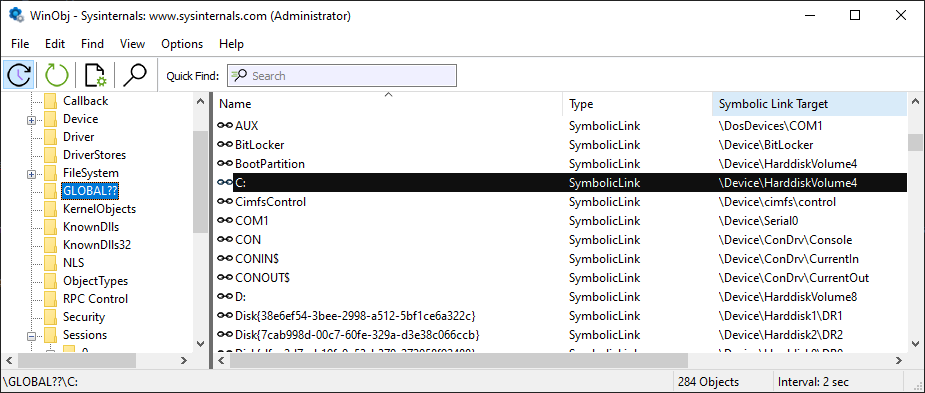
Windows Drive Letters Can Use Non-Alphabetic Characters Beyond A-Z
This technical article explores the lesser-known capability of Windows to use non-alphabetic characters (like +, €, etc.) as drive letters,
ryanliptak.com·7mo ago

Microsoft introduces Cloud Rebuild for Windows 11: A new way to recover your PC without USB drives
thewincentral.com·2d ago

4 Signs It's Time to Replace Your Old USB Drive
This article discusses four key signs that indicate it's time to replace an old USB drive: slow transfer speeds, frequent errors or corrupti
 bgr.com·1mo ago
Simple app for creating bootable Mac OS/Linux/Windows USB drives?
MacRumors·21h ago
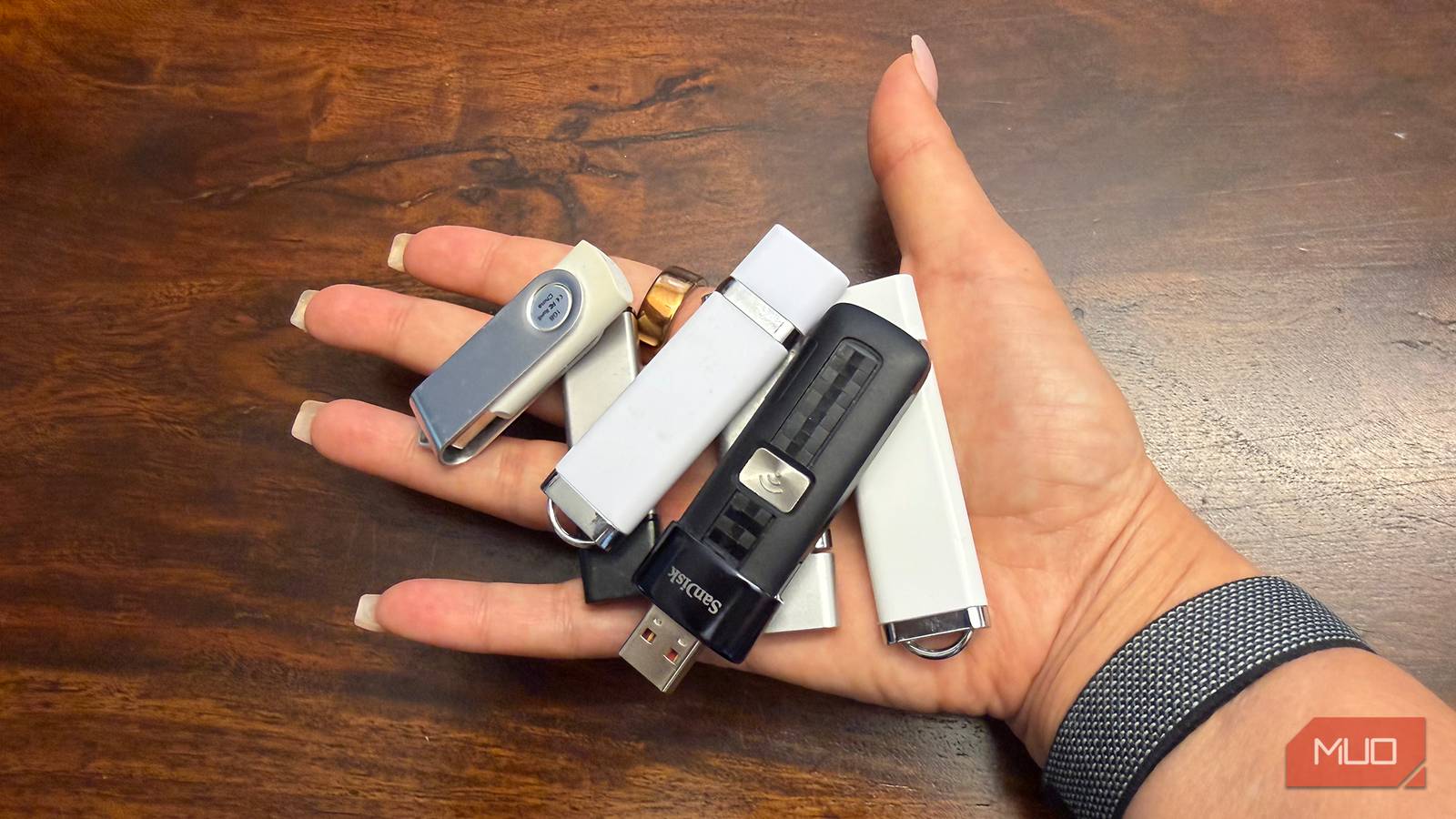
USB flash drives lose data over time due to NAND flash degradation — here's how to protect your files
USB flash drives use NAND flash memory which degrades over time due to charge leakage, especially when not powered on regularly. Data stored
 makeuseof.com·1mo ago
Comments
Sign in to join the conversation.
No comments yet. Be the first.