Copilot Notebooks gets smarter for Microsoft 365 Copilot users Work rarely lives in one place. A single project can span a deck in SharePoint, decisions in a Teams thread, customer context in email, and ideas captured in quick conversations. Copilot Notebooks brings that work together in a shared, AI-powered workspace where teams can gather project context, make sense of information, and create useful outputs grounded in their reference sources. Notebooks becomes even more useful—with deeper work-data grounding and more ways to turn ideas, notes, and source material into deliverables that move work forward. This month’s updates build on that foundation with a refreshed experience, richer sources of context, easier mobile capture, and new ways to turn notebook content into finished work. New way to interact with N otebooks The updated Notebooks experience in the Microsoft 365 Copilot app makes it easier to keep project work organized and moving. Chats, output creations, and references now live together in one place, so it’s easier to collaborate, stay in context and move work forward. While this is the quicker, light-weight Notebooks experience, you can still find the fuller, workspace-forward experience in OneNote. Because notebooks stay in sync across the Microsoft 365 Copilot app and OneNote; users can smoothly move between experiences without losing context. Availability: Coming to the Frontier program this summer. In OneNote, the Notebooks experience is now more streamlined, with a refreshed design for the left navigation rail , that brings key actions like "Create" and add “Reference" to the top for faster access. Availability: Rolling out to GA . Bring more work context into your notebook The strongest notebook outputs come from having the right project context. Instead of relying on scattered files or partial notes, users can now bring in more of the information that shapes real work—from meetings and email threads to web research—so Copilot can reason over a fuller picture. Teams meetings — Add the full record of a meeting—including transcripts, notes, chat, and shared files—so decisions and follow-up context stay connected to the project. Availability : Available in Frontier. Outlook emails — Bring in the email threads where updates, tradeoffs, and next steps often take shape, so important context doesn’t stay buried in the inbox. Availability : Coming to Frontier in the coming days. Web pages — Add external research, competitor sites, whitepapers, and industry articles to give the notebook a broader base of information for analysis and creation. Availability : Available in Frontier. Prompts to try: Pull the notes from last Thursday's product strategy meeting and compare it against the Project Status Summary page. Where did the discussion diverge from what's written down, and what got decided that hasn't been captured yet? What key dates were agreed upon in the project email thread and how does that compare to the Timeline page in this notebook? Compare the three vendor sites I added with our internal evaluation page and surface gaps. Capture conversations and ideas on the go with the OneNote iPhone app Important work doesn’t always begin in a document. It often starts in a hallway conversation, a whiteboard sketch, a brainstorm, or a quick note captured in the moment. The new multimodal capture experience helps bring those moments into Copilot Notebooks so they can become part of the project record, not something that gets lost. From the OneNote iPhone app , users can capture live audio, snap images of a whiteboard, and type notes in a single session. Copilot then turns those inputs into a structured notebook page, making it easier to preserve context for a meeting, project, or idea—and use it later to ask questions, pull insights, or create Word, PowerPoint, and Excel files. Availability : Rolling out to GA in the OneNote mobile app (iOS). For more information, read our Support page . Turn your notebook into the deliverables you need A notebook is more than a place to collect information—it’s a starting point for the work that comes next. Notebooks already helps create documents, decks, audio overviews, mind maps, and study guides from your sources. Now, it can generate two more types of outputs: Excel spreadsheets help turn notebook content into structured data you can analyze, compare, and reason over. Availability : Available in Frontier. Infographics help turn dense material into a visual summary that’s easier to share and understand. Availability : Coming to Frontier in the coming days. Notebooks keeps getting better Taken together, these updates continue to evolve Copilot Notebooks into a more capable workspace for individual thinking and team collaboration. With a more streamlined design, richer grounding, mobile capture, and expanded output generation, Notebooks is becoming a more complete way to bring together project context, work with Copilot, and turn information into useful deliverables—all in one place. Try Copilot Notebooks today at aka.ms/copilotnotebooks. Learn more about the Frontier program at Review our previous blog about Copilot Notebooks Copilot Notebooks: Enhancements to support creation, collaboration and learning



























 theregister.com·1mo ago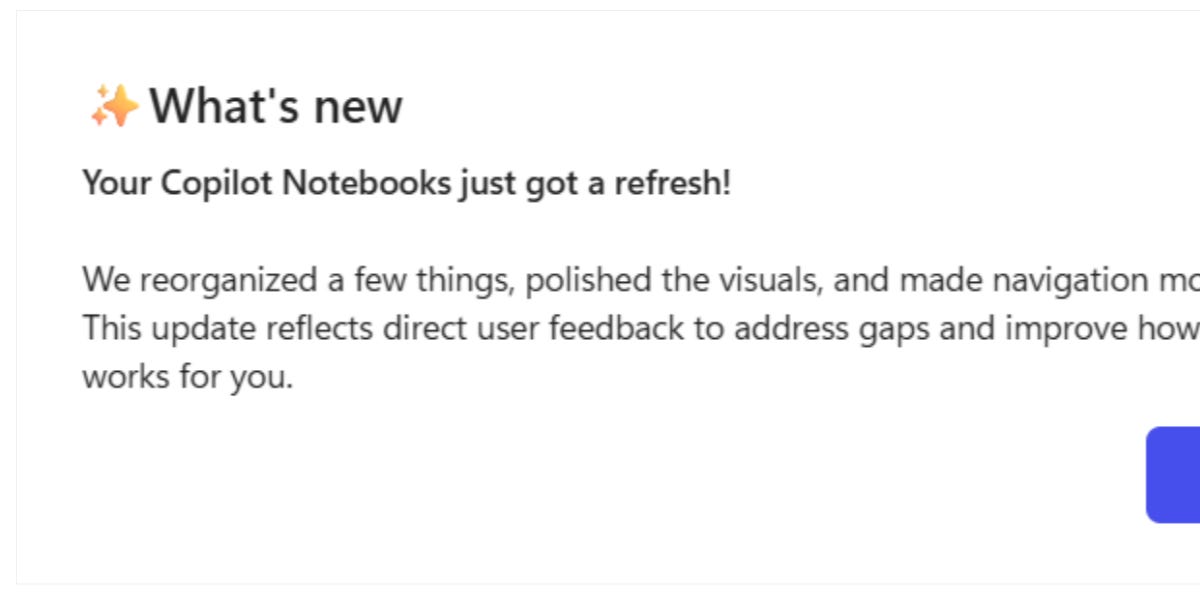
 copilotatwork.substack.com·24d ago
 helpnetsecurity.com·1mo ago
 futurework.blog·5d ago
 The Verge·8mo ago
Comments
Sign in to join the conversation.
No comments yet. Be the first.