





















Microsoft 365 Copilot gets redesigned unified interface with contextual actions
By
Anamarija Pogorelec

A bagel you'd recommend to a friend without hedging.
Summary
Microsoft has redesigned Microsoft 365 Copilot, transforming it into a unified workspace that serves as a single entry point across Microsoft 365 apps. The redesign uses progressive disclosure to keep the interface focused initially while revealing more capabilities as needed. The left sidebar provides access to agents, conversations, and history. The new interface suggests relevant actions based on user context and work tasks, aiming to streamline how users interact with the AI assistant across writing, summarizing, analyzing, and completing work tasks.
Key quotes
· 4 pulledMicrosoft 365 Copilot, an AI assistant that helps people write, summarize, analyze information, and complete work tasks, has been redesigned.
It now serves as a single, flexible entry point to Copilot across Microsoft 365 apps, suggesting relevant actions based on the user's work.
Microsoft applied the design principle of progressive disclosure, allowing users to start with a focused interface that reveals additional capabilities as needed.
The left side of the interface provides access to agents, conversations, and history.
You might also wanna read

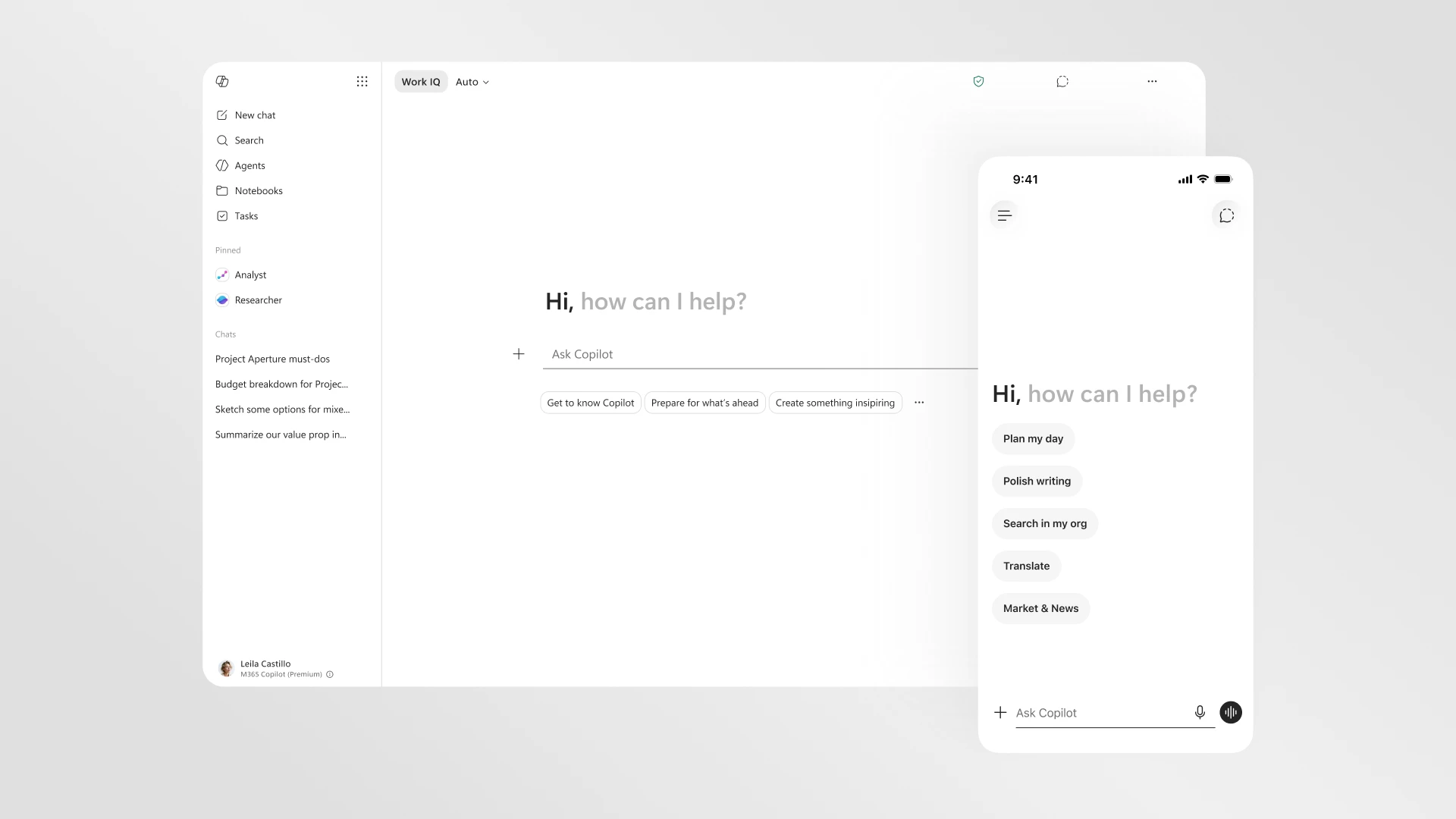
Microsoft 365 Copilot redesign promises faster loading and cleaner interface
Microsoft is rolling out a redesigned version of Microsoft 365 Copilot with a cleaner interface that loads twice as fast. The update introdu
 The Verge·3d ago
Microsoft Edge Launches Copilot Mode with Enhanced AI Integration
Microsoft Edge is launching Copilot Mode, which integrates Microsoft's AI assistant more deeply into the browser. The feature combines AI-ge
The Verge·7mo ago
Microsoft to Automatically Install Microsoft 365 Copilot App on Windows Devices in October
Microsoft will automatically install the Microsoft 365 Copilot app on Windows devices with Microsoft 365 desktop apps starting next month. T
 bleepingcomputer.com·8mo ago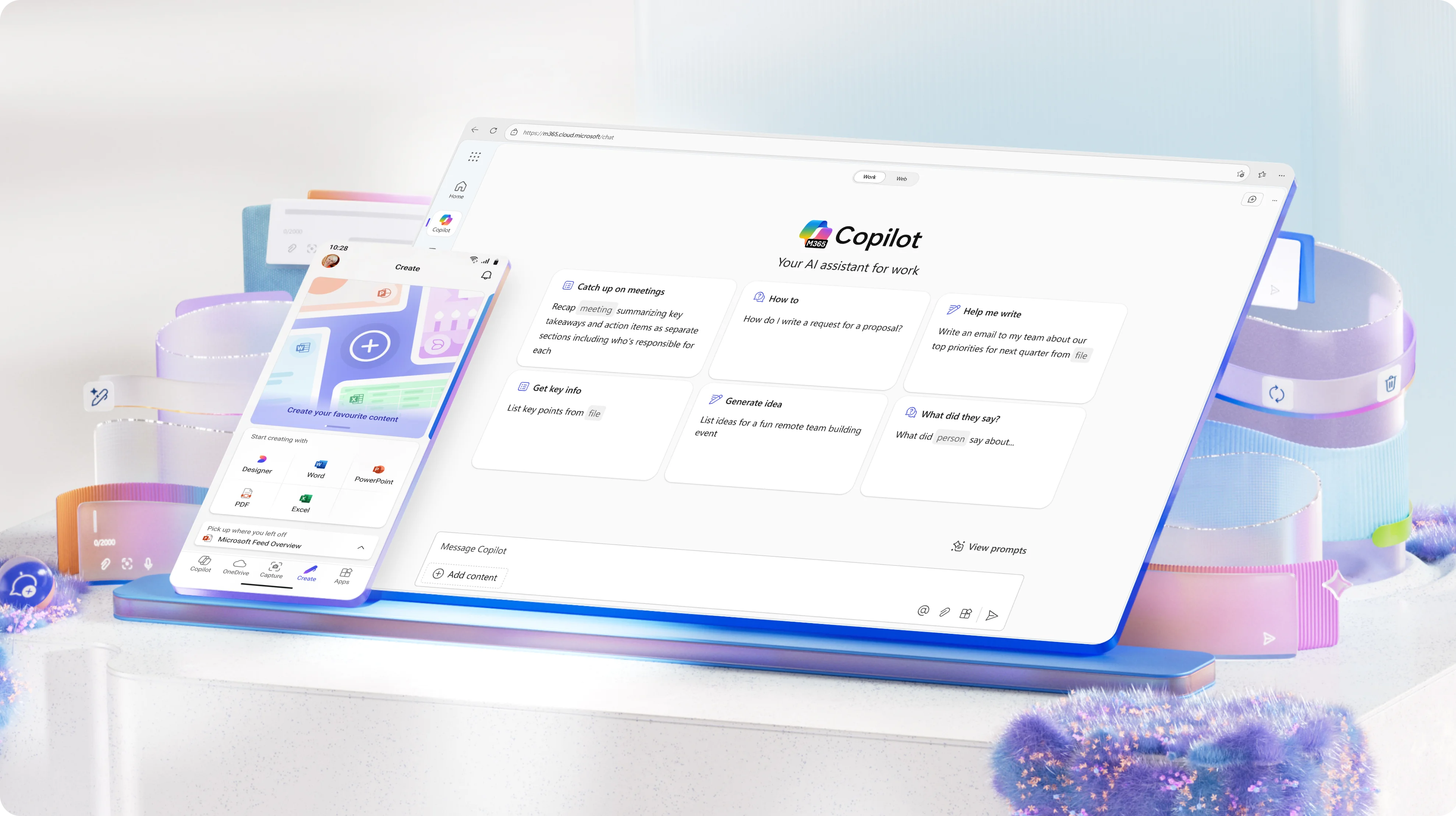
Microsoft 365 Copilot Login and Technical Configuration Details
This appears to be a login page or interface for Microsoft 365 Copilot, Microsoft's AI-powered productivity tool. The content shows technica
 office.com·4mo ago
Microsoft Launches Enhanced Copilot AI Assistant with Memory, Actions, and Vision Capabilities
Microsoft introduces its new Copilot AI assistant with enhanced capabilities including memory retention, action execution, and visual recogn
 Product Hunt·11mo ago
Microsoft Launches Enhanced Copilot AI Assistant with Memory, Actions, and Vision Capabilities
Microsoft introduces its new Copilot AI assistant with enhanced capabilities including memory retention, action execution, and visual recogn
Product Hunt·11mo ago