
























What’s New in Microsoft 365 Copilot
By
Seth_Patton
26d ago
Source
MicrosoftWhat’s New in Microsoft 365 Copilotmicrosoft.comWelcome to the May 2026 edition of What's New in Microsoft 365 Copilot! Every month, we highlight new features and enhancements to keep Microsoft 365 admins up to date with Copilot features that help your users be more productive and efficient in the apps they use every day. Let’s take a closer look at what’s new this month: User capabilities: Anthropic's Claude Opus 4.8 is now available Refreshed design, Notebooks enhancements, and Apple CarPlay for the Microsoft 365 Copilot app GPT-5.5 Instant for Copilot Chat and Copilot Studio Expanded content in the Copilot Prompt Gallery Learning Agent Account selector for Copilot in Outlook Call delegation, recap deletion, and video recap with Copilot in Teams Document summaries, personalization, and writing suggestions from Copilot in Word Slide explanations and built-in skills with Copilot in PowerPoint Custom skills for Copilot in SharePoint Copilot controls: Expanded ISO certifications across our Copilot portfolio The new Copilot Adoption Hub Enabling watermarks for sensitive material User capabilities Anthropic's Claude Opus 4.8 is now available Anthropic's Claude Opus 4.8 is now available in Microsoft 365 Copilot, expanding model choice for more advanced work scenarios. This model supports complex, multi-step tasks and long-running workflows, with improvements in tool selection, instruction following, and task completion. It also delivers stronger results for drafting documents, analyzing data, and building presentations. When used with Work IQ, outputs are grounded in your organization’s data, helping ensure more relevant and accurate results. This model is available in Copilot Cowork (Frontier) and is rolling out to Copilot Studio early release cycle environments, Copilot Chat, Excel, and PowerPoint for Microsoft 365 Copilot licensed users. Refreshed design, Notebooks enhancements, and Apple CarPlay for the Microsoft 365 Copilot app The refreshed design in the Microsoft 365 Copilot app delivers a more streamlined, chat-centered experience. These updates simplify the chat and response layout, improve navigation, and introduce new ways for users to organize work. This helps users stay focused, maintain context, and move work forward more efficiently . This feature is rolling out in June . The Copilot Notebooks design in the Microsoft 365 Copilot app has been updated to help organize chats and work by project. The new UI brings together chats, output creations, and references in one place, so users can more easily collaborate and move work forward. And Copilot Notebooks in the Microsoft 365 Copilot app and in the OneNote app stay in sync, so users can move smoothly between experiences and interact with the same notebook in the way that works best for them. This feature is rolling out in June. Copilot Notebooks can now reference individual Teams meetings as knowledge sources , by bringing transcripts, notes, chats, and shared content into the Notebooks experience. By grounding Copilot on the discussions, decisions, and context behind the work, users get more accurate and connected answers. This feature rolled out to Frontier in May and is rolling out worldwide in June . Copilot Notebooks can now generate Excel spreadsheets with the Excel agent directly from a notebook. Copilot draws from the content and references already in the notebook, and then drafts a spreadsheet that is structured, consistent, and ready to refine. Once the flow is initiated, the Excel agent asks clarification questions to gather responses that will help create a spreadsheet tailored to each unique request. Users can continue working with Copilot to edit and steer the spreadsheet further in Excel. This feature rolled out to Frontier in May and is rolling out worldwide in June . Infographics in Copilot Notebooks automatically convert notebook content into clear, visual summaries that are ready to share. The information and references in a notebook are analyzed to generate an infographic that highlights key points, relationships, and insights. Instead of manually building slides or visual assets, users can instantly turn technical notes, project updates, or documentation into easy-to-understand visuals that help them communicate complex information more effectively. This feature rolled out to Frontier in May and is rolling out worldwide in June. Copilot is now available in Apple CarPlay , giving users a hands-free way to stay on top of work while driving. Users can use voice to start a new conversation or continue an existing chat through their car’s built-in display and audio system. This helps users catch up on their day, review priorities, and capture ideas more safely without typing or looking at their phone. This feature rolled out in May. GPT-5.5 Instant for Copilot Chat and Copilot Studio OpenAI's GPT-5.5 Instant is now available in Microsoft 365 Copilot and Microsoft Copilot Studio, bringing higher-quality responses for everyday work tasks, image analysis, and STEM-related questions. Building on GPT-5.3 Instant, the new model delivers clearer, more concise answers with less verbosity and fewer unnecessary follow-up questions, so users reach a useful answer with less back-and-forth. In Copilot Chat it appears as "GPT-5.5 Quick response" in the GPT model selector; in Copilot Studio it rolls out to early release cycle environments as "GPT-5.5 Chat." This model rolled out in May . Expanded content in the Copilot Prompt Gallery The new Prompt Gallery helps users move from wondering what Copilot can do to trying useful tasks right away. It brings together ready-to-use prompts, simple guidance, and task-based ideas in one place. Prompts are provided for drafting content, preparing for meetings, analyzing information, and getting caught up on work faster. The gallery page helps users find a useful starting point, try a prompt in Copilot, and share workflows across an organization. Learn more at the Prompt Gallery. Learning Agent Powered by Work IQ and integrated with AI Skills Navigator (in preview), Learning Agent delivers personalized, in-the-flow learning, helping employees build Copilot and AI skills faster through content tailored to their role and daily work. It provides relevant tips, skill assessments, customized learning plans, certifications, and roleplay practice, so people can learn by doing directly within their workflow and continuously improve over time. This agent is rolling out in June . Account selector for Copilot in Outlook Users with more than one Copilot-enabled account in Outlook for Windows now get an account dropdown in the Copilot side pane in their Outlook calendar. The selector makes it clear which account Copilot is acting on and lets users switch accounts easily. For multi-tenant users, this removes a common source of confusion and accidental cross-account actions. This feature rolled out in May . Call delegation, recap deletion, and video recap with Copilot in Teams Copilot call delegation steps in when users can’t pick up incoming Teams Phone calls, so they don’t miss important conversations. Copilot answers on the user’s behalf, captures intent and details, and delivers a summary so the user can follow up on their own timeline. It can also set up follow-up appointments via Microsoft Bookings, so users can later meet with the callers who matter most. This enables responsiveness without sacrificing the focus needed for meetings and deep work. This feature is rolling out to Frontier in June. Organizers can now permanently delete meeting recordings, transcripts, AI summaries, and notes from the recap page via the new option in the More (…) menu. Shared files stay in their original locations. Users can quickly and confidently clean up meeting artifacts and support retention practices, with no admin setup required. This feature rolled out in May. Catching up on meetings just got a whole lot faster. Video recap turns recorded Teams meetings into short, narrated highlight reels, pairing an AI-generated voiceover with real clips of the key moments, decisions, and shared visuals from the conversation. Whether a user missed a meeting or simply wants to revisit the most important parts, video recap quickly grasps the flow, tone, and outcomes without scrubbing through the full recording. This feature rolled out in April . Document summaries, personalization, and writing suggestions from Copilot in Word Copilot in Word now surfaces a consolidated summary of recent file activity directly within the Copilot chat pane to help users quickly catch up. This summary includes the latest edits and user comments, so users can quickly review what has changed across a document. This reduces time spent navigating between edits and comments, while ensuring teams stay aligned on the most current updates and feedback. This feature rolled out in May . When users are using Copilot in Word, Copilot memory personalizes responses based on relevant user context and prior interactions, reducing the need for users to repeatedly restate preferences or background. This helps deliver more tailored, efficient, and increasingly useful responses over time, improving the overall quality and effectiveness of agent interactions across the organization. This feature rolled out in May. Word now displays personalized insights at the top of a document , helping users quickly focus on the most relevant content without the need to scroll or search. This makes documents easier to navigate and helps users find useful information faster, improving overall productivity and efficiency. This feature rolled out in May. Word Agent writing suggestions provide real-time recommendations that improve clarity, tone, and structure as users compose documents, with guidance appearing directly within the writing flow. This helps users produce higher-quality content without interrupting their work, enabling faster editing, more consistent communication, and stronger overall document quality across the organization. This feature rolled out to Web in May. Slide explanations and built-in skills with Copilot in PowerPoint Now in PowerPoint Live, attendees can select slide text during a meeting and ask Copilot to explain the content . This helps participants quickly get clarity on unfamiliar terms, complex ideas, or slide details without interrupting the presenter. For organizations, it makes live presentations more accessible, informative, and easier to follow. This feature is rolling out in June . Copilot in PowerPoint now includes built-in skills that act on a user’s deck in a single click. Instead of crafting a long prompt, users pick a skill and let Copilot do the work. Three new skills are now available: Review this presentation provides slide-by-slide suggestions to improve structure, clarity, and storytelling, with recommendations users can review and apply. Visualize this slide transforms text-heavy slides into engaging visuals to enhance the overall look and impact of presentations. Prepare for Questions helps understand the presentations weak points and anticipate questions. These features rolled out in May. Custom skills for Copilot in SharePoint Copilot in SharePoint now helps users turn repeatable, multi-step workflows into reusable, site specific assets that teams can run consistently. Using natural language, users can create and save skills that capture organizational standards (such as document guidelines and lists), summarize content, or review processes for reliable, context aware results consistently. This feature rolled out in May . IT admin capabilities Expanded ISO certifications across our Copilot portfolio Microsoft is expanding ISO/IEC 42001:2023 (“ISO 42001”) certification across our Copilot portfolio, representing the broadest ISO 42001 coverage achieved by any AI company to date . This expansion reflects our continued investments and leadership in responsible AI. We are maintaining our existing certification for Microsoft 365 Copilot and Copilot Chat, Microsoft Security Copilot, and Microsoft Foundry (first certified in 2025 by Mastermind Assurance, an IAS-accredited certification body). We are also extending certification to four additional Copilot experiences: Microsoft Copilot Studio, our low-code platform for building custom AI agents GitHub Copilot, the world’s most widely adopted AI developer tool Microsoft Dragon Copilot, industry-leading AI clinical assistant for physicians, nurses, and radiologists Copilot Health, AI health companion grounded in authoritative medical sources For certification details, visit the Service Trust Portal . The new Copilot Adoption Hub The new Copilot Adoption Hub gives deployment leads a simple way to find guidance, tools, and next steps that help users get started with Copilot and increase their usage. Leads can start with the path that fits best, whether helping a smaller team get started or leading adoption across an organization. Highlighted content shows what to share with different users based on their needs. Whether deployment leads want to use Copilot themselves or help their teams use it more effectively, this is the place to start. Learn more at the new Copilot Adoption Hub . Federated Copilot connectors are now available to bring real-time enterprise data into Copilot through Model Context Protocol (MCP). These connectors let organizations connect live data from hundreds of SaaS systems into Work IQ, giving Copilot richer business context alongside Microsoft 365 content while maintaining native security controls. The first wave includes connectors for partners such as LSEG, Moody’s, HubSpot, and Notion, with availability today in Copilot Chat and Researcher. LSEG and Moody’s are also available in Excel. Organizations can also build custom federated connectors for internal systems to further extend Copilot’s access to enterprise data. This feature rolled out in May . Enabling watermarks for sensitive material Watermark content in Teams meetings is a security feature that lets Teams meeting organizers overlay a watermark of each attendee’s email address across shared content during a meeting. When enabled in Meeting options, the watermark is enforced for all attendees, helping deter screen captures of sensitive material, enabling users to confidently share confidential information in meetings with an added layer of accountability. This feature rolled out to GA in March, GCC-High in May, and is rolling out to DoD in June. Did you know? The Microsoft 365 Roadmap is where you can get the latest updates on productivity apps and intelligent cloud services. Microsoft 365 Copilot release notes is where you can see the Microsoft 365 Copilot features that are generally available (Current Channel for Microsoft 365 apps) and specific to each platform. Check back regularly to see what features are in development, coming soon and generally available. Please note that the dates mentioned in this article are tentative and subject to change.
You might also wanna read


Microsoft redesigns Copilot for Microsoft 365 with faster performance and UI updates
Microsoft has redesigned its Copilot app for Microsoft 365 with a fresh UI, faster loading times (more than double the speed), and improved
 theregister.com·1mo ago
Microsoft 365 Copilot gets redesigned unified interface with contextual actions
Microsoft has redesigned Microsoft 365 Copilot, transforming it into a unified workspace that serves as a single entry point across Microsof
 helpnetsecurity.com·1mo ago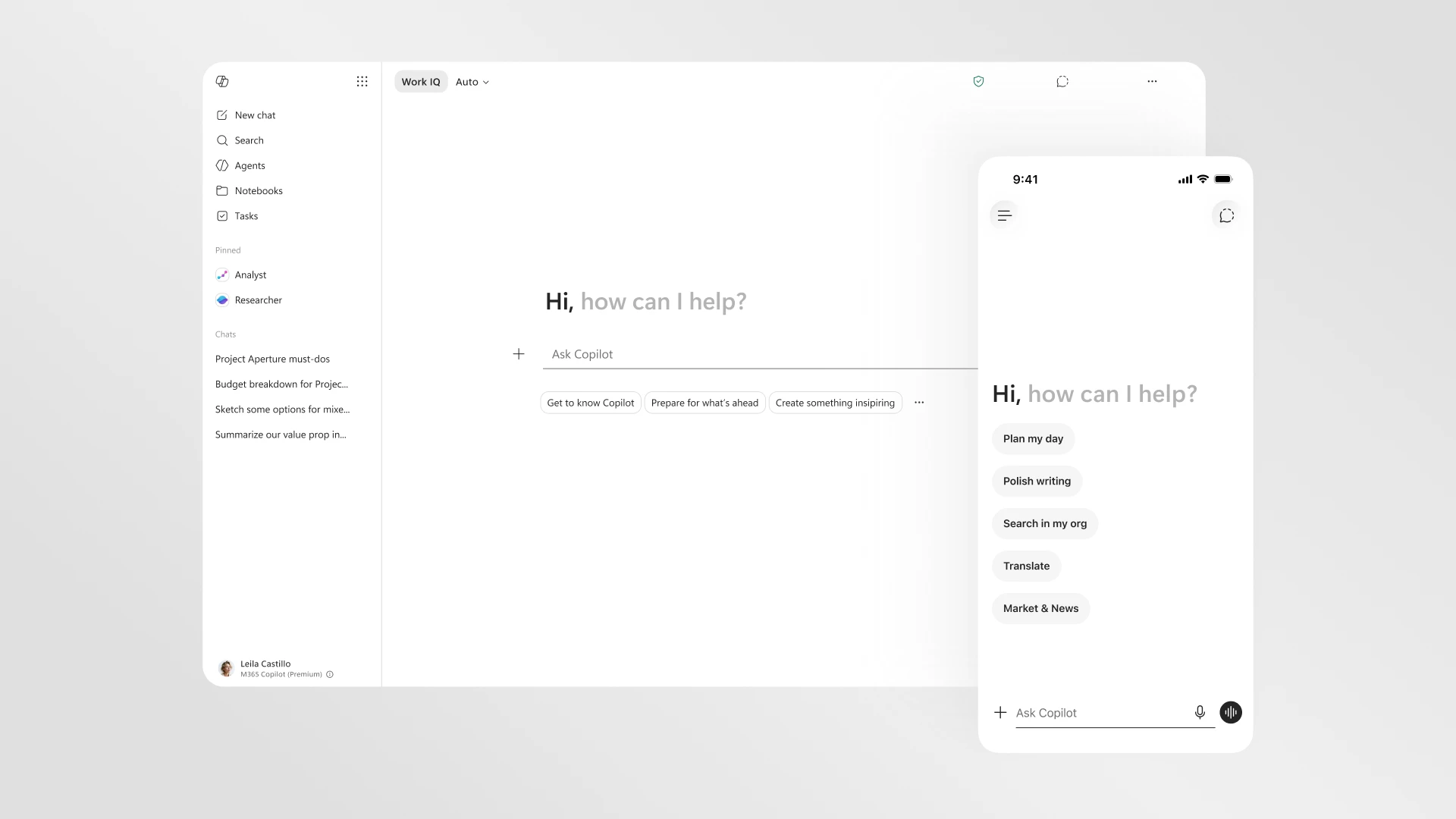
Microsoft 365 Copilot redesign promises faster loading and cleaner interface
Microsoft is rolling out a redesigned version of Microsoft 365 Copilot with a cleaner interface that loads twice as fast. The update introdu
 The Verge·1mo ago
Introducing Microsoft 365 Business with Copilot: The new standard for small business | Microsoft 365 Blog
microsoft.com·1mo ago
Introducing Microsoft 365 Business with Copilot: The new standard for small business | Microsoft 365 Blog
microsoft.com·1mo ago

Microsoft Integrates Anthropic AI Models into Microsoft 365 Copilot
Microsoft is expanding its AI offerings in Microsoft 365 Copilot by integrating Anthropic's Claude Sonnet 4 and Claude Opus 4.1 models. This
The Verge·9mo ago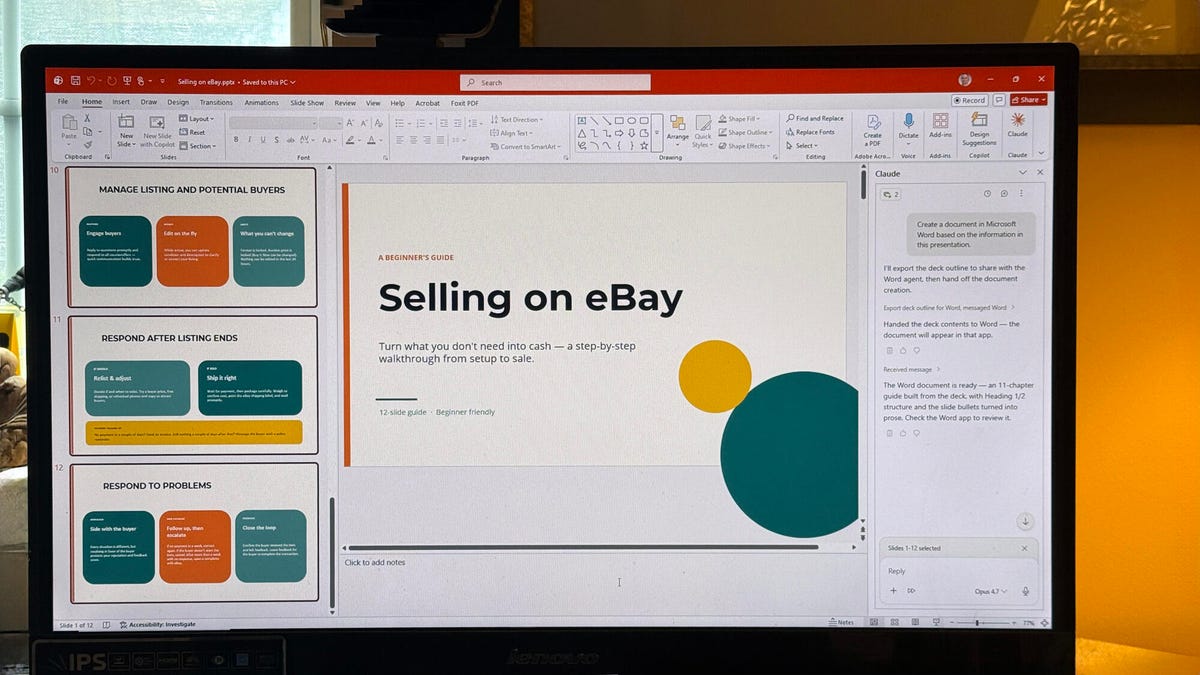
Claude AI as a Copilot alternative for Microsoft 365: Setup and usage guide
This article compares Microsoft 365's Copilot AI with Anthropic's Claude AI for productivity tasks in Word, Excel, and PowerPoint. It explai
 zdnet.com·1mo ago
Comments
Sign in to join the conversation.
No comments yet. Be the first.