

























Touchpad vs. Mouse: How to Choose the Best Input Device for Your Laptop Needs
By
Sead Fadilpasic
Summary
This article compares touchpads and mice for laptop users, explaining that the choice depends on the user's specific tasks and environment. It covers scenarios where each input method excels: touchpads offer portability and gesture support ideal for casual browsing and travel, while mice provide superior precision, ergonomics, and comfort for gaming, design work, and long productivity sessions. The article helps readers weigh tradeoffs between convenience and performance.
Source
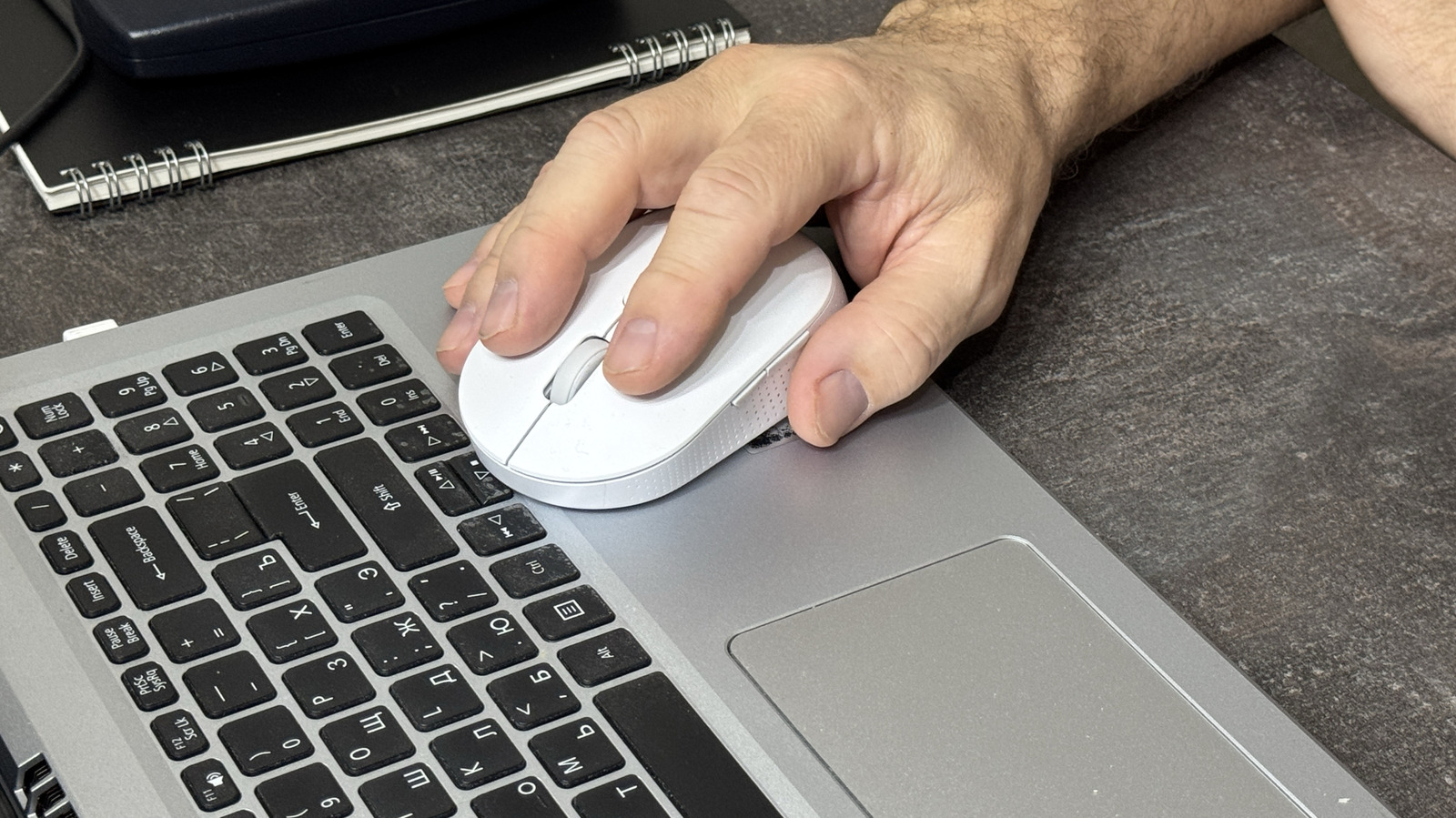
 bskyTouchpad vs. Mouse: How to Choose the Best Input Device for Your Laptop Needsbgr.com
Key quotes
· 3 pulledWhen should you choose a mouse?
Should laptop users bother with a mouse? The answer depends on what you're doing and where you're doing it.
Here's how to think through the tradeoffs.
You might also wanna read


Why the iPad Should Stay Touch-Only and Resist Becoming a Laptop
The article argues that the iPad should remain a purely touch-based device without keyboard, mouse, or trackpad support, and that apps shoul
 craigmod.com·2mo ago
Microsoft Surface: Laptops, Tablets & Computers | Microsoft Surface
 msft.it·6d ago
How to Enable Three-Finger Drag on macOS for Design Work
The author shares their personal experience of using only trackpads on Mac computers for 14 years, specifically for web and graphic design w
 axelk.ee·3mo ago
Why Many Keyboard 'Fn' Keys Are Poorly Designed
A critical opinion piece about keyboard 'Fn' keys, arguing that while some implementations are thoughtful and configurable, many are poorly
 danq.me·12d ago
Linux Input Stack Architecture: A Comprehensive Technical Overview
This comprehensive technical article provides an in-depth architectural overview of the Linux input stack, explaining how input devices and
 venam.net·6mo ago
Why websites should stop replacing the default mouse pointer cursor
The author expresses frustration with websites that change the default mouse pointer cursor, arguing that the standard pointer design has be
Rukshan's Blog·1mo agoComments
Sign in to join the conversation.
No comments yet. Be the first.