
























The Hidden iPhone Settings That Give You Power User Control Over All Your Apps
By
Justin Meyers
1y agoen
Source
 Gadget HacksThe Hidden iPhone Settings That Give You Power User Control Over All Your Appsgadgethacks.com
Imagine your iPhone adapting to each app you open — text that's always the right size, buttons you can spot at a glance, and a steady cursor that never blinks — all without touching your system-wide settings. It sounds like magic, but it's all thanks to a tucked-away feature. With Per-App Settings (introduced in iOS 15), you avoid the one-size-fits-all trap: Mail can have larger text while Instagram can stay at standard size. You can get cross-fading transitions in the Notes app while preventing your Home Screen and App Switcher from getting crazy slow. And you can boost contrast in a photo editor without affecting your widgets or Lock Screen. In iOS 18, you get two updates: hidden apps aren't left out in the cold, and you can fine-tune the cursor's blinking behavior in every text-enabled app. Below, you'll learn how to add visible and hidden apps to Per-App Settings, tweak every available preference — including the new cursor controls — and remove apps when you want to revert to defau
You might also wanna read


Cursor iOS app silently overrides desktop privacy settings, users report
A user reports that installing the Cursor iOS app irreversibly changed their privacy settings on the desktop version. They had been using th
 news.ycombinator.com·7d ago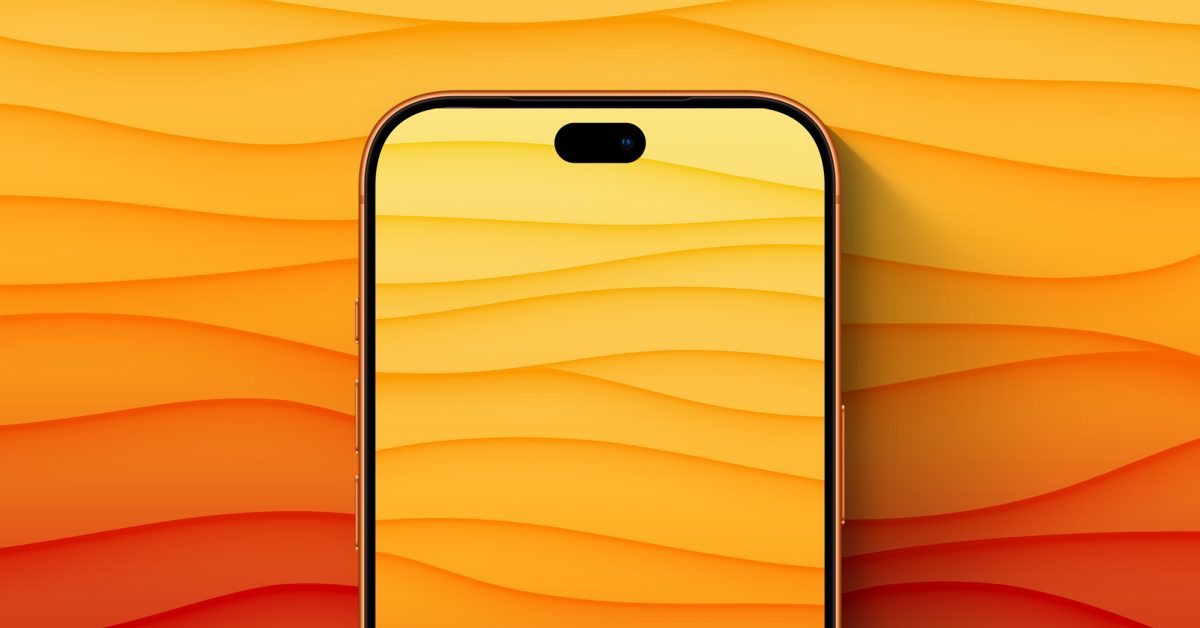
iPhone 18 Pro's Dynamic Island reportedly shrinking by 35% as Apple moves toward notch-free design
Apple is reportedly planning to shrink the Dynamic Island on the iPhone 18 Pro by 35% this fall, moving closer to eliminating the display cu
 9to5mac.com·7d ago
iPhone 18 Pro's Dynamic Island reportedly shrinking by 35% as Apple moves toward notch-free design
Apple is reportedly planning to shrink the Dynamic Island on the iPhone 18 Pro by 35% this fall, moving closer to eliminating the display cu
9to5mac.com·7d ago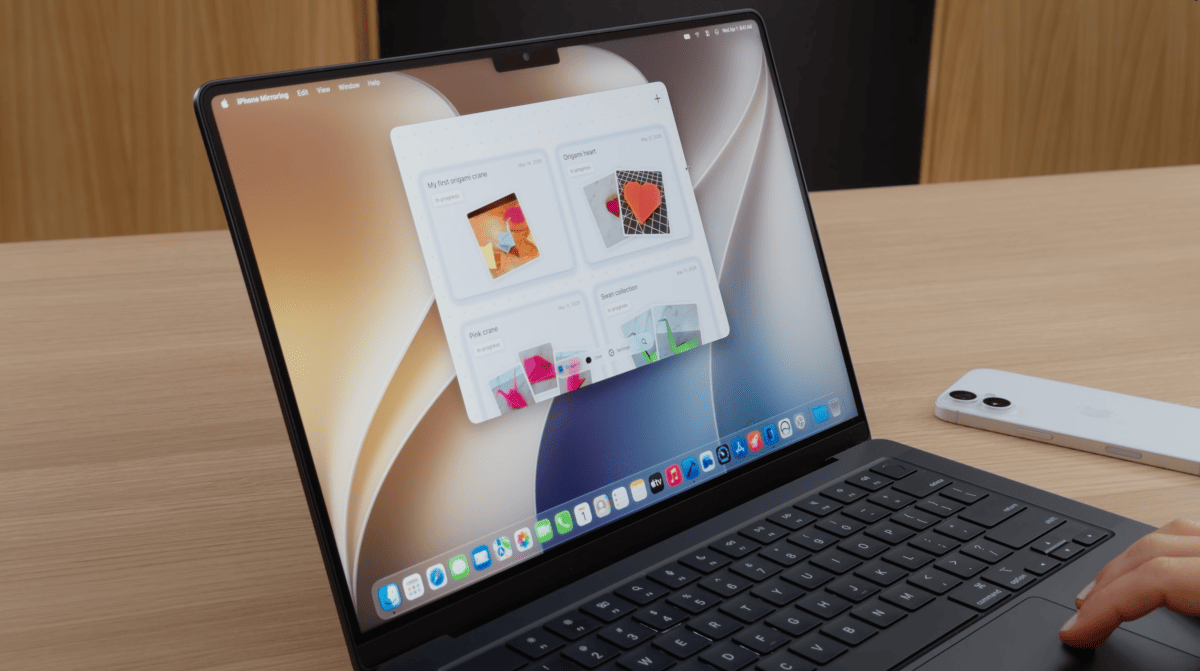
macOS 27 brings resizable windows and Control Center access to iPhone Mirroring
Apple is releasing the first major update for iPhone Mirroring with macOS 27, announced at WWDC26. The update introduces flexible window res
 heise.de·18d ago
iOS 27: 13 Ways the Messages App is Smarter and Less Annoying
MacRumors·9h ago

Preventing accidental removal of apps/Widgets etc.
MacRumors·2d ago
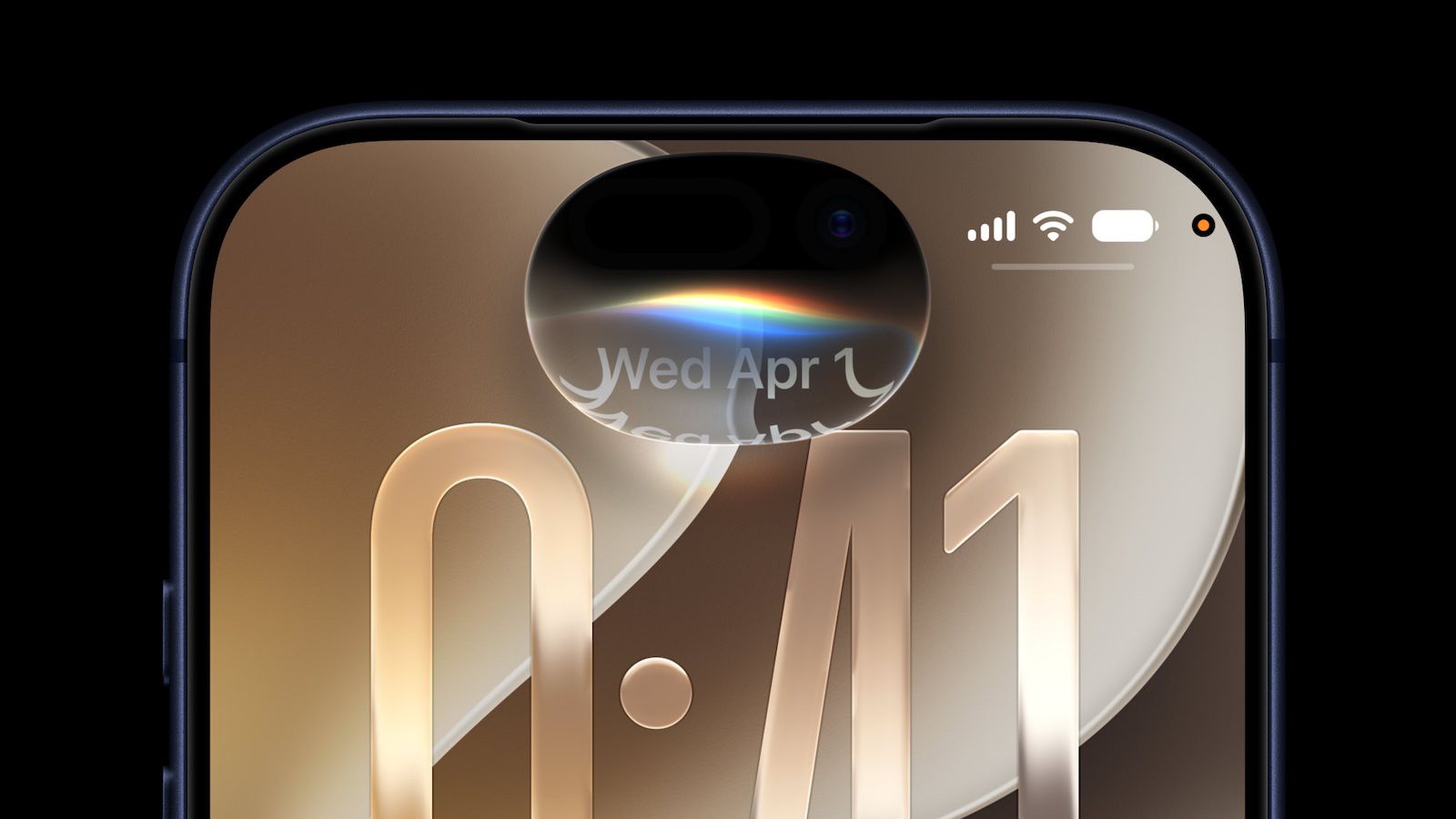
iOS 27 Redesigns Siri as a Pill-Shaped Orb from Dynamic Island; iPhone 18 May Switch to Circle
iOS 27 introduces a redesigned Siri interface that appears as a glowing pill-shaped orb expanding from the Dynamic Island, replacing the pre
 macrumors.com·21d ago
Comments
Sign in to join the conversation.
No comments yet. Be the first.