
























Preventing accidental removal of apps/Widgets etc.
By
macstatic
2d agoen
Source
 MacRumorsPreventing accidental removal of apps/Widgets etc.macrumors.com
I occasionaly find myself having accidently pressing & holding down on the screen (when there's bright sun outside which prevents me from seeing the screen properly, or grabbing for the phone in my pocket) resulting in apps getting ready to be reorganized or deleted, and likewise the Lock screen or Control Center. Is there a way I can disable the "long press" function where instead I have to access a menu somewhere in order to do the above (or create a Shortcut to toggle off this function)... Read more
You might also wanna read

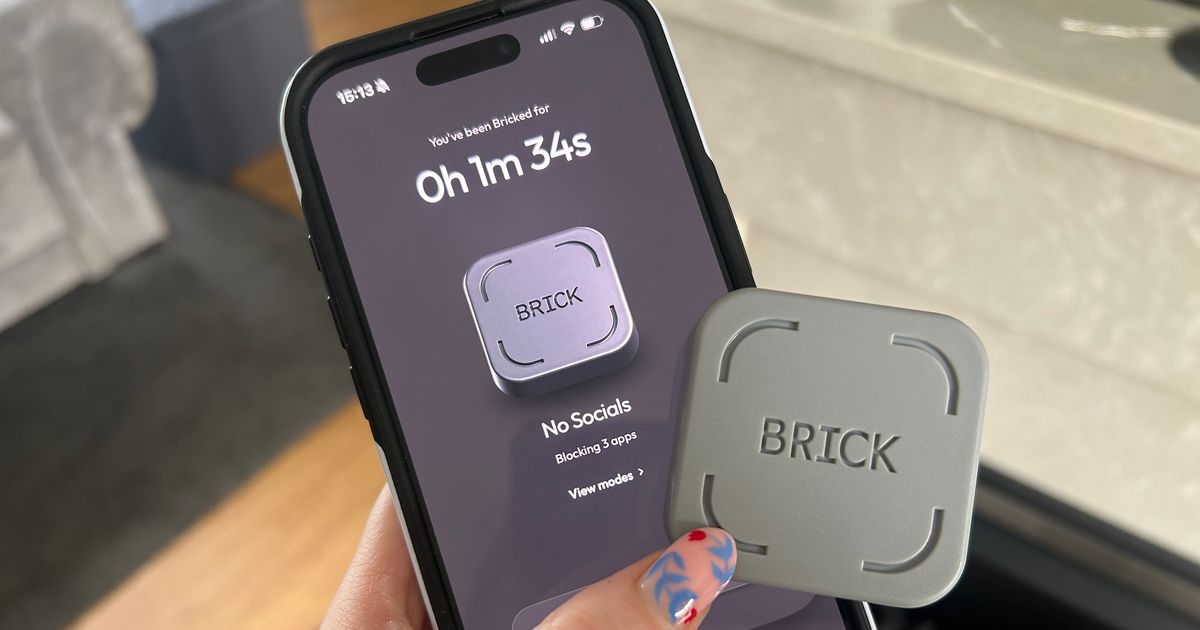
Review: Brick gadget helps reduce mobile screen time by creating physical friction for app access
A journalist and content creator shares their struggle with excessive screen time (nearly 8 hours daily on mobile alone) and how a £54 gadge
 nottinghampost.com·23d ago
Samsung’s handiest gesture tool is accidentally defacing your screenshots
Android Authority·23h ago
How do stop these unhelpful items from appearing on my mobile screen?
reddit·1mo ago

PanicLock: macOS Utility for Instant Touch ID Disable and Screen Lock
PanicLock is a macOS menu bar utility that provides instant security by disabling Touch ID and locking the screen with one click or when clo
 github.com·2mo ago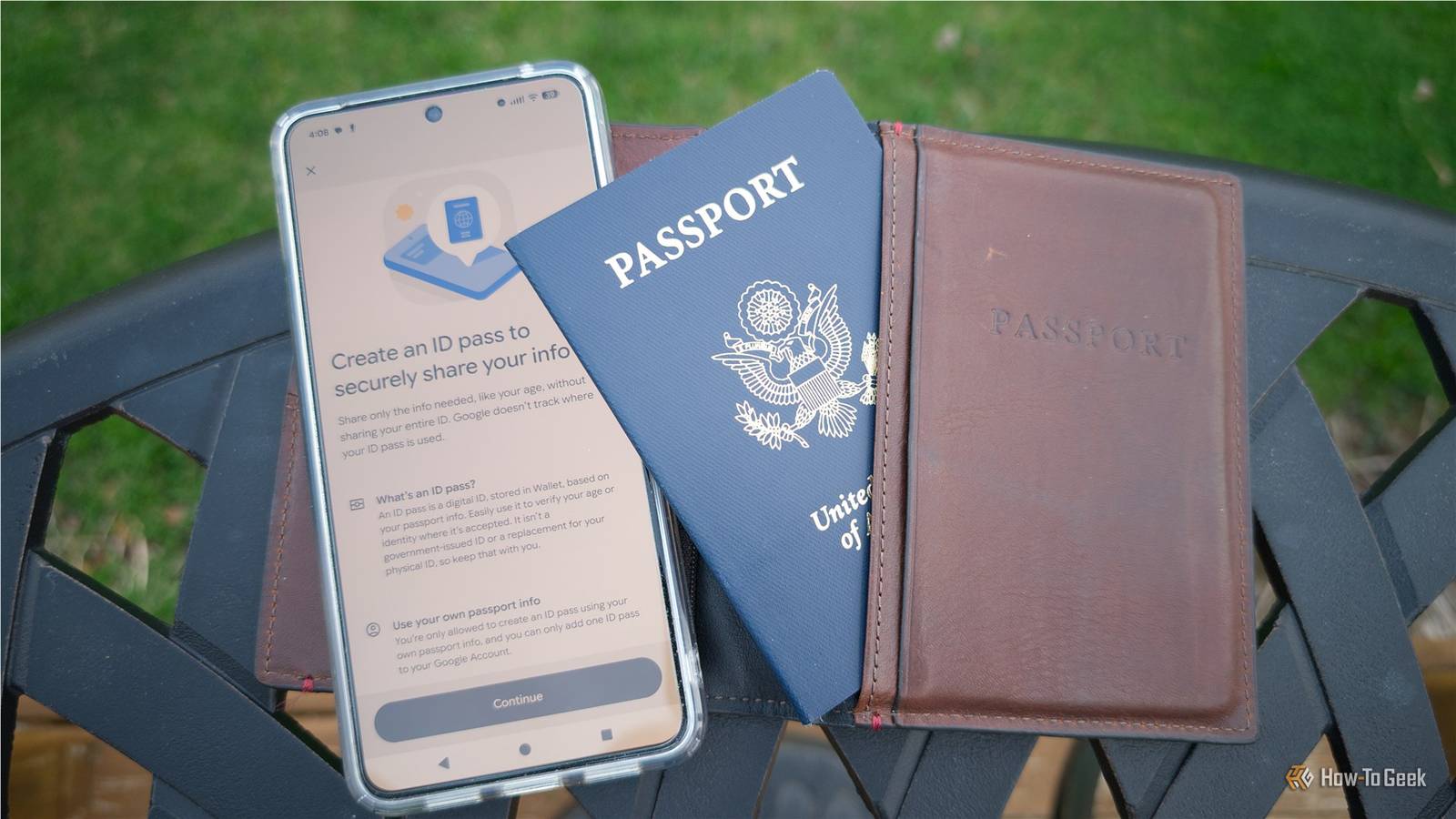
6 essential Android phone settings to adjust before your next vacation
A practical guide detailing six essential settings and app adjustments to make on an Android phone before traveling on vacation. The changes
 howtogeek.com·25d ago
Barrier: Free App to Limit Screen Time and Boost Productivity
Barrier is a free app designed to limit screen time by locking addictive apps after 10-minute increments, forcing users to be productive. It
Product Hunt·11mo ago
Comments
Sign in to join the conversation.
No comments yet. Be the first.