





















PanicLock: macOS Utility for Instant Touch ID Disable and Screen Lock
By
seanieb

The kind of bagel that ruins lesser bagels for you.
Summary
PanicLock is a macOS menu bar utility that provides instant security by disabling Touch ID and locking the screen with one click or when closing the laptop lid. The tool offers quick access through left-click for immediate lock and right-click for preferences, with the key feature being that Touch ID remains disabled until the user logs back in with a password, even if the screen locks for other reasons like screensaver or display sleep.
Key quotes
· 5 pulledPanicLock is macOS menu bar utility that instantly disables Touch ID and locks the screen with a single click or closing your laptop lid.
Left-click icon: Trigger panic lock immediately
Right-click icon: Open menu (Preferences, Uninstall, Quit)
Lock on Close: When enabled in Preferences, closing your Mac's lid will automatically disable Touch ID and lock your screen.
Touch ID stays disabled until you re-login with your password.
You might also wanna read

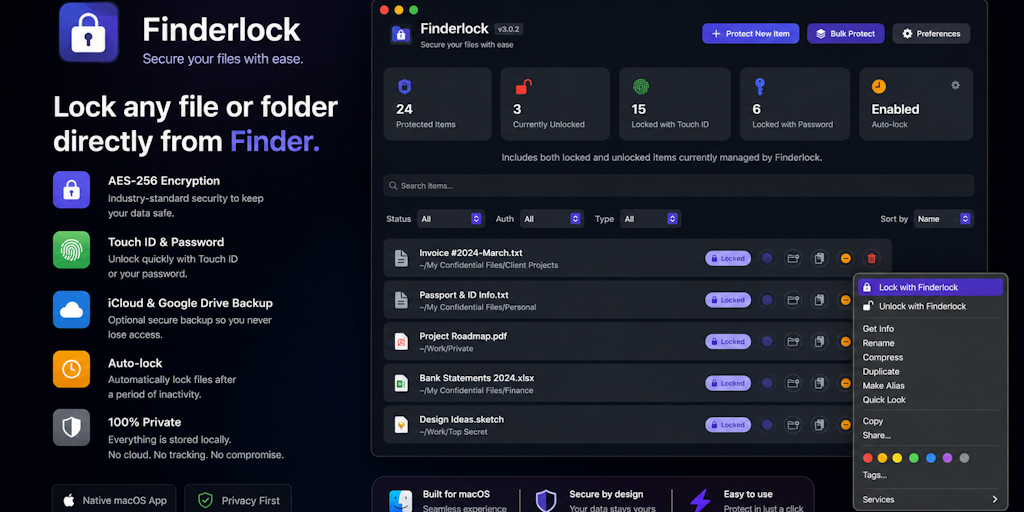
FinderLock: Native macOS app for locking files with Touch ID in Finder
FinderLock is a native macOS app that allows users to lock and unlock files and folders directly in Finder using Touch ID or a password. It
 Product Hunt·8mo ago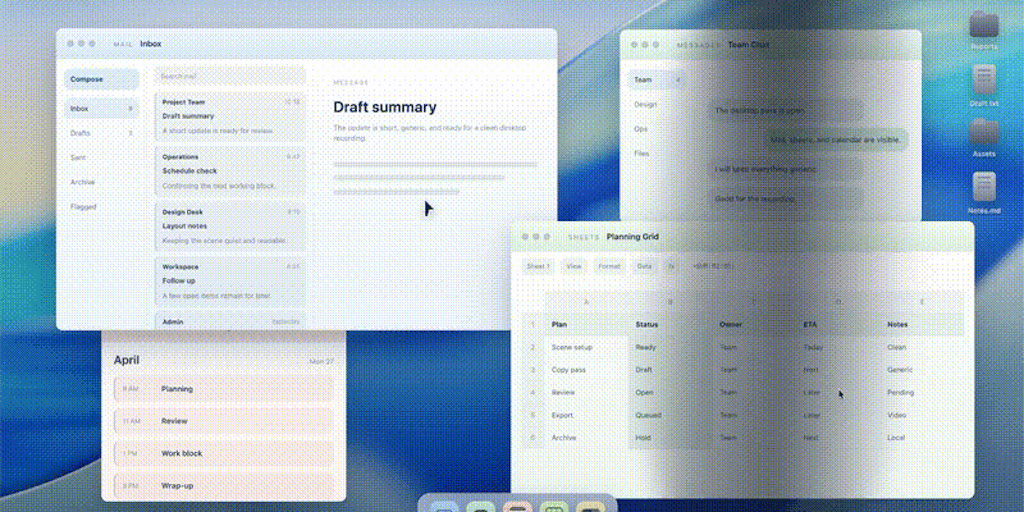
PanicMode: A desktop app that instantly hides your screen with a hotkey for public privacy
PanicMode is a native desktop app for macOS and Windows that allows users to instantly hide their screen behind a neutral workspace profile
Product Hunt·27d ago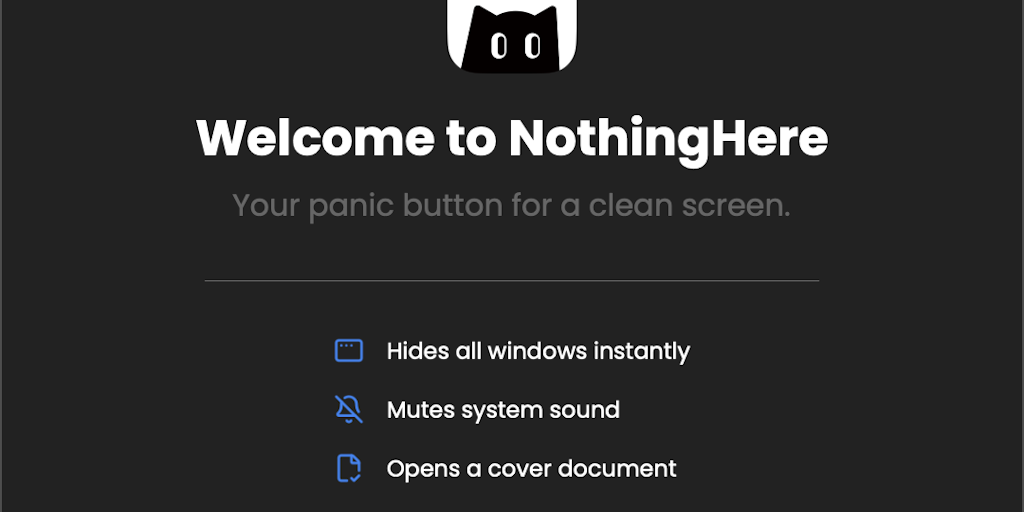
NothingHere: Free macOS Panic Button for Instant Screen Privacy
NothingHere is a free, open-source macOS application that functions as a 'panic button' to instantly hide all windows, mute all sound, and o
Product Hunt·3mo ago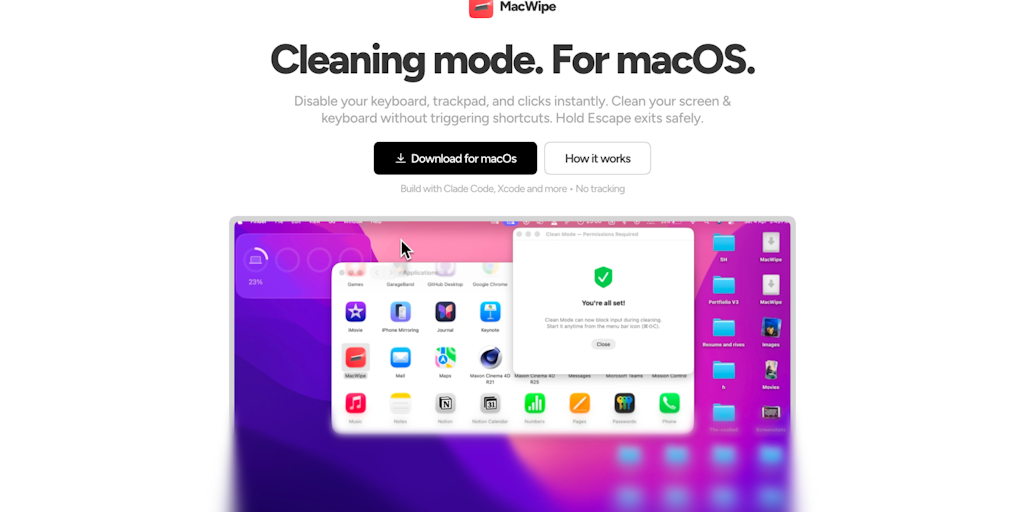
MacWipe: macOS Utility to Disable Keyboard and Trackpad for Safe Screen Cleaning
MacWipe (Clean Mode) is a macOS utility that temporarily disables keyboard and trackpad input to prevent accidental clicks or shortcuts whil
Product Hunt·1mo ago
InputLock: macOS Utility to Lock and Maintain Preferred Input Methods
InputLock is a macOS utility that automatically locks and maintains your preferred input method (IME) selection, preventing macOS from switc
Product Hunt·7mo ago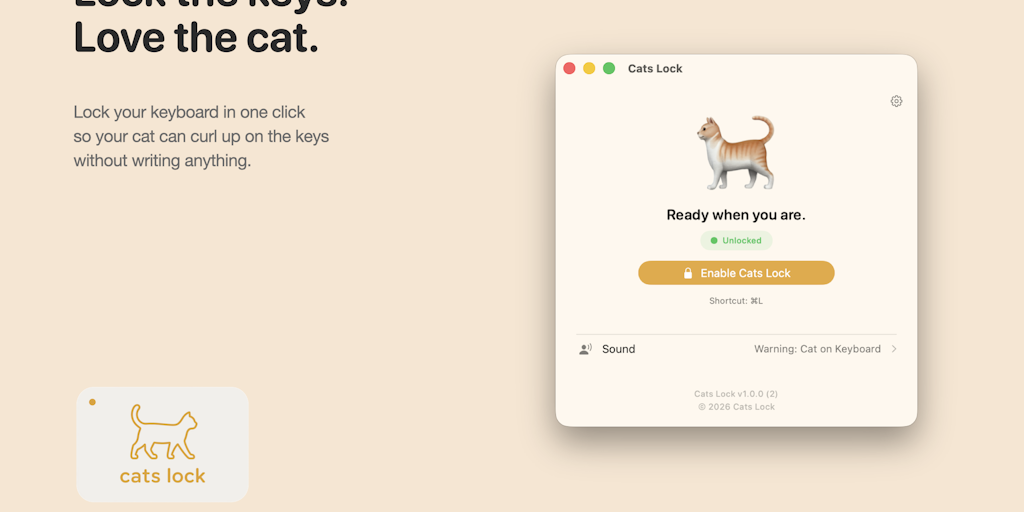
Cats Lock: A $2.99 macOS utility to keep your cat from typing on your keyboard
Cats Lock is a $2.99 macOS utility app that locks the keyboard to prevent cats from typing during work calls. Built by indie developer Todd
Product Hunt·22d ago