
























Stop the Notification Chaos: iOS 18's Reduce Interruptions Feature Explained and Activated
By
Corey Noles
11mo agoen
Source
 Gadget HacksStop the Notification Chaos: iOS 18's Reduce Interruptions Feature Explained and Activatedgadgethacks.com
Your iPhone's notification sound just went off for the third time in five minutes. One is a spam email, one a social media like, and one is some random app trying to sell you something. Meanwhile, the truly important text from your spouse about picking up the kids got buried in the noise. Sound familiar? What you need to know: Smart AI filtering: Apple Intelligence helps users prioritize notifications with a new Reduce Interruptions Focus mode Device requirements: Only works on iPhone 15 Pro models and newer with iOS 18.1 or later Customizable control: You can still override AI decisions and set specific people or apps to always get through What makes Reduce Interruptions different from regular Focus modes?Here's the thing: iOS has had Focus modes since 2021, but they've always required manual setup. You pick the apps, you choose the people, you create the rules. Reduce Interruptions Focus uses Apple Intelligence to figure out which alerts are important and which ones are not. Think of
You might also wanna read
iOS 27: 13 Ways the Messages App is Smarter and Less Annoying
MacRumors·9h ago

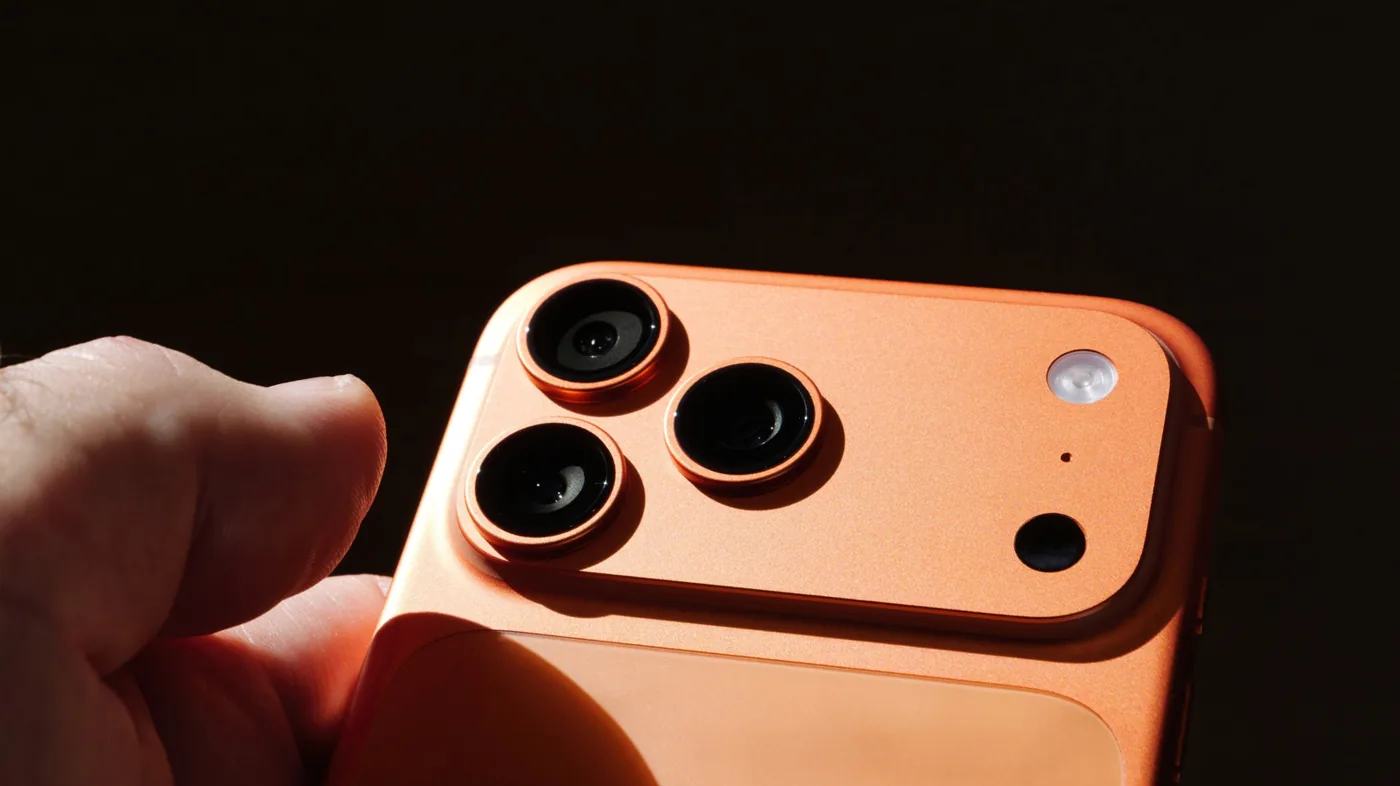
How to Disable the iPhone's Flashing LED Notification Light
A short how-to guide explaining how to disable the flashing notification light (LED flash for alerts) on an iPhone by navigating to Accessib
 bgr.com·1d ago
Disappearing messages for Signal
Signal·9y ago
iOS 27 beta regrets [MERGED]
MacRumors·1d ago

Help: How do I turn of safari notifications in iOS?
MacRumors·2d ago
Not getting WhatsApp notifications since recently
MacRumors·1d ago
Comments
Sign in to join the conversation.
No comments yet. Be the first.