
























How to Disable the iPhone's Flashing LED Notification Light
By
Kazim Alvi
1d ago· 2 min readen
Summary
A short how-to guide explaining how to disable the flashing notification light (LED flash for alerts) on an iPhone by navigating to Accessibility settings > Audio & Visual and toggling off "Flash for Alerts."
Source
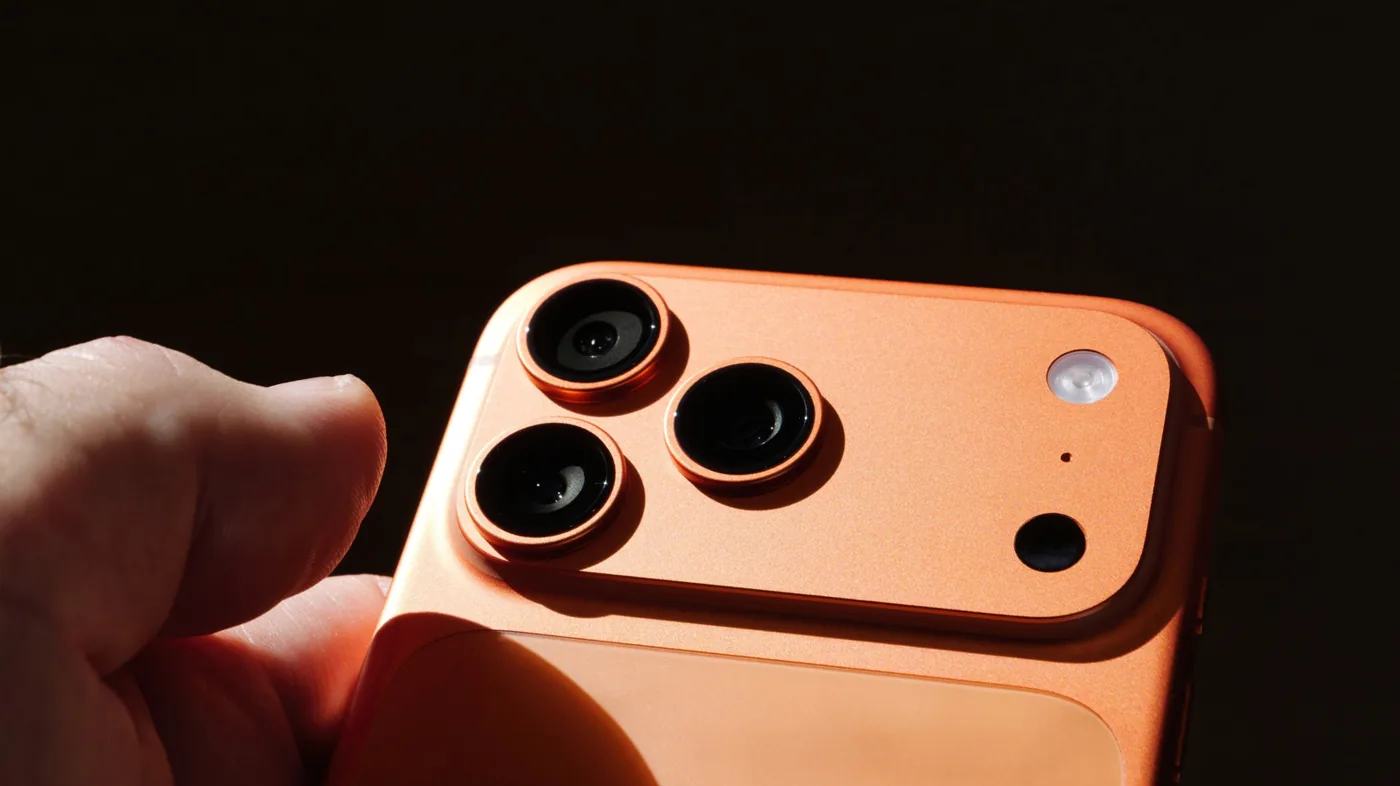
 bskyHow to Disable the iPhone's Flashing LED Notification Lightbgr.com
Key quotes
· 2 pulledThere are several useful iOS features you need to start using, including the one where the
Your iPhone's flash LED can be turned off by going to the Accessibility settings in iOS and disabling the Flash for Alerts toggle from the Audio & Visual tab.
Your iPhone's flash LED can be turned off by going to the Accessibility settings in iOS and disabling the Flash for Alerts toggle from the Audio & Visual tab.
You might also wanna read


Stop the Notification Chaos: iOS 18's Reduce Interruptions Feature Explained and Activated
Gadget Hacks·11mo ago

Help: How do I turn off safari notifications in iOS?
MacRumors·2d ago
Help: How do I turn of safari notifications in iOS?
MacRumors·2d ago

Guidelines for Accessible Notifications and Messages in Digital Interfaces
This article provides guidelines for creating accessible notifications and messages in digital interfaces, with a focus on assistive technol
 primer.style·7mo ago
iOS 26.4 Always Play on iPhone Alarm Feature Explained for Apple Watch Users
Gadget Hacks·20d ago

Disappearing messages for Signal
Signal·9y ago
Comments
Sign in to join the conversation.
No comments yet. Be the first.