
























Laptop shutdown vs. closing the lid: What's better for your device?
By
Nelson Aguilar
Summary
This article examines the common debate about whether laptop users should perform a full shutdown or simply close the lid. It explains the differences between sleep, hibernate, and shutdown modes, and discusses the pros and cons of each approach for system health, battery life, and performance. The article provides practical guidance on when to shut down versus when closing the lid is sufficient.
Source
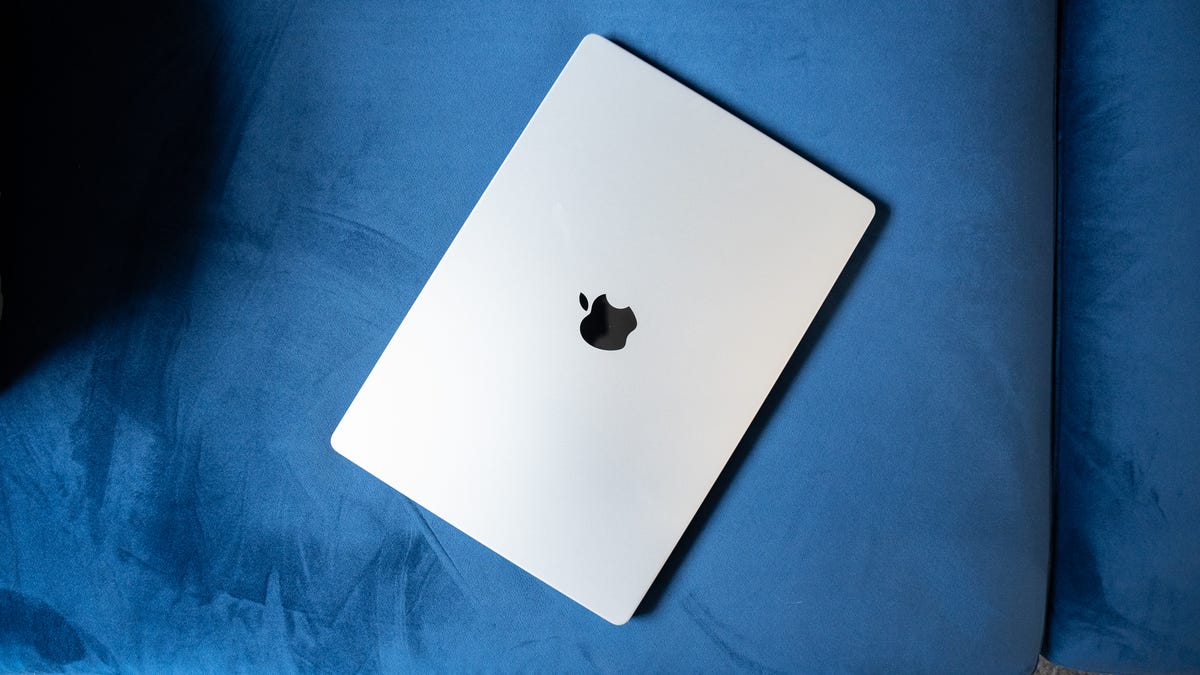
 bskyLaptop shutdown vs. closing the lid: What's better for your device?cnet.com
Key quotes
· 3 pulledAt the end of a long workday, most of us simply snap our laptops shut and walk away without a second thought.
It's a mindless habit that feels efficient, but it leaves many wondering if they are slowly killing their hardware by skipping a proper shutdown.
Closing your laptop is a quick fix, but it lacks the deep system refresh that comes with a full power-off.
You might also wanna read
How to Keep MacBook Awake With Lid Closed: 3 Scenarios Explained

Windows 11 PCs Fail to Shut Down After Microsoft's January Security Update
Microsoft's January 2024 Patch Tuesday update has caused a bug where some Windows 11 23H2 PCs refuse to shut down or hibernate properly afte
 theregister.com·5mo ago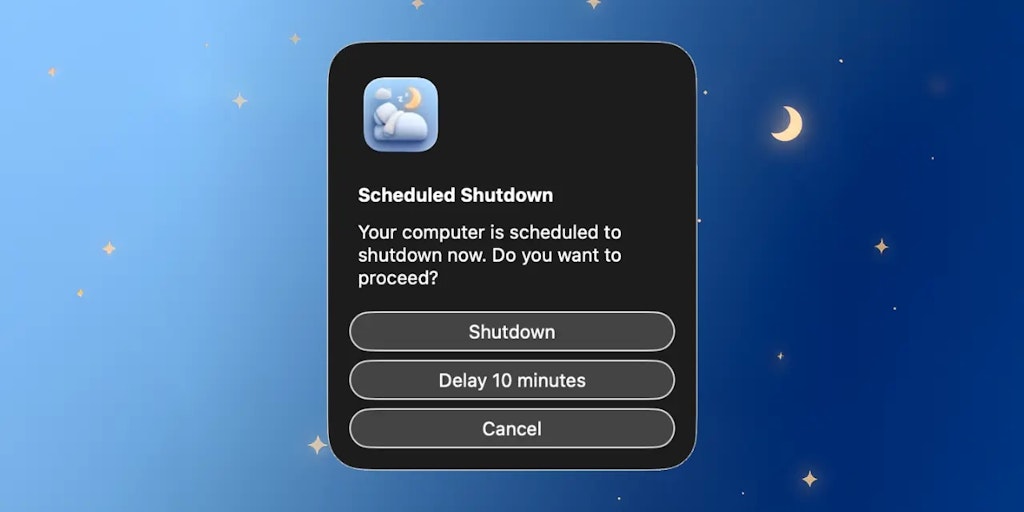
Auto Shutdown: Mac Menu Bar App for Automated Computer Shutdown at Scheduled Times
The article describes a lightweight menu bar application called 'Auto Shutdown' for Mac computers that automatically shuts down the device a
 Product Hunt·7mo ago
The Saturday morning ritual of restarting my Mac
A short, personal reflection on the ritual of restarting a Mac on Saturday mornings. The author acknowledges it's unnecessary in modern comp
 taonaw.com·4d ago
How to Trigger a Command on Linux When Disconnected from Power
The article explains how to set up a command on Linux to trigger an action, such as powering off, when a laptop is disconnected from its pow
 dataswamp.org·11mo ago
Comments
Sign in to join the conversation.
No comments yet. Be the first.