
























How to Keep MacBook Awake With Lid Closed: 3 Scenarios Explained
By
Gadget Hacks
Source
Gadget HacksHow to Keep MacBook Awake With Lid Closed: 3 Scenarios Explainedgadgethacks.comYou might also wanna read


Laptop shutdown vs. closing the lid: What's better for your device?
This article examines the common debate about whether laptop users should perform a full shutdown or simply close the lid. It explains the d
 cnet.com·10d ago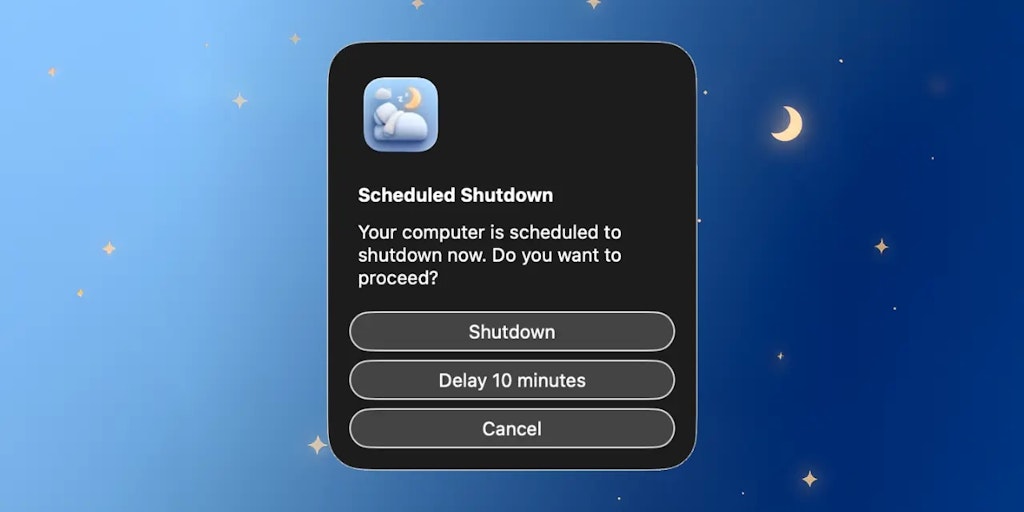
Auto Shutdown: Mac Menu Bar App for Automated Computer Shutdown at Scheduled Times
The article describes a lightweight menu bar application called 'Auto Shutdown' for Mac computers that automatically shuts down the device a
 Product Hunt·7mo ago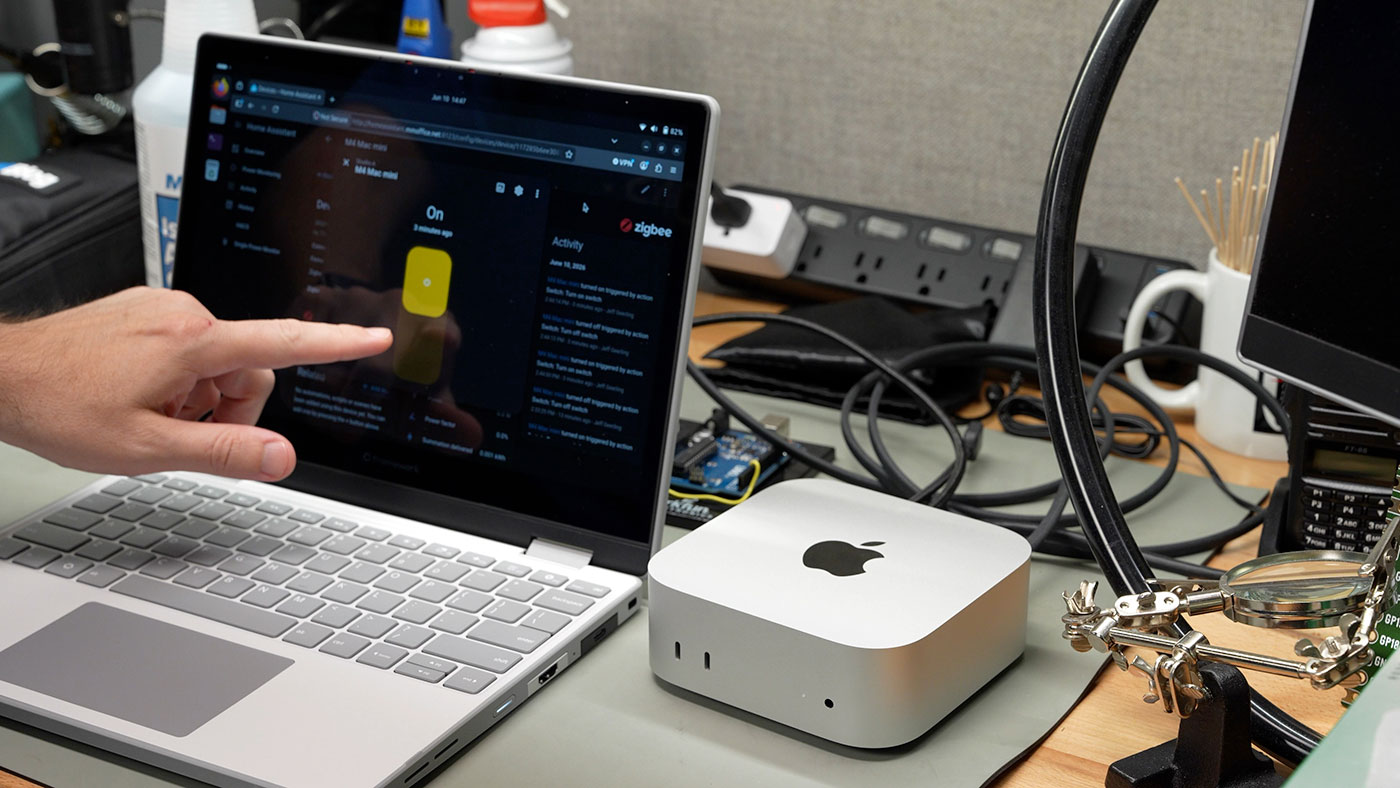
Apple adds remote power-on feature for Macs, addressing long-standing user needs beyond Mac mini button complaints
Apple has introduced a new feature allowing Macs to be powered on remotely without pressing the physical power button. While media coverage

How to Warm Up a Cold MacBook Using a Simple Terminal Command
A short, humorous tech tip explaining how to quickly warm up a cold MacBook by running the terminal command "yes > /dev/null" to peg the CPU
 z3ugma.github.io·1mo ago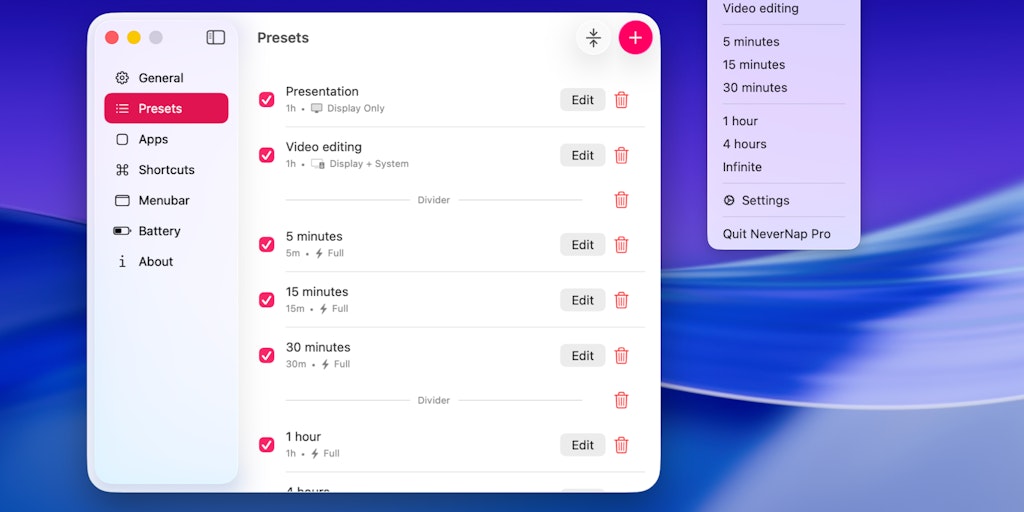
NeverNap Pro: Utility to Keep Mac Computers Awake During Use
NeverNap Pro is a software utility that prevents Mac computers from entering sleep mode, dimming the display, or activating screensavers dur
Product Hunt·8mo ago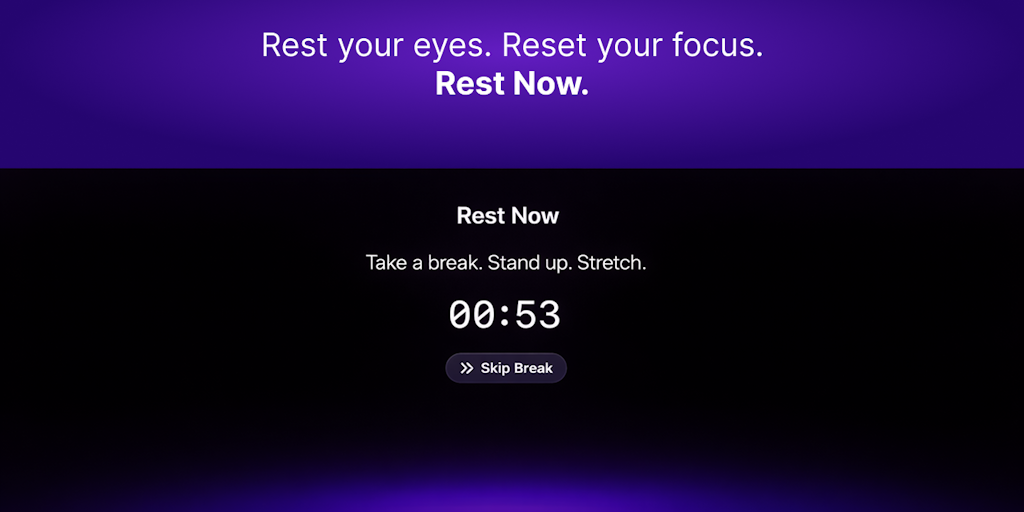
Rest Now: Open-Source Screen Break Timer for macOS to Reduce Eye Strain
Rest Now is an open-source screen break timer for macOS designed to help users reduce eye strain and mental fatigue during long screen sessi
Product Hunt·6mo ago
Comments
Sign in to join the conversation.
No comments yet. Be the first.