
























How to Use WordPress Block Notes for Collaborative Editing
By
Eric Karkovack
Summary
This article provides a quick tutorial on using the WordPress Block Notes feature, which adds block-level commenting capabilities to the WordPress Block Editor. It explains how to add notes to any block, reply in threaded conversations, receive email notifications, and mark notes as resolved — enabling smoother collaboration for teams working on WordPress sites.
Source

 SpeckyboyHow to Use WordPress Block Notes for Collaborative Editingspeckyboy.com
Key quotes
· 3 pulledThere is one valuable thing that WordPress blocks left behind, however: code commenting.
They bring a world of possibilities – all without writing a line of code.
We show you how to add a note to any block, reply in a thread, get email notifications, and mark notes as resolved for smoother collaboration.
You might also wanna read

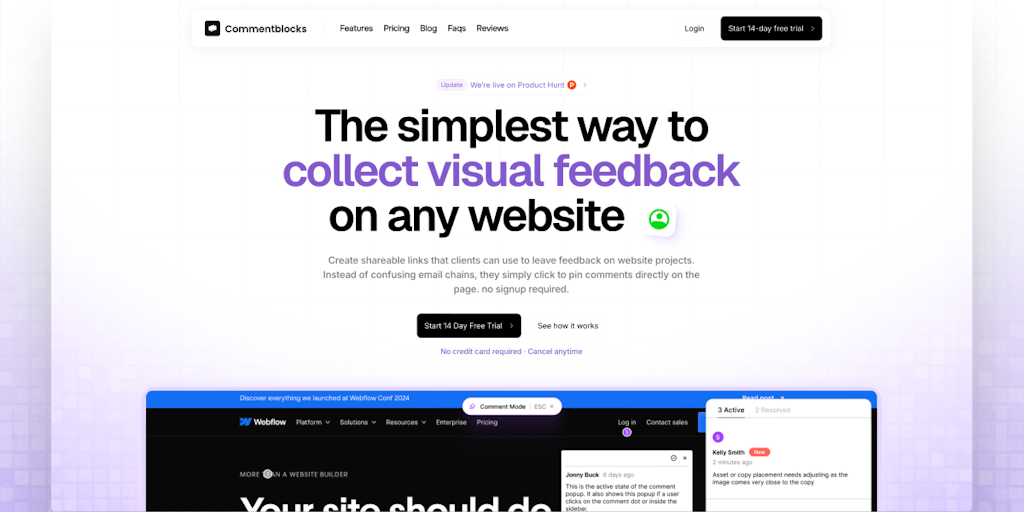
Commentblocks: Visual Website Feedback Tool for Clients Without Login Required
Commentblocks is a feedback tool that allows clients to pin comments directly on websites without requiring login or signup. Users share a l
 Product Hunt·5mo ago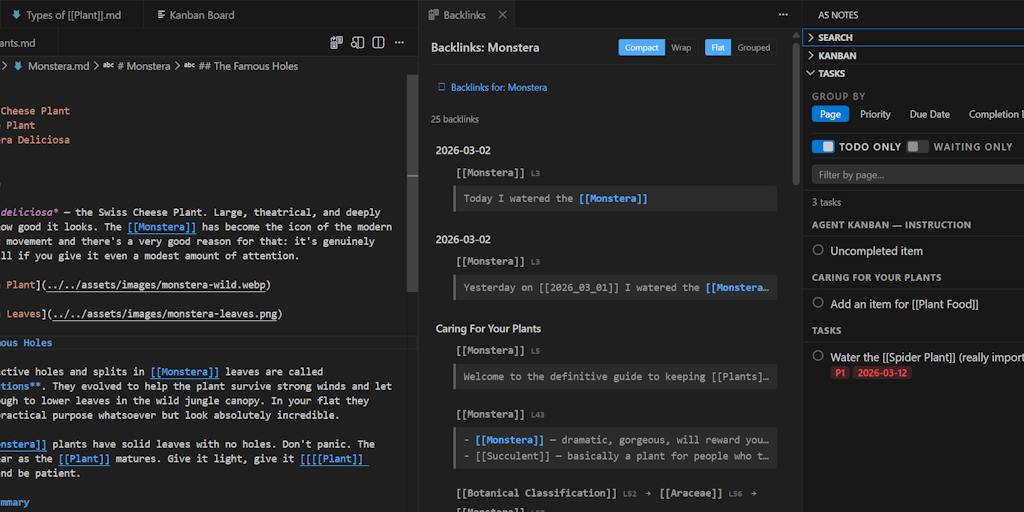
AS Notes: Markdown and Wikilink Editing Extension for VS Code and Compatible Editors
AS Notes is a VS Code extension that enables markdown and wikilink editing for note-taking, documentation, blogging, and wiki publishing dir
Product Hunt·2mo ago
Automating Video Notes in Obsidian: A Personal Workflow Reflection
A personal workflow reflection on automating the process of taking video notes in Obsidian. The author describes their current manual proces
 bagrounds.org·6d ago
How I built and deployed a custom WordPress block theme using AI
Exploring the Potential of Git Notes: A Powerful Yet Overlooked Feature
Git notes are a powerful but underutilized feature in Git, useful for appending notes from automated systems but not ideal for interactive c
KristNotes: Open-source collaborative note-taking app with Markdown and Mermaid diagram support
KristNotes is an open-source shared notes application that supports Markdown and Mermaid diagram syntax. Designed for students, teams, and c
Product Hunt·10mo ago
Comments
Sign in to join the conversation.
No comments yet. Be the first.