
























Automating Video Notes in Obsidian: A Personal Workflow Reflection
Summary
A personal workflow reflection on automating the process of taking video notes in Obsidian. The author describes their current manual process of sharing YouTube videos to Google Keep, then using a Quick Add command in Obsidian to create notes from a template, including copying titles, handling special characters, and pasting URLs. The content is a brief, informal note about a productivity workflow rather than a substantive article.
Source
 bskyAutomating Video Notes in Obsidian: A Personal Workflow Reflectionbagrounds.org
Key quotes
· 5 pulled📺 I watch a YouTube video
📝 I want to make an Obsidian note of it.
📲 I share to Google keep
⌨️ then in obsidian, I use my video Quick add command
⚠️ if there are special characters, I have to delete those
You might also wanna read


A Personal Approach to Using Obsidian for Note-Taking and Knowledge Management
The article presents a personal approach to using Obsidian, a note-taking and knowledge management application, emphasizing a bottom-up, non
 stephango.com·4mo ago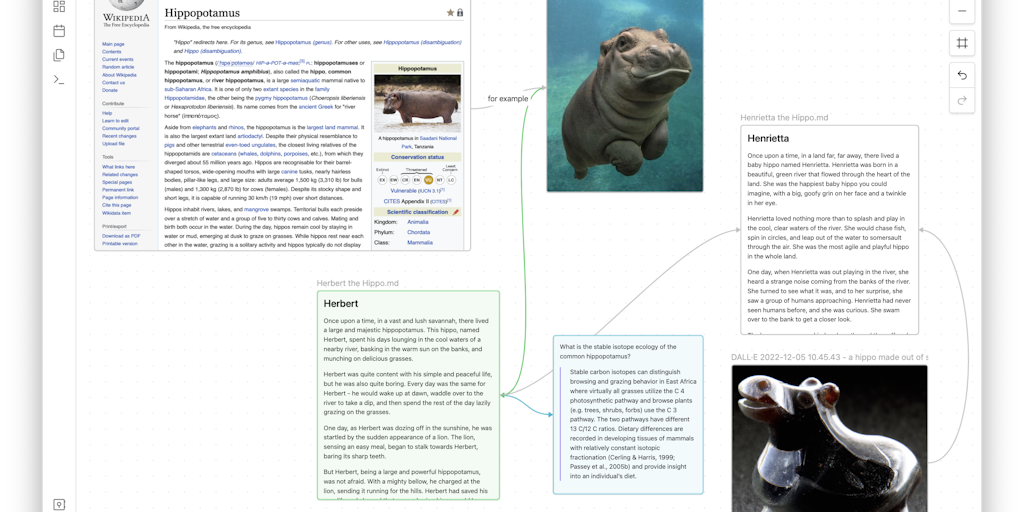
Obsidian: Local Storage Writing App with Plugin Customization
Obsidian is a versatile writing application that stores notes locally on devices for offline access and offers extensive customization throu
 Product Hunt·10mo ago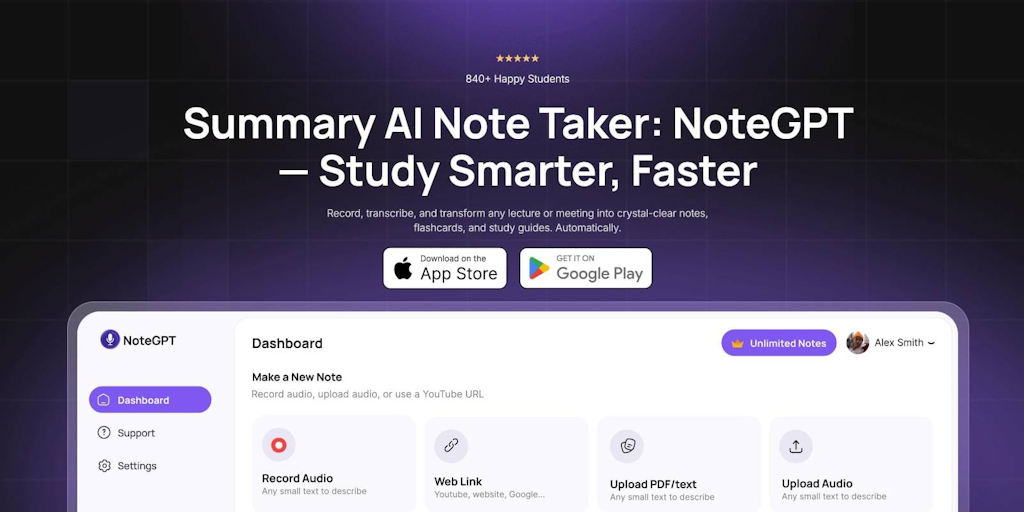
NoteGPT: AI-Powered Note Taker for Meetings, Videos, and Content Summarization
NoteGPT is an AI-powered note-taking tool that automatically records, transcribes, and summarizes various types of content including meeting
 Product Hunt·6mo ago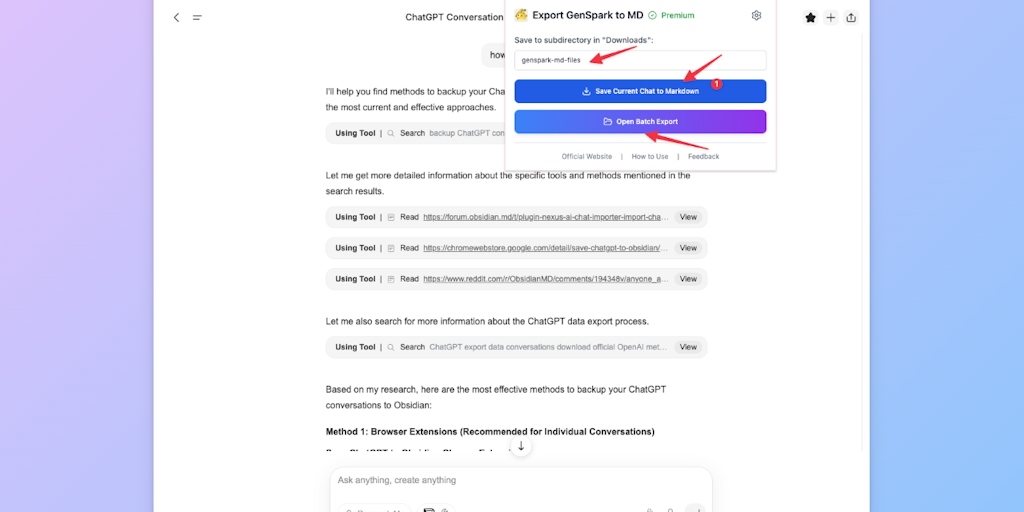
GensparkAI to Obsidian: Bulk Export Conversations to Markdown
A tool that enables bulk export of Genspark AI conversations to Markdown format with one-click functionality, designed for integration with
Product Hunt·8mo ago
How to Import Your Obsidian Vault to Apple Notes
The article introduces a tool that allows users to import their Obsidian vaults into Apple Notes seamlessly, preserving formatting, folder s
Product Hunt·11mo ago
KristNotes: Open-source collaborative note-taking app with Markdown and Mermaid diagram support
KristNotes is an open-source shared notes application that supports Markdown and Mermaid diagram syntax. Designed for students, teams, and c
Product Hunt·10mo ago
Comments
Sign in to join the conversation.
No comments yet. Be the first.