
























Meet iOS 26's Screen Capture Hub: HDR Screenshots, CarPlay Grabs, Format Control, and More
By
Justin Meyers
1y agoen
Source
 Gadget HacksMeet iOS 26's Screen Capture Hub: HDR Screenshots, CarPlay Grabs, Format Control, and Moregadgethacks.com
Apple's iOS 26 and iPadOS 26 updates include a new menu just for screenshots and screen recordings, finally giving users some control over how they capture their screens. With the iOS 26 and iPadOS 26 software, currently in beta, there's a new "Screen Capture" menu in Settings » General. In it, you can switch the screenshot interface, enable or disable visual intelligence in screenshots, turn CarPlay screenshots on or off (finally!), and change the format screenshots and screen recordings use. Don't Miss: How to Get iOS 26 or iPadOS 26 on Your iPhone or iPad Today Full-Screen PreviewsWhen on, it displays screenshots in full view instead of showing a temporary thumbnail in the lower-left corner. On iOS 18 and iPadOS 18, you only get the thumbnail option. Automatic Visual Look UpWhen on, automatically identify and learn about objects and places that appear in your screenshot using visual intelligence. Visual Look Up in screenshots is only available on iPhones that support Apple Intellige
You might also wanna read
CarPlay in iOS 26 added new setting that should have always existed
9to5mac.com·5d ago

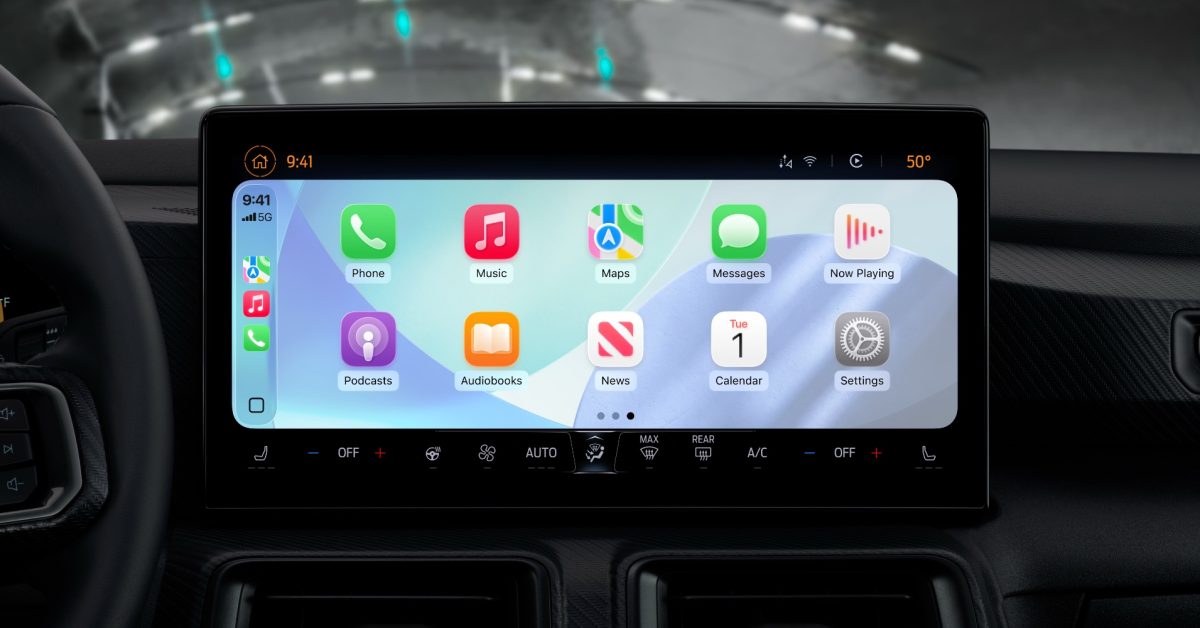
iOS 26's Smart Display Zoom setting improves CarPlay display optimization for vehicles
iOS 26 introduced a new CarPlay setting called Smart Display Zoom, which optimizes the CarPlay interface for a vehicle's specific display. T
 9to5mac.com·1mo ago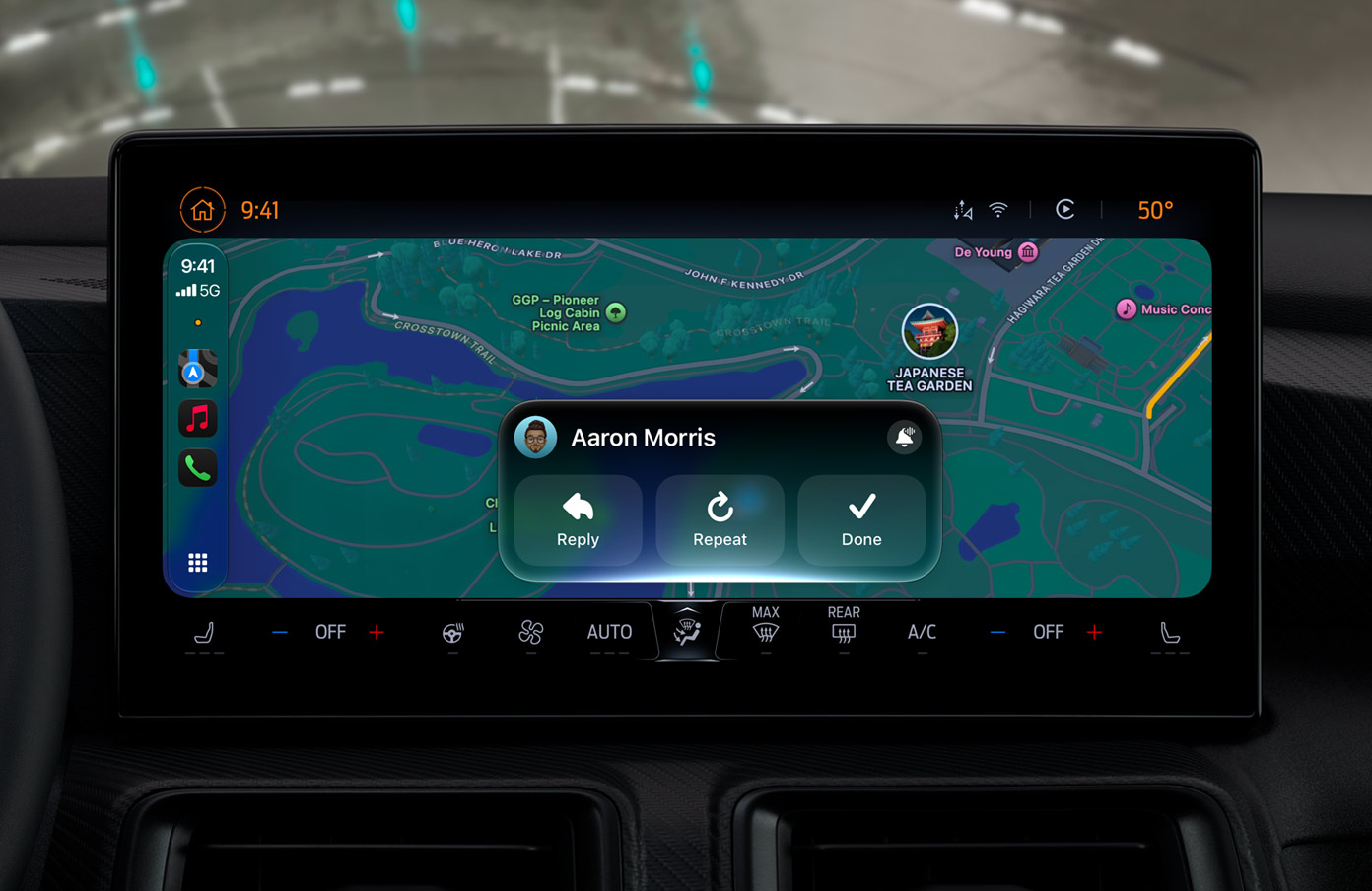
Apple adds video playback to CarPlay in iOS 27, alongside navigation and UI refinements
Apple's iOS 27 brings video playback support to CarPlay, allowing users to watch video through AirPlay when parked in supported vehicles. De
 gadgetbond.com·26d ago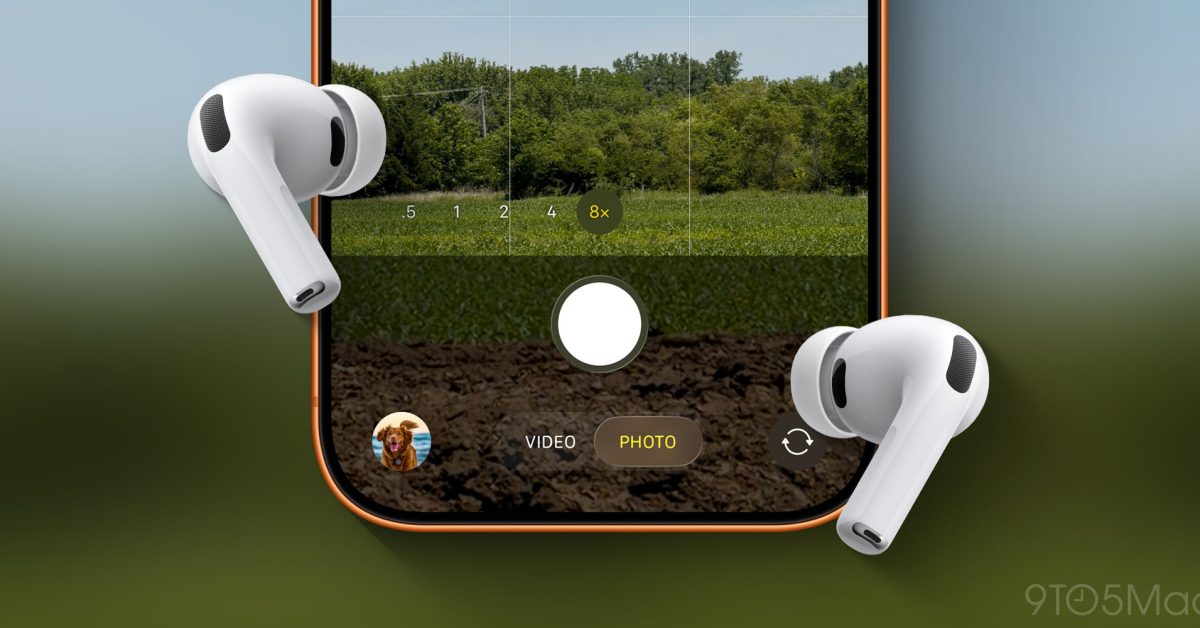
How to use the new Camera Remote feature for AirPods in iOS 26
iOS 26 introduces a Camera Remote feature for AirPods, allowing users to control their iPhone's Camera app remotely. The feature can be enab
9to5mac.com·1mo ago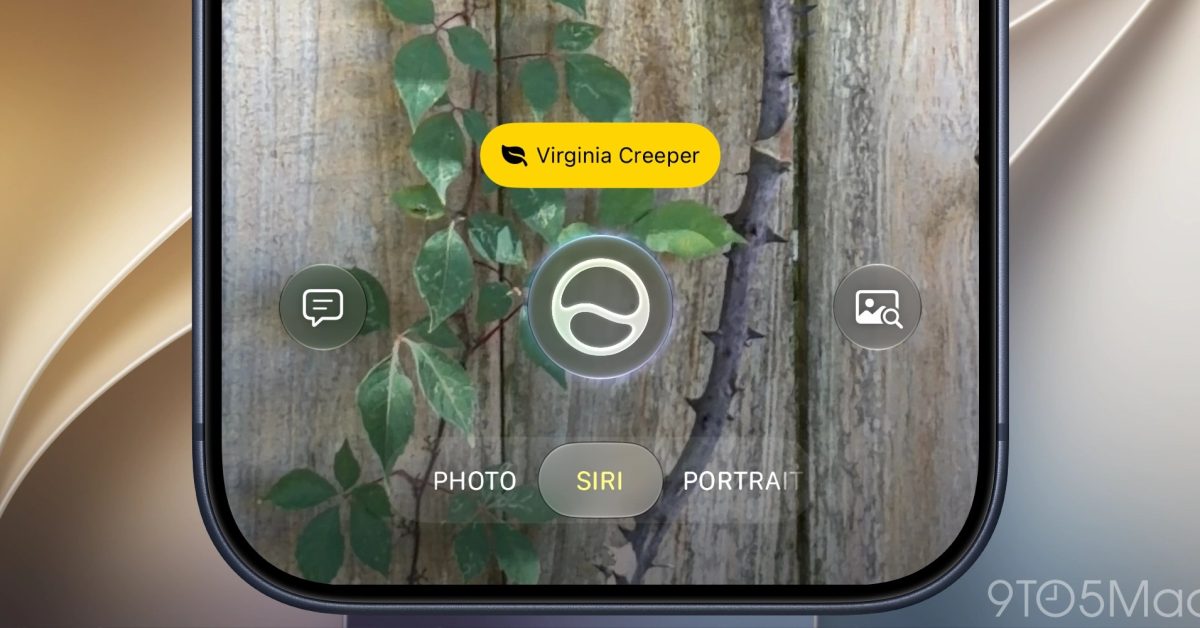
iOS 27 replaces Camera Control's Visual Intelligence with Siri camera mode
iOS 27 and Siri AI replace the Visual Intelligence shortcut on iPhone's Camera Control with a new Siri camera mode. Previously, long-pressin
9to5mac.com·24d ago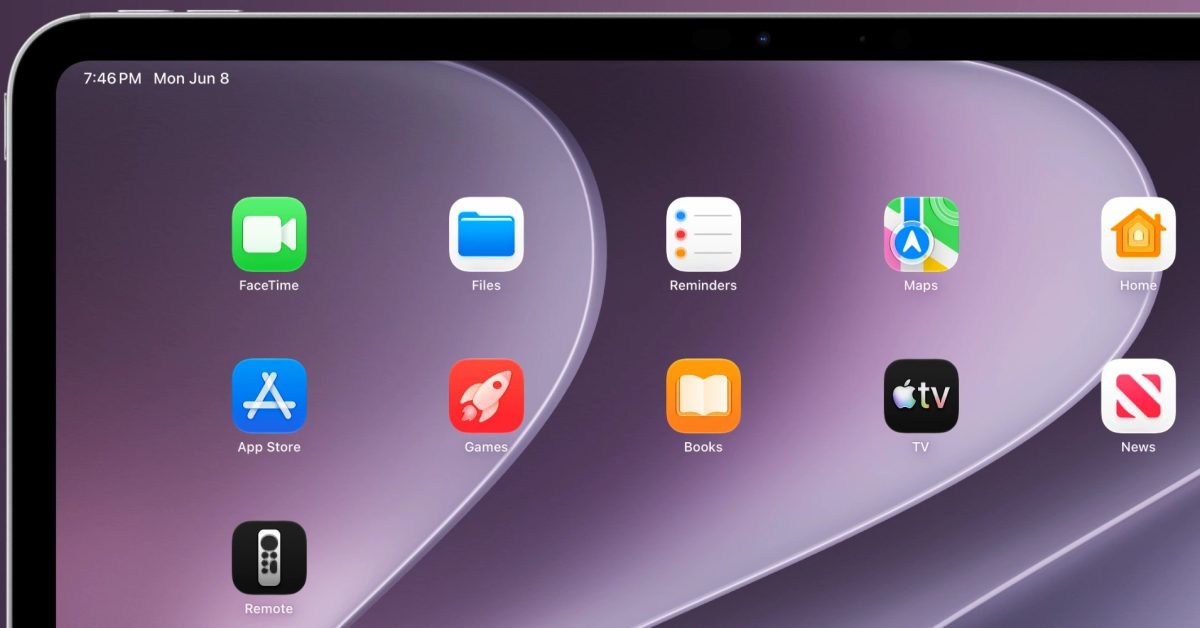
iOS 27 brings back Home screen access to Apple TV remote on iPhone and iPad
iOS 27 and iPadOS 27 reintroduce the ability to add the virtual Apple TV remote as a Home screen icon, not just a Control Center tile. The d
9to5mac.com·28d ago
Comments
Sign in to join the conversation.
No comments yet. Be the first.