
























How to use the new Camera Remote feature for AirPods in iOS 26
By
Ryan Christoffel
Summary
iOS 26 introduces a Camera Remote feature for AirPods, allowing users to control their iPhone's Camera app remotely. The feature can be enabled in AirPods settings and provides a third option for remote camera control alongside the Apple Watch Camera Remote app and the built-in Camera timer. The article explains how to set up and use this new functionality.
Source

 bskyHow to use the new Camera Remote feature for AirPods in iOS 269to5mac.com
Key quotes
· 3 pulledCamera Remote can be enabled in AirPods settings to control iPhone's Camera app
Have you ever wanted to take a photo or video without needing to have your iPhone within reach?
With iOS 26, Apple added a third option: Camera Remote for AirPods
You might also wanna read


Apple’s camera-equipped AirPods may be in limbo, but iOS 27 drops a big clue
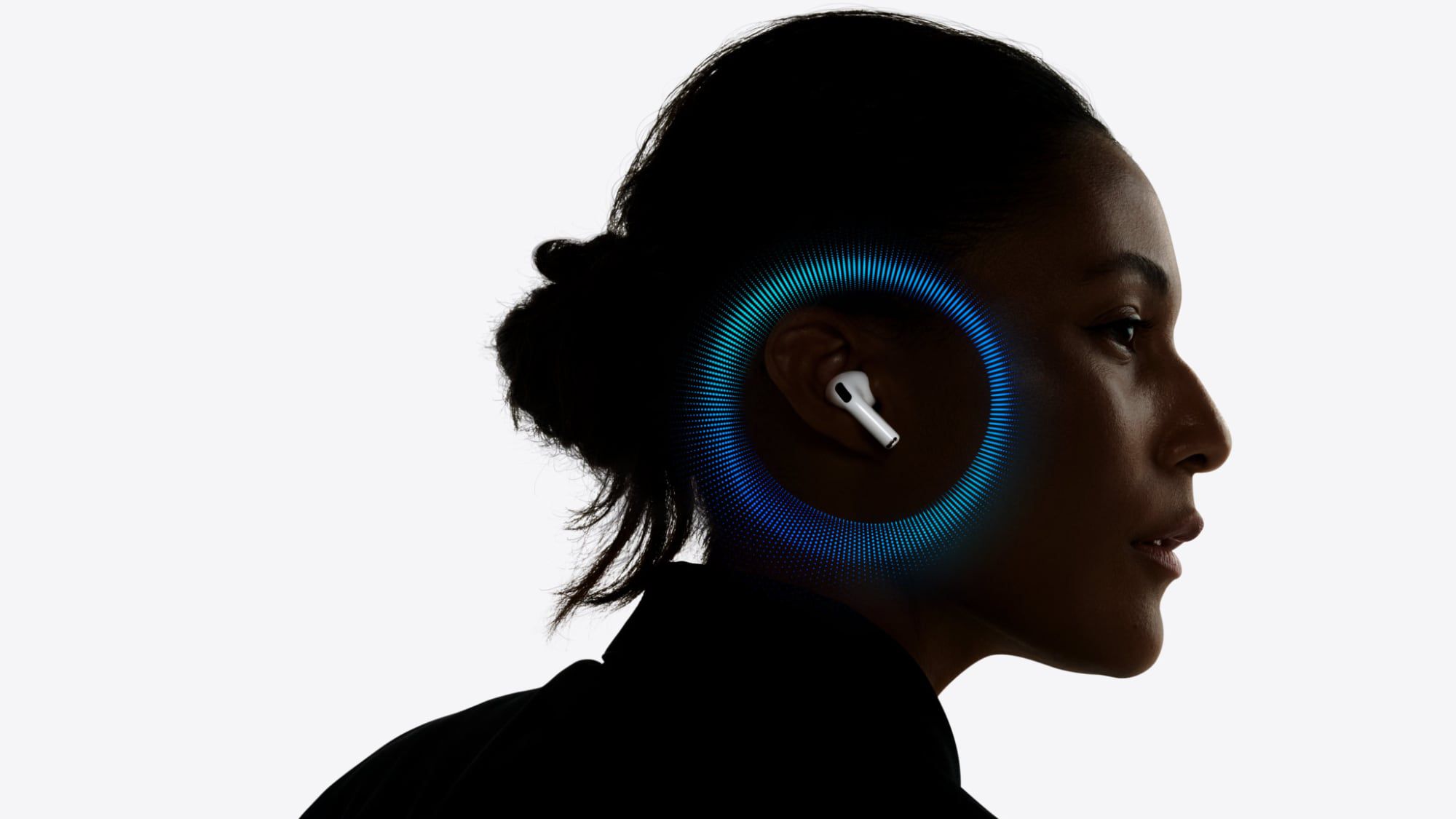
Apple's 2026 AirPods Pro May Include Infrared Cameras for Spatial Awareness and Gesture Control
Apple's next-generation AirPods Pro, expected in 2026, will reportedly feature infrared cameras in each earbud to enable spatial awareness a
 macrumors.com·4mo ago
Meet iOS 26's Screen Capture Hub: HDR Screenshots, CarPlay Grabs, Format Control, and More
Apple Adds Third-Party Device Pairing Features to iOS 26.3 in EU Under DMA Requirements
Apple is introducing new interoperability features in iOS 26.3 that allow third-party wearable devices in the EU to access proximity pairing
macrumors.com·6mo ago
Apple's camera-equipped AirPods for AI visual queries nearing production testing
Apple's rumored AirPods with built-in cameras are approaching early mass production testing, according to Bloomberg's Mark Gurman. The camer
 The Verge·2mo ago
Apple reportedly developing camera-equipped AirPods for 2027 launch alongside folding iPhone
Bloomberg's Mark Gurman reports that Apple is developing AirPods with built-in cameras, currently scheduled for a late 2027 launch. The came
The Verge·21d ago
Comments
Sign in to join the conversation.
No comments yet. Be the first.