

























Limelight: A $9 Screen Recording Tool with Cursor Spotlight, Keystroke Display, and Drawing Features
By
Willie
Summary
Limelight is a one-time purchase ($9) screen recording tool that enhances clarity by spotlighting the cursor, displaying keystrokes, and enabling on-screen drawing. It works natively and offline with popular presentation and recording software like Zoom, OBS, Keynote, and Google Slides, requiring no account or subscription.
Source
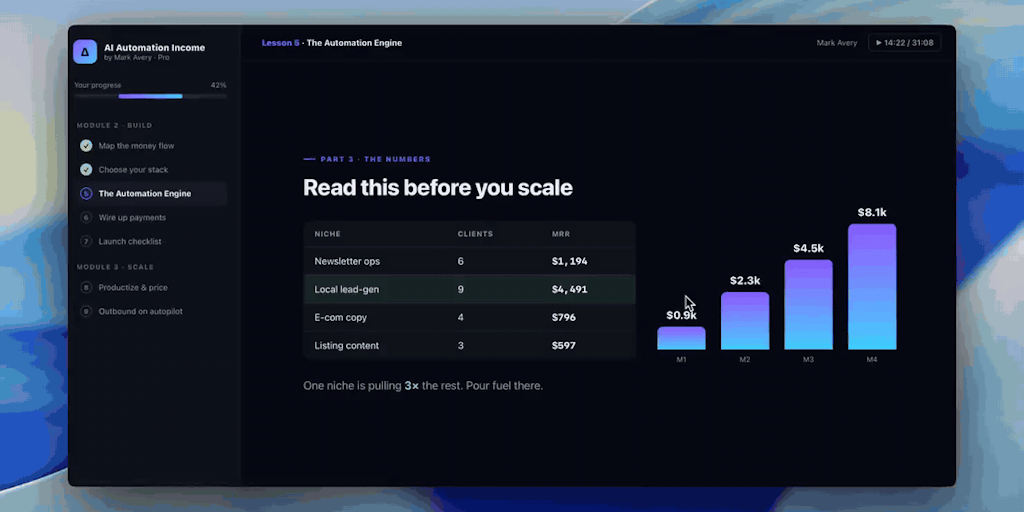
 Product HuntLimelight: A $9 Screen Recording Tool with Cursor Spotlight, Keystroke Display, and Drawing Featuresproducthunt.com
Key quotes
· 5 pulledLimelight makes everything you do on screen easy to follow.
Spotlight your cursor, show the keys you press, and draw on screen — so your audience never loses track of what you're doing.
Works with Zoom, OBS, Keynote, Google Slides, anything.
Native, offline, no account.
No subscription — $9 once, with a 7-day free trial.
You might also wanna read


DemoScope: Mobile Screen Recorder with Face Cam and Touch Indicators for Professional Demos
DemoScope is a mobile screen recording app for iOS and Android designed specifically for creating professional demos. It features live face
 demoscope.app·6mo ago
CtrlV.link: Browser-Based Screenshot and Video Sharing Service
CtrlV.link is an online service that allows users to quickly upload screenshots by pressing PrintScreen and Ctrl+V in their web browser with
 ctrlv.link·4mo ago
Introducing asciinema: A Lightweight Tool for Terminal Session Recording
The article introduces asciinema, a free and open-source tool for recording terminal sessions in a lightweight, text-based format, eliminati
asciinema.org·11mo agoComments
Sign in to join the conversation.
No comments yet. Be the first.