
























CtrlV.link: Browser-Based Screenshot and Video Sharing Service
CtrlV.link offers fastest ScreenShot and PrintScreen online using web browser without addons only.
Read the full articleYou might also wanna read


ScreenREC: Browser-Based Screen Recorder with Privacy-First Approach and No Installation Required
🎬 ScreenREC: The simplest screen recorder ever Record screen, webcam & audio in-browser—no downloads, no signups. Why teams love ScreenREC:
 Product Hunt·7mo ago
VideoToScreenshots: Automated Tool for Extracting Screenshots from Videos
Stop manually scrubbing videos. Auto-extract sharp screenshots with blur detection, interval-based frame capture, and smart duplicate remova
Product Hunt·7mo ago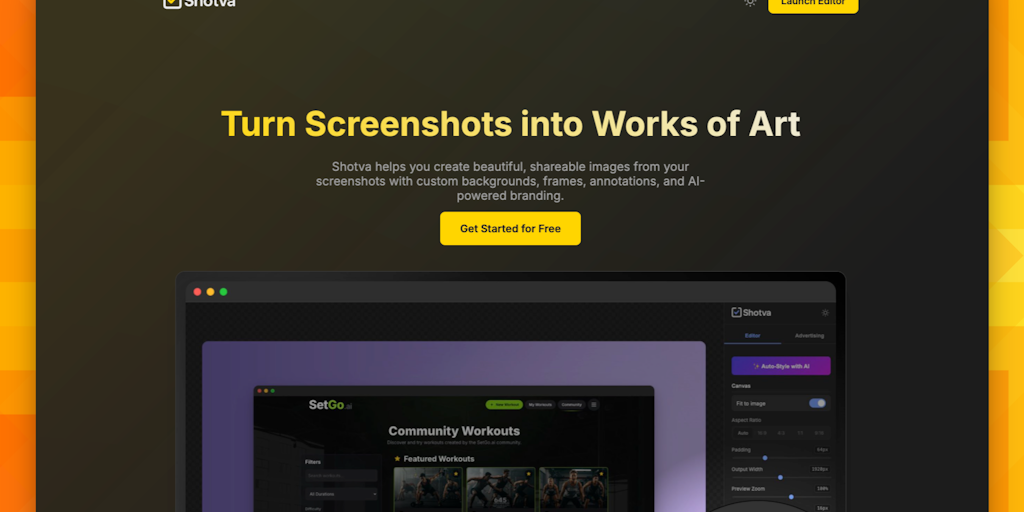
Shotva: Enhance and Customize Your Screenshots for Sharing
Shotva instantly transforms plain screenshots into polished, share-ready visuals. Add beautiful backgrounds, drop shadows, and custom brandi
 Product Hunt·11mo ago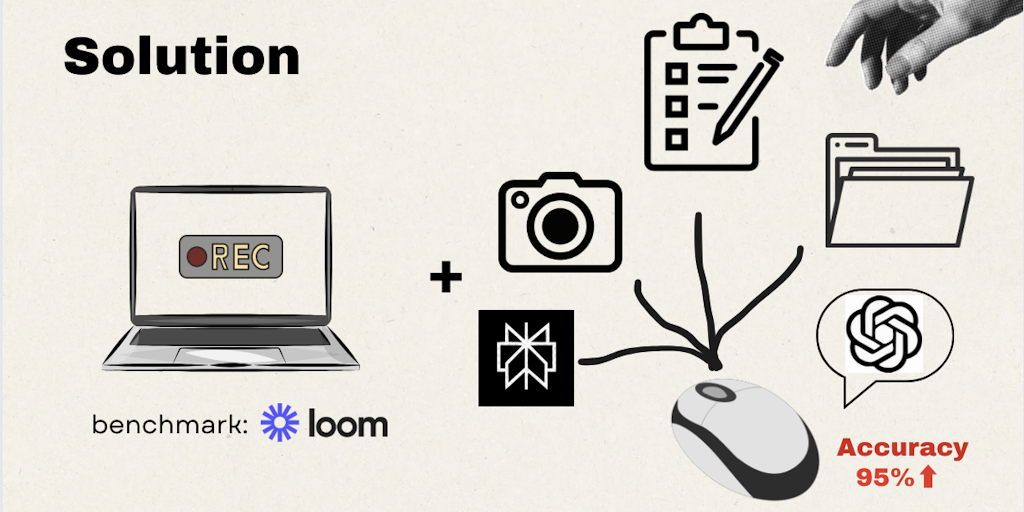
Rebrowse: Convert Screen Recordings into Automated Browser Workflows
F*ck n8n. Just record. Record, Share and Replicate browser flows - in one click.
Product Hunt·1y ago
SoftReveal: Web Tool for Controlled Content Reveal in Screen Recordings
When you record your screen, everything shows up immediately. And that’s the problem. SoftReveal is a tiny web tool that lets you blur parts
Product Hunt·6mo ago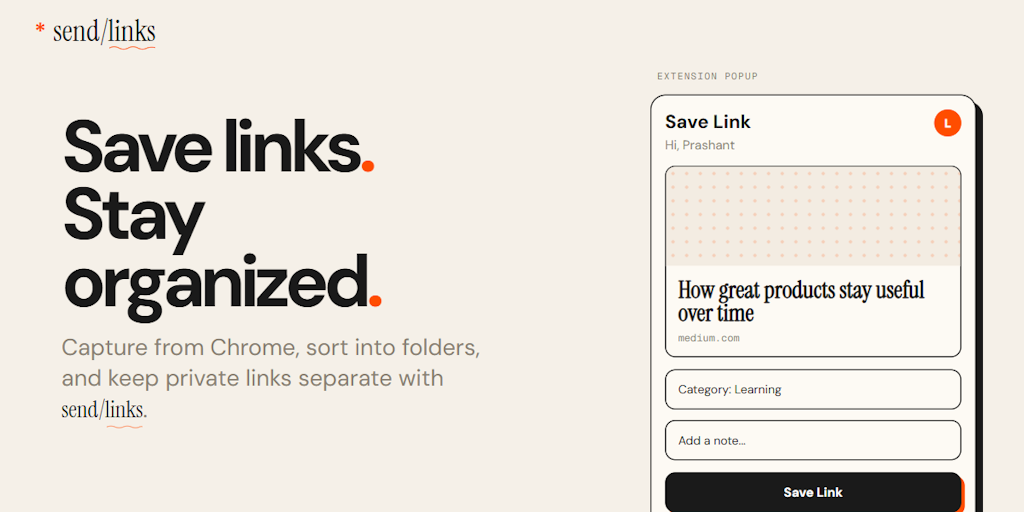
Sendlinks: Browser Extension for Automatic Link Saving and Organization
Save links from your browser. Organized automatically. Find anything in seconds. Links get lost. Bookmarks pile up and never get revisited.
Product Hunt·3mo ago
Comments
Sign in to join the conversation.
No comments yet. Be the first.