

























jebi: A Mac terminal with built-in local AI for error explanations and command suggestions
By
Jawahar Selvaraj
Summary
jebi is a Mac terminal application that integrates local AI directly into the terminal experience. It runs entirely on-device using models like Qwen, Phi-3, and Gemma — no API keys, subscriptions, or cloud dependency. After commands, it suggests next steps; after errors, it explains them in plain English. It also features a visually polished interface with split panes, tabs, custom themes, and slash commands. The AI stays silent unless needed, aiming to enhance rather than interrupt workflow.
Source
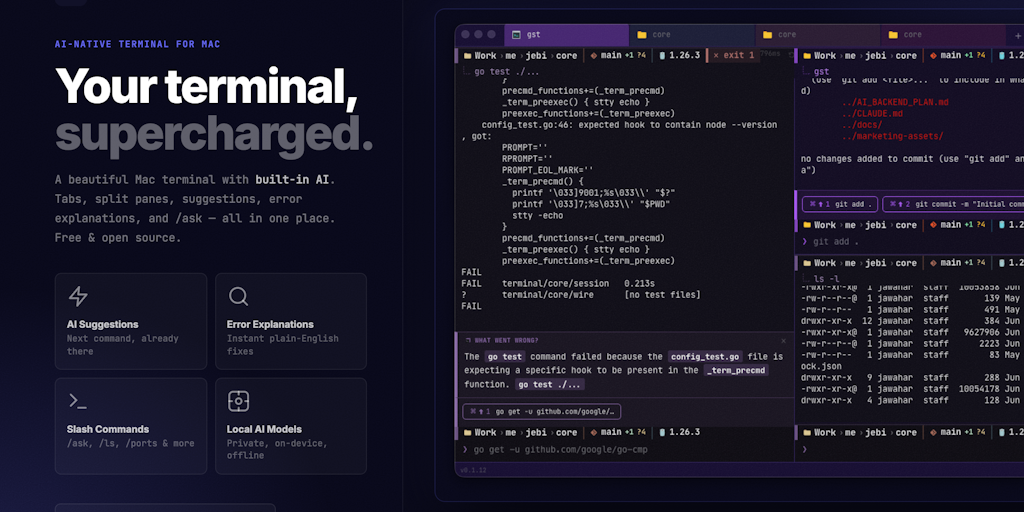
 Product Huntjebi: A Mac terminal with built-in local AI for error explanations and command suggestionsproducthunt.com
Key quotes
· 4 pulledI built jebi because I was tired of alt-tabbing to Google every time a command failed or I forgot a git flag.
The hardest part was keeping it out of the way. Most AI tools interrupt your flow.
jebi only speaks up after an error (to explain it) or after a command (to suggest what's next). Otherwise it stays silent.
All AI runs on-device with Qwen, Phi-3, and Gemma — your commands never leave your Mac.
You might also wanna read

jqp: A Terminal User Interface Playground for jq JSON Processing
jqp is a Terminal User Interface (TUI) playground tool for experimenting with jq, a lightweight and flexible command-line JSON processor. Th
 github.com·9mo ago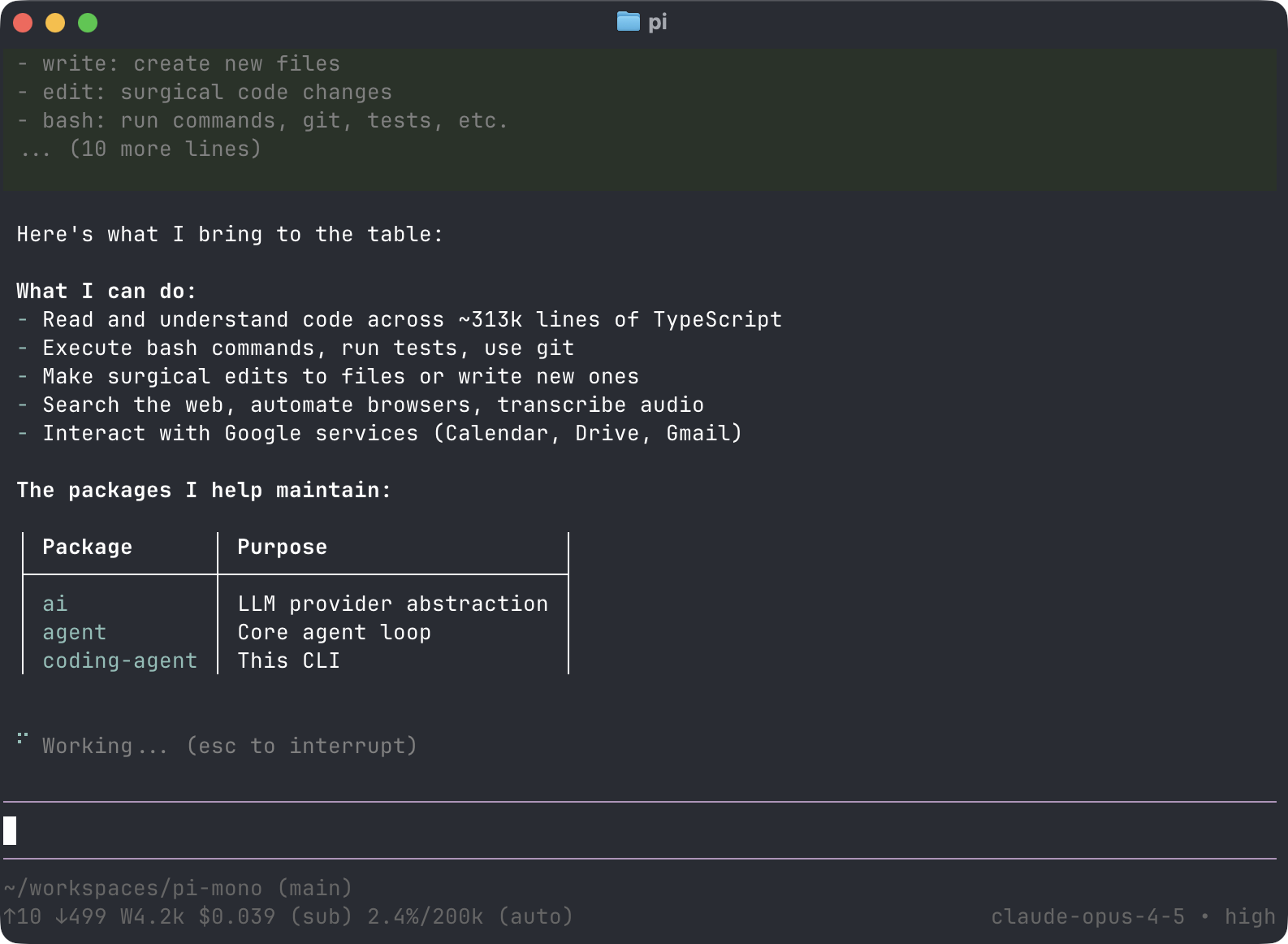
pi.dev: Terminal-Based AI Coding Agent with Multi-Provider Model Support
pi.dev is a terminal-based coding agent that provides a comprehensive AI coding assistant with support for 15+ AI providers and hundreds of
 pi.dev·3mo ago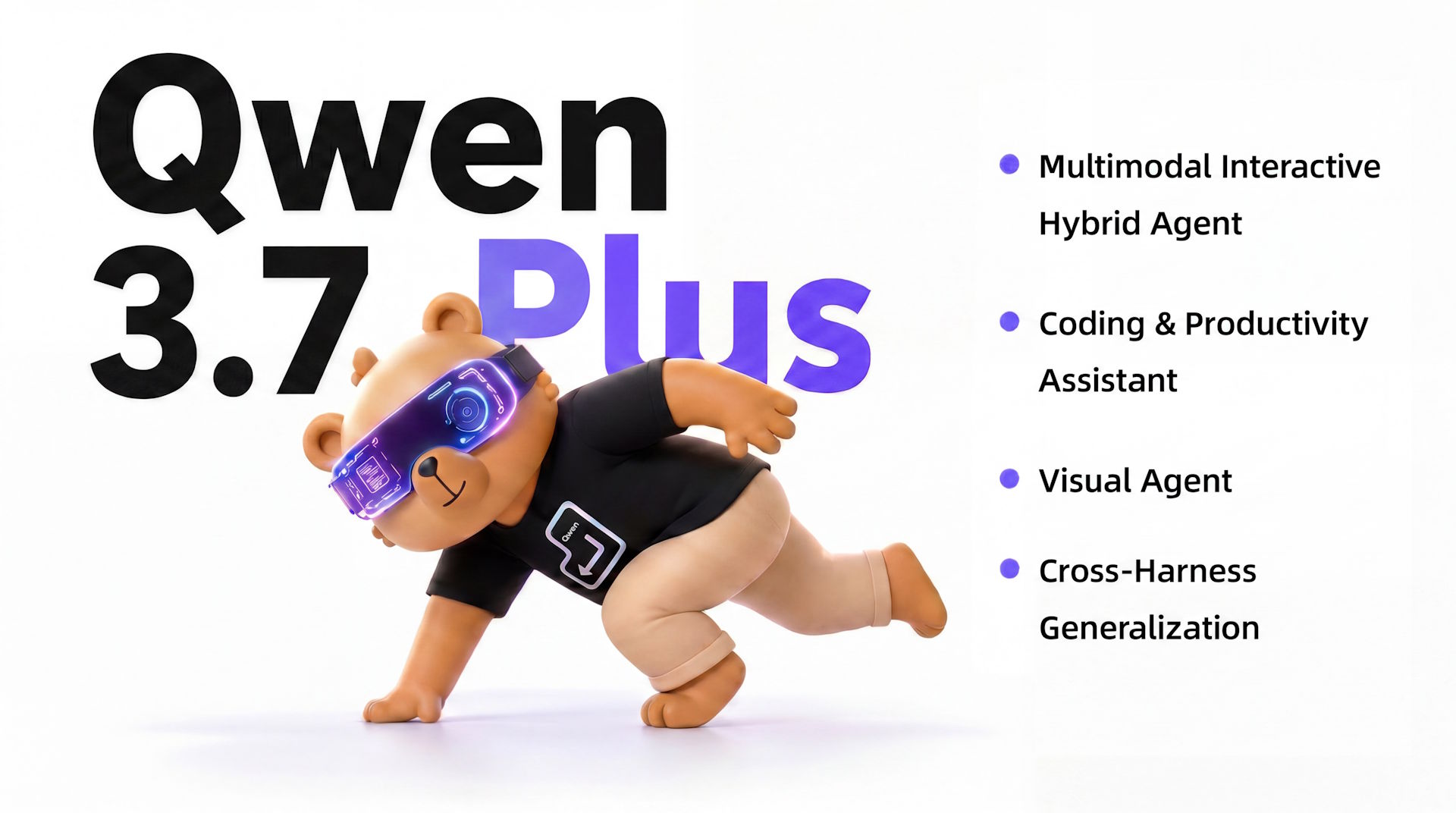
Alibaba's Qwen3.7-Plus combines visual AI with autonomous agent capabilities for coding and app navigation
Alibaba's Qwen team has released Qwen3.7-Plus, a proprietary multimodal AI model that combines visual perception with agent capabilities lik
 the-decoder.com·17d ago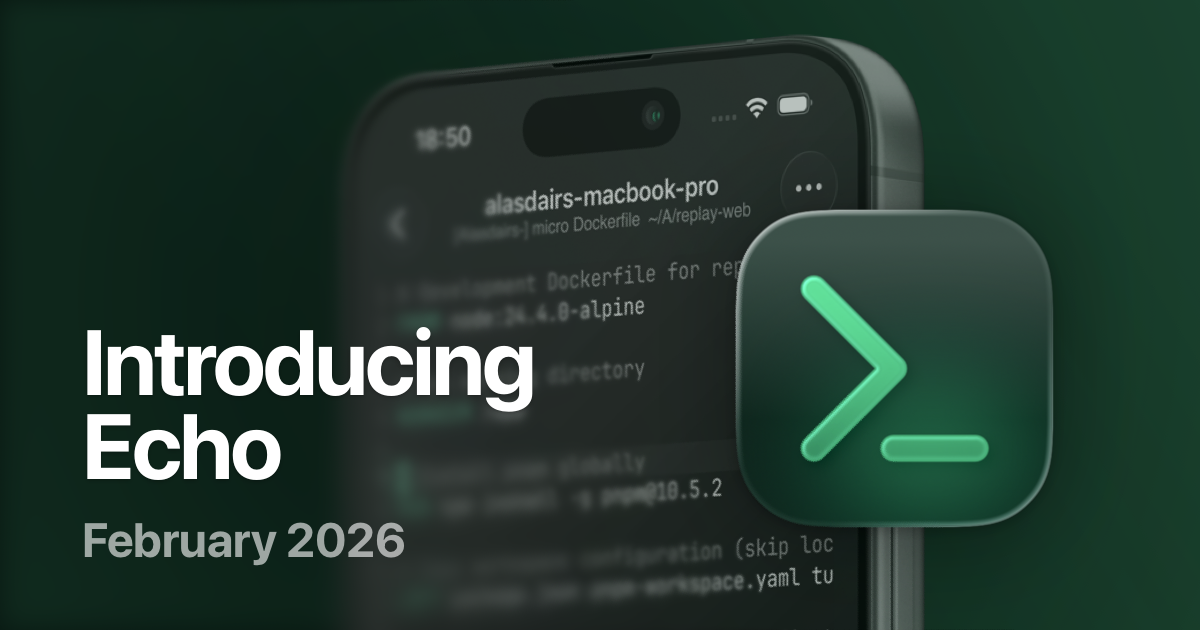
Echo: A Modern SSH Client for iOS and iPadOS Terminal Workflows
Echo is a new fast, modern SSH client for iOS and iPadOS designed for the current era of rich terminal-based tools and AI coding agents. The
 replay.software·4mo ago
Yapi: An Open-Source Command Line API Client for Developers
Yapi is an open-source command line API client tool designed for power users, positioned as a terminal-based alternative to GUI tools like P
 yapi.run·6mo ago
Qwen Studio: A Comprehensive AI Platform for Chat, Image, Video, and Document Processing
Qwen Studio is a comprehensive AI platform that provides a wide range of functionalities including chatbot interactions, image and video und
 qwen.ai·1mo ago
Comments
Sign in to join the conversation.
No comments yet. Be the first.