
























How to Install Bitwarden on Raspberry Pi Using Vaultwarden Docker Container
By
Patrick Fromaget
Summary
A step-by-step guide on installing Bitwarden (via Vaultwarden Docker container) on a Raspberry Pi to create a self-hosted, private password manager. The article covers the entire setup process, emphasizing security practices like HTTPS, port redirection, VPN usage, and backups. It positions this as a DIY alternative to third-party password management services.
Source
 bskyHow to Install Bitwarden on Raspberry Pi Using Vaultwarden Docker Containerraspberrytips.com
Key quotes
· 4 pulledI kept hearing about Bitwarden on Raspberry Pi, so I finally decided to try it myself.
If you're interested in using your own password manager (without handing everything over to a third party), this is a really cool project to try.
Bitwarden can be installed on a Raspberry Pi by using a Docker container named Vaultwarden.
Using Bitwarden this way is safe if you use HTTPS, port redirection, or a VPN and create backups of the Raspberry Pi.
You might also wanna read

Why I Stopped Recommending Bitwarden After Years of Self-Hosting
After several years of self-hosting Bitwarden (via Vaultwarden) as a password manager, the author concludes they no longer recommend it. The
 マリウス·2mo ago
Bitwarden scrubs ‘Always free’ and ‘Inclusion’ values from its website as longtime execs step down
Vaultwarden Pull Request Adds OpenID Connect for SSO Authentication
The article discusses a pull request (#3899) for the Vaultwarden project, introducing support for OpenID Connect to enable external Single S
 github.com·10mo ago
Configuring Raspberry Pi 5 Kernel to Run gVisor Container Security Sandbox
The article details a technical challenge of running gVisor (Google's container security sandbox) on Raspberry Pi 5, identifying a specific
 nubificus.co.uk·3mo ago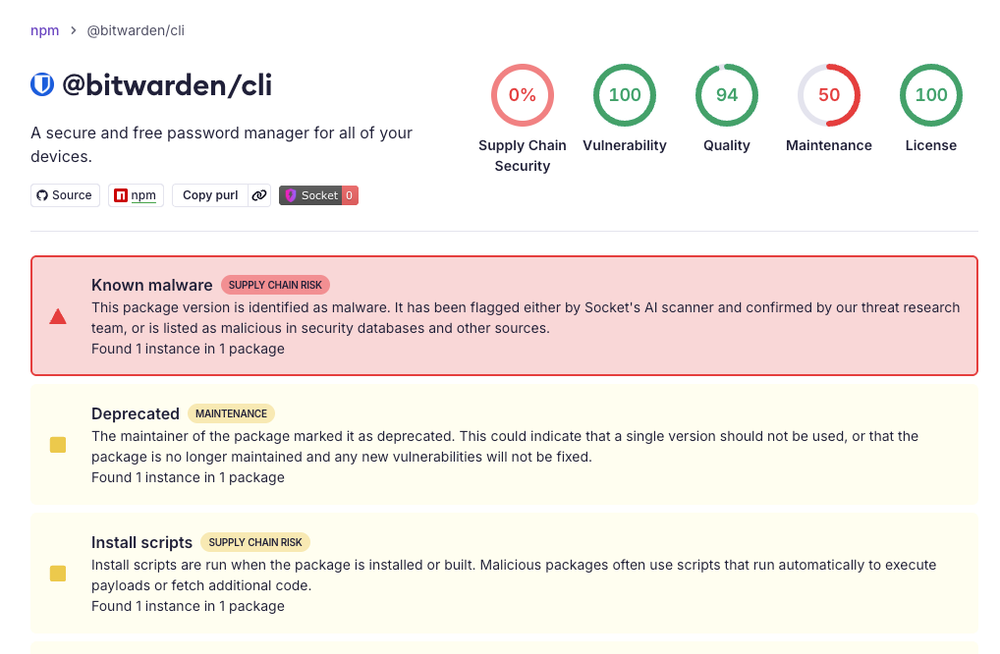
Bitwarden CLI 2026.4.0 Compromised in Checkmarx Supply Chain Attack via GitHub Action
Socket researchers discovered that Bitwarden CLI version 2026.4.0 was compromised as part of the ongoing Checkmarx supply chain campaign. Th
 socket.dev·2mo ago
Bitwarden faces user backlash over CEO change and price hike, prompting migration to open-source alternatives
The article discusses the author's migration away from Bitwarden as a password manager, citing concerns about the company's direction under
 osnews.com·1mo ago
Comments
Sign in to join the conversation.
No comments yet. Be the first.