
























Bitwarden scrubs ‘Always free’ and ‘Inclusion’ values from its website as longtime execs step down
By
@Bhaelros Bhaelros
2h ago
Source
discuss.privacyguides.netBitwarden scrubs ‘Always free’ and ‘Inclusion’ values from its website as longtime execs step downprivacyguides.netUI-wise Proton is much better than Bitwarden, that is for sure. Personally I am using 1Password as my primary password manager. I made a switch to Bitwarden when 1Password raised their prices but then saw that BW still lacks too many things and have no intention to add them, like categories, custom items, native Windows passkey support (last update was last year for that one) and UI is very bad. I don’t know which developer or designer looks at the screen and says “oh, this is awesome”. You can’t even sort items, which is the most basic thing. There are lots of empty spaces, no idea why.
You might also wanna read


Bitwarden faces user backlash over CEO change and price hike, prompting migration to open-source alternatives
The article discusses the author's migration away from Bitwarden as a password manager, citing concerns about the company's direction under
 osnews.com·1mo ago
Why I Stopped Recommending Bitwarden After Years of Self-Hosting
After several years of self-hosting Bitwarden (via Vaultwarden) as a password manager, the author concludes they no longer recommend it. The
 マリウス·2mo ago
Bitwarden scrubs 'Always free' and 'Inclusion' values from its site
fastcompany.com·1mo ago

Bitwarden founder reflects on open-source mission as password manager reaches 15 million users
Bitwarden founder reflects on the company's journey from an open-source password manager startup to serving over 15 million users and 80,000
 bitwarden.com·20d ago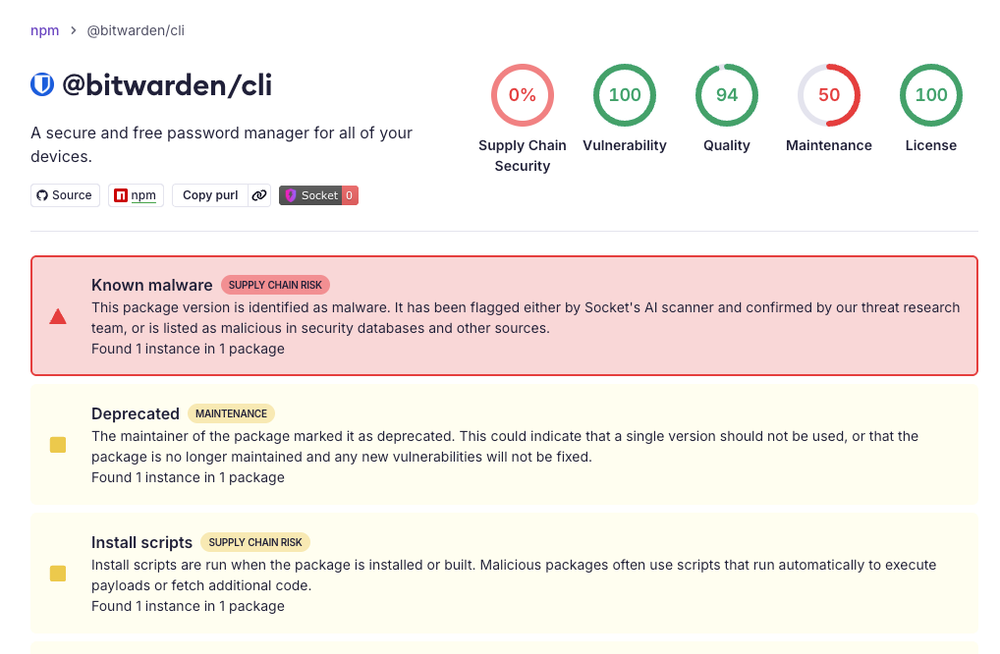
Bitwarden CLI 2026.4.0 Compromised in Checkmarx Supply Chain Attack via GitHub Action
Socket researchers discovered that Bitwarden CLI version 2026.4.0 was compromised as part of the ongoing Checkmarx supply chain campaign. Th
 socket.dev·2mo ago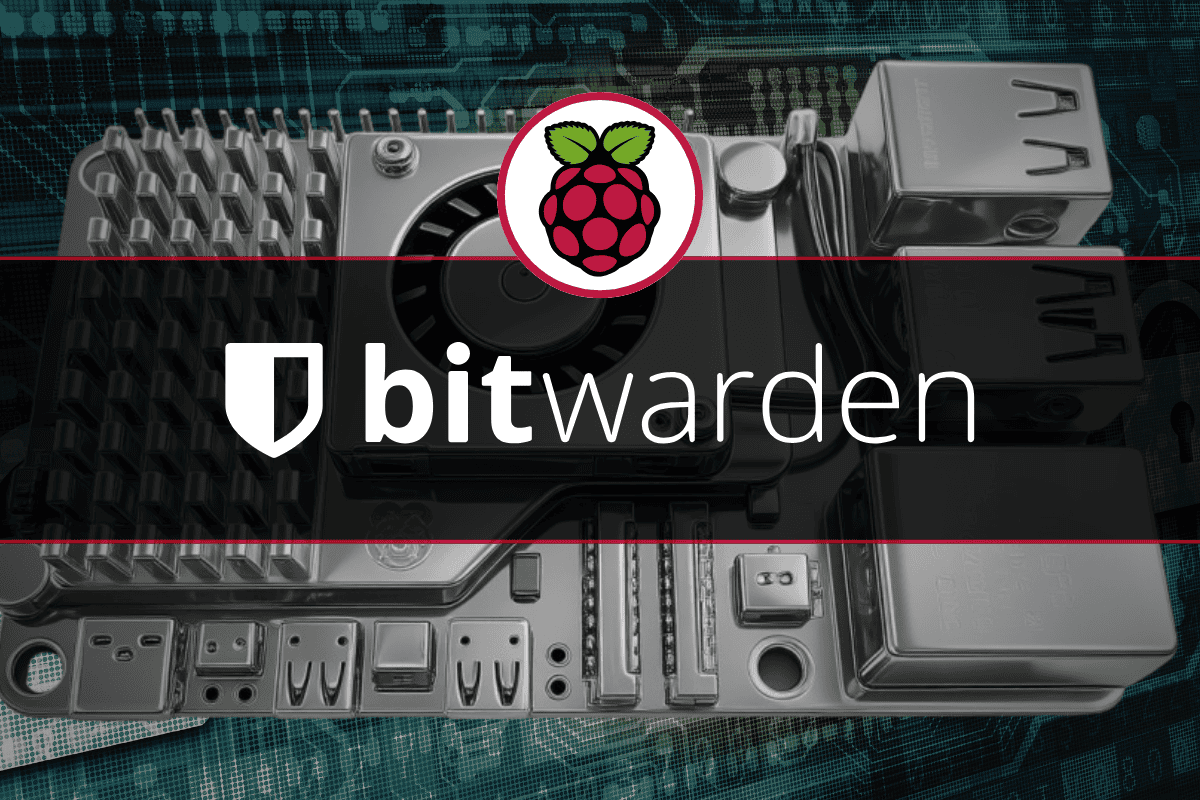
How to Install Bitwarden on Raspberry Pi Using Vaultwarden Docker Container
A step-by-step guide on installing Bitwarden (via Vaultwarden Docker container) on a Raspberry Pi to create a self-hosted, private password
 raspberrytips.com·29d ago
Comments
Sign in to join the conversation.
No comments yet. Be the first.