

























How to hide app names on your Google Pixel home screen with Android 17
By
Brady Snyder
Summary
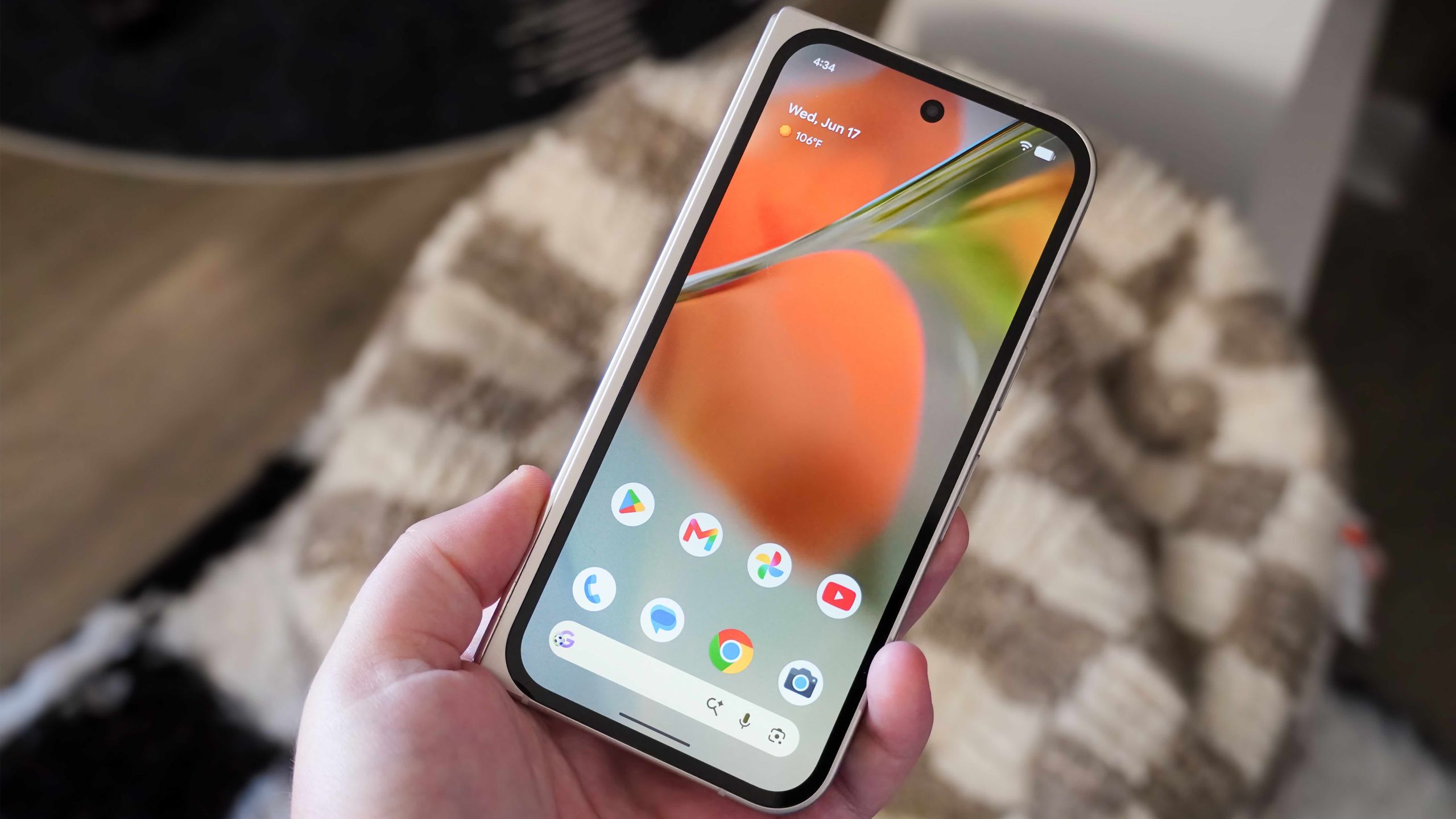
The article discusses a hidden home screen customization feature in Android 17 on Google Pixel phones that allows users to hide app names/labels on the home screen. This creates a cleaner, more minimalist look by removing text labels beneath app icons. The author explains how to enable this setting and shares their experience of using it to simplify their Pixel home screen setup.
Source
 bskyHow to hide app names on your Google Pixel home screen with Android 17androidcentral.com
Key quotes
· 3 pulledI keep my home screen basic, only including a few home screen widgets and the most important apps.
You can now hide the names of apps on your home screen.
The latest Android 17 update adds a hidden home screen customization option that can seriously simplify your setup.
You might also wanna read


Android 17 announced: Emoji overhaul, AI widgets, and new screentime tools coming to Pixel first
Android 17 introduces a mix of AI-powered features (improved dictation, vibe-coded widgets) and non-AI updates including a complete emoji ov
 The Verge·1mo ago
Google releases Android 17 with adaptive-first design and mandatory large-screen resizability
Google has released Android 17, marking a transition to an "intelligence system" that puts apps at the center. The update introduces mandato
 android-developers.googleblog.com·2d ago
PixelApps: AI-Powered UI Design Tool for Developers and Builders
PixelApps is an AI design assistant that generates professional UI designs for landing pages, dashboards, and web interfaces using simple pr
 Product Hunt·9mo ago
Google Pixels are no longer the AOSP reference device

How TikTok Tracks Users Without App Usage and Privacy Protection Steps
The article reveals that TikTok collects data on people even if they've never used the app through tracking pixels embedded across websites.
 bbc.com·4mo ago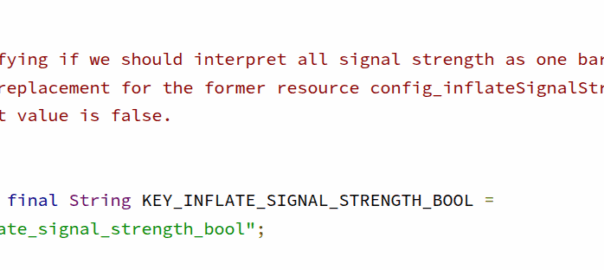
Android Carrier Config Contains Flag to Inflate Signal Strength Display by One Bar
The article reveals that Android's Carrier Config manager contains a hidden flag (KEY_INFLATE_SIGNAL_STRENGTH_BOOL) that allows mobile carri
 nickvsnetworking.com·7mo ago