
























How to Use Split View in Google Chrome
By
Paul Horowitz
4d agoen
Source
OS X DailyHow to Use Split View in Google Chromeosxdaily.comThe latest versions of the Google Chrome browser have built-in split view browser mode, allowing you to have two websites open side by side. This is a really handy feature for many obvious reasons where it’s useful to see two websites or pages open next to each other, whether you’re reading one page and taking ... Read More The post How to Use Split View in Google Chrome appeared first on OS X Daily .
You might also wanna read


Split View in Firefox: Two tabs side by side, right where you need them
Mozilla·3mo ago
Split View in Firefox: Two tabs side by side, right where you need them
Mozilla·3mo ago
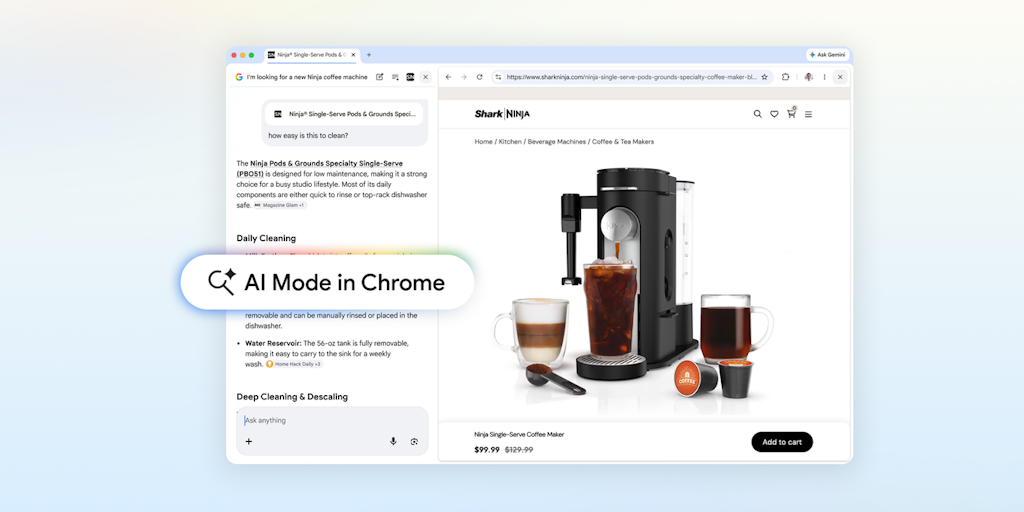
Chrome Introduces AI Mode for Side-by-Side Browsing and Search
AI Mode in Chrome is a new browser feature that allows users to browse websites and search side-by-side without switching tabs. The feature
 Product Hunt·2mo ago
Google Chrome AI Mode Update Adds Side-by-Side Link Viewing and Tab Selection
Google is updating its AI Mode feature in Chrome to allow users to open source links side-by-side with their chat interface instead of in ne
 The Verge·2mo ago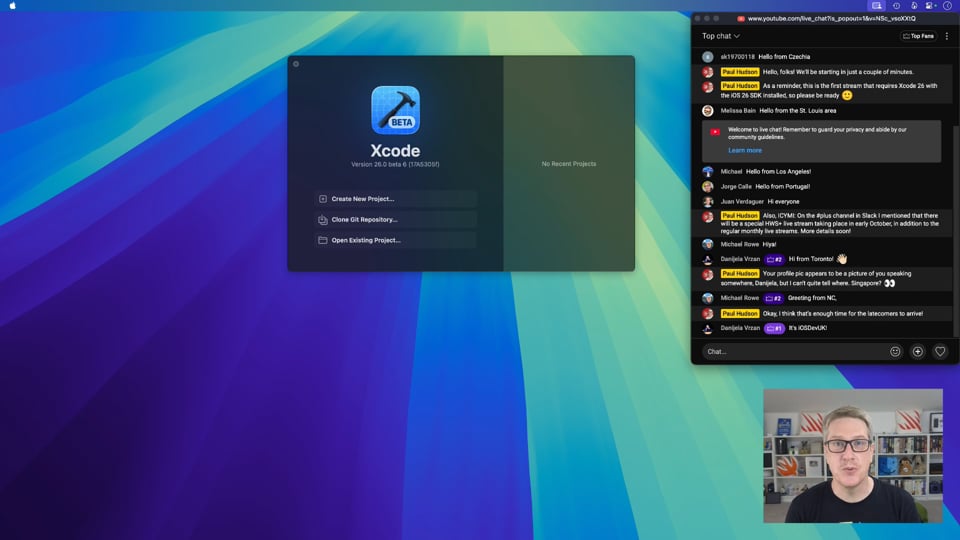
Grid Browser – Hacking with Swift+
 hackingwithswift.com·9d ago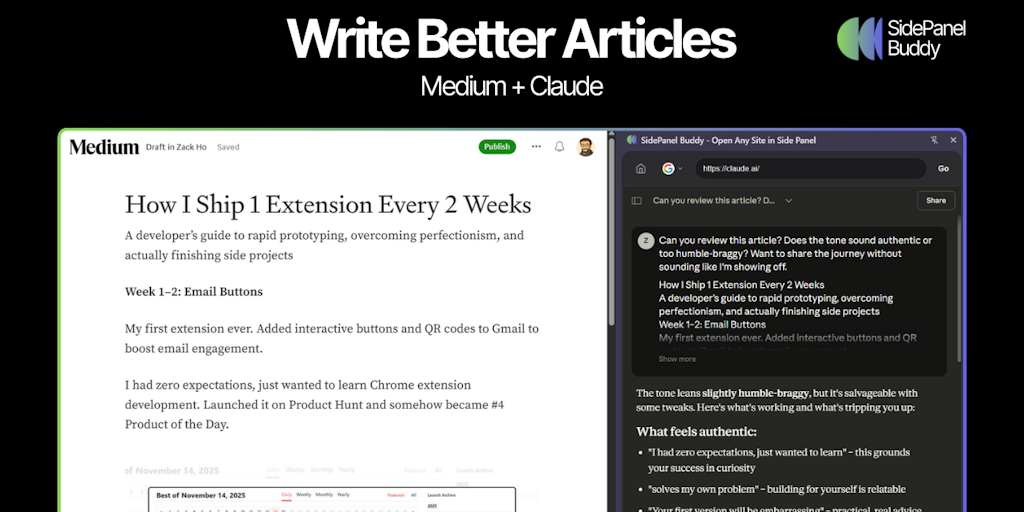
SidePanel Buddy: Chrome Extension for Persistent Side Panel Browsing
SidePanel Buddy is a Chrome extension that allows users to open any website in Chrome's side panel alongside their main tab. It automaticall
Product Hunt·7mo ago
Apple vs. Google: How Safari and Chrome's divergent philosophies shape the web's future
The article examines the contrasting approaches of Apple (Safari/WebKit) and Google (Chrome/Blink) toward web browser development and web pl
 adactio.com·10d ago
Comments
Sign in to join the conversation.
No comments yet. Be the first.