
























Google Chrome AI Mode Update Adds Side-by-Side Link Viewing and Tab Selection
Google is rolling out a new update to AI Mode that opens links to sources side by side with your conversation, allowing you to ask follow-up questions about what’s on the page.
Read the full articleYou might also wanna read

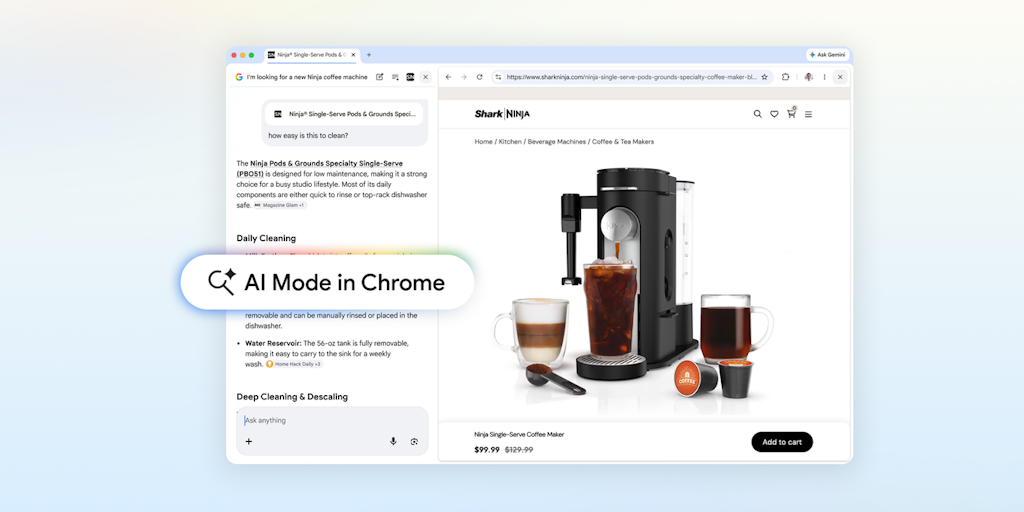
Chrome Introduces AI Mode for Side-by-Side Browsing and Search
AI Mode in Chrome opens websites alongside your search so you can ask follow-up questions in context. Add open tabs, images, or PDFs as inpu
 Product Hunt·3mo ago
Google Chrome Introduces Major AI-Powered Browser Upgrade
Google Chrome is getting upgraded with the latest AI to make it safer, smarter and more useful
 blog.google·10mo ago
Google’s AI Mode now lets you link and interact with select apps
With this new update, Google is expanding AI Mode beyond answering questions and into completing tasks across the apps they use regularly.
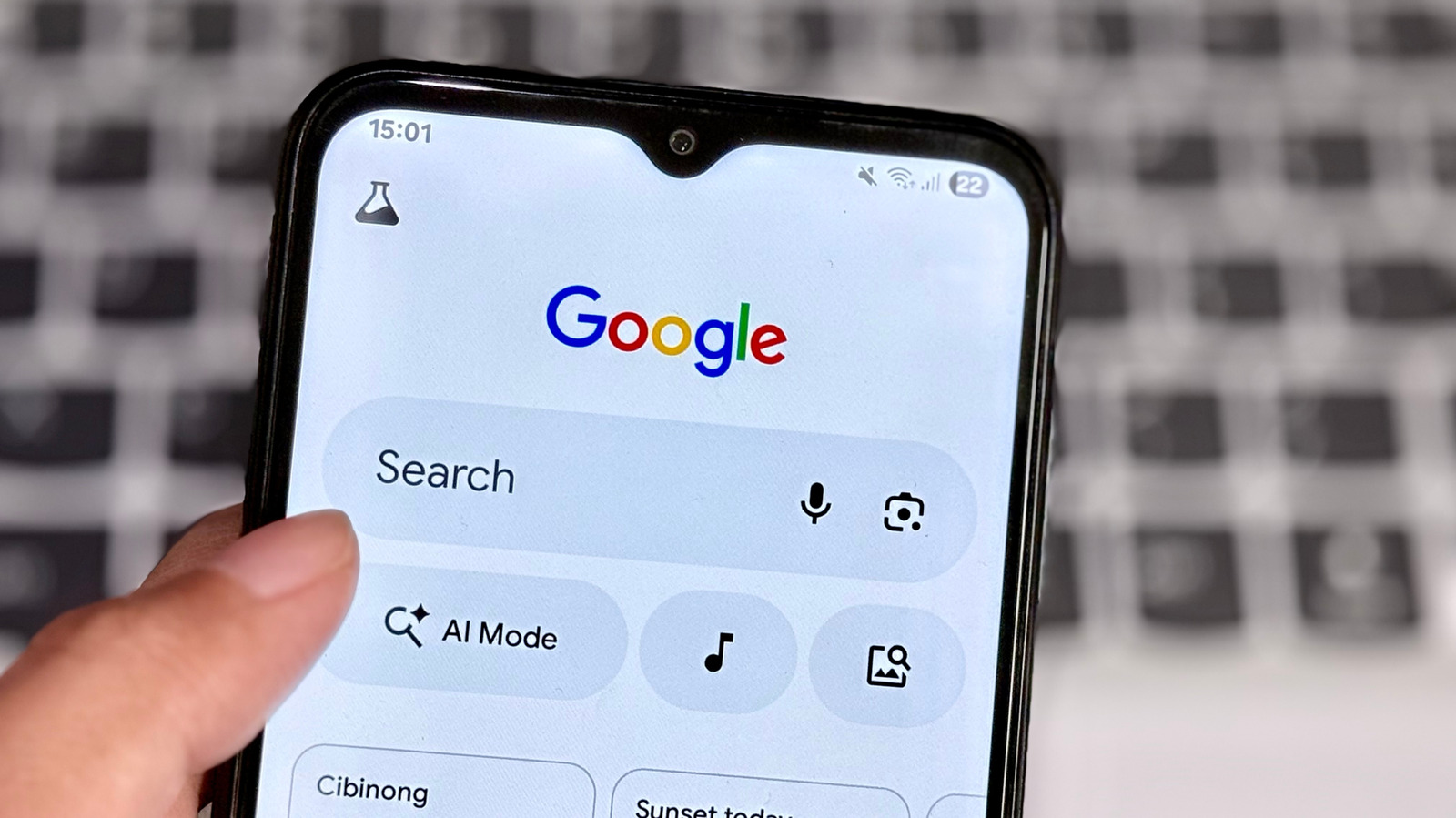
Google Tests Default AI Mode for Chrome Searches
Google seems to be testing a new feature that will take you to AI Mode by default when you do a search in Chrome.
 engadget.com·1mo ago
Google's AI Mode Now Lets You Link and Interact with Select Apps
With this new update, Google is expanding AI Mode beyond answering questions and into completing tasks across the apps they use regularly.

Google Confirms No Plans to Make AI Mode Default Search in Chrome, Calls Canary Flag an Error
Google has confirmed that the search company has no plans on making AI Mode the default search experience within Google Chrome. This comes a
 seroundtable.com·1mo ago
Comments
Sign in to join the conversation.
No comments yet. Be the first.