
























How to Set Up an E-Ink Display with a Raspberry Pi: A Step-by-Step Tutorial
By
Patrick Fromaget
Summary
A detailed tutorial documenting the process of setting up and using an e-ink display with a Raspberry Pi. The author shares their personal experience and step-by-step instructions to help others get started more easily. Covers what e-ink displays are (paper-like, low-power screens readable in sunlight), their common use cases (static displays, tiny dashboards), and practical implementation guidance for Raspberry Pi projects.
Source
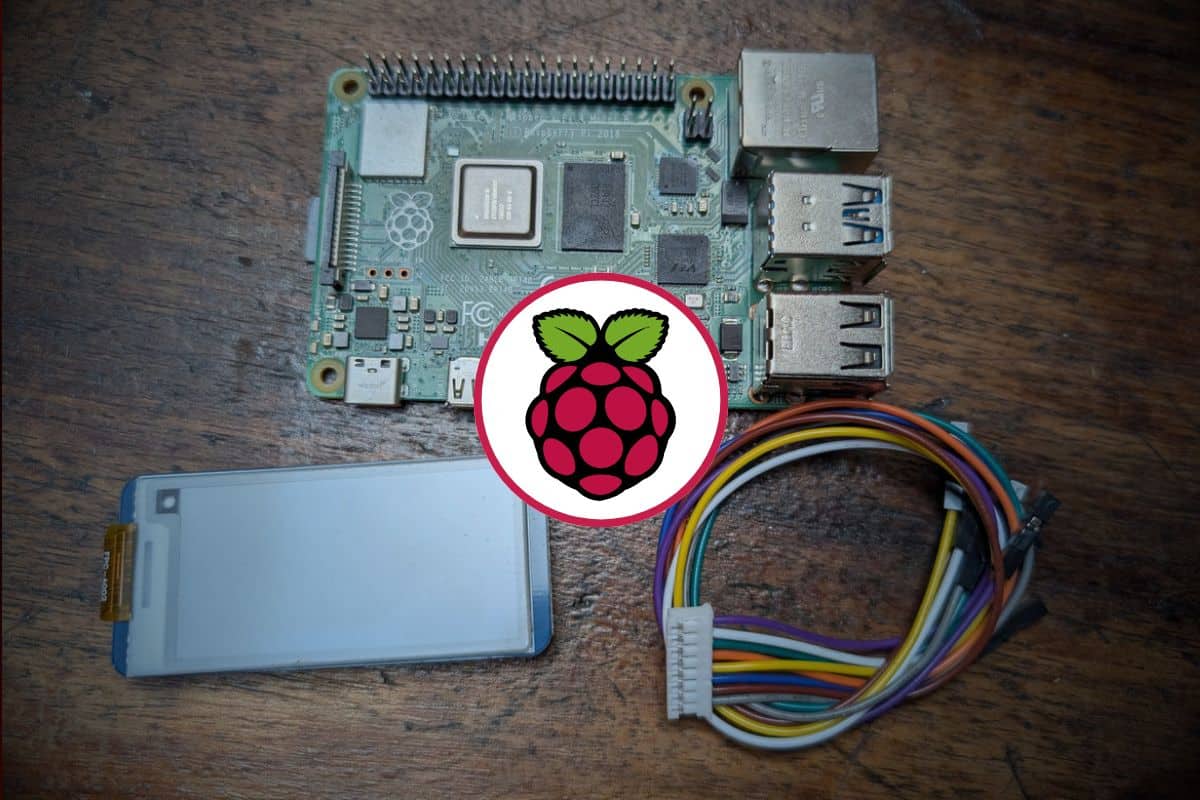
 bskyHow to Set Up an E-Ink Display with a Raspberry Pi: A Step-by-Step Tutorialraspberrytips.com
Key quotes
· 4 pulledI've always been fascinated by projects that use that paper display (you know, like the Kindle screen), so I decided to give it a shot.
Since it wasn't as easy as I'd hoped to get started, I've documented all the steps. This way, you can get a head start when you decide to try it yourself.
An e-ink display is a screen that mimics the look of printed paper, uses very low power, and remains readable even in bright sunlight.
With a Raspberry Pi, it's often used for static display or tiny dashboards that don't need constant refresh.
You might also wanna read

Reviving an Obsolete Canon SELPHY Photo Printer: A Personal Tech Restoration Journey
The article tells a personal story about acquiring an old Canon SELPHY photo printer from a friend, only to discover it's no longer supporte
How to Use Your Laptop as an HDMI Monitor for Single Board Computers
This article provides a technical guide on using a laptop as an HDMI monitor for single board computers (SBCs) like Raspberry Pi. The author
 danielmangum.com·8mo ago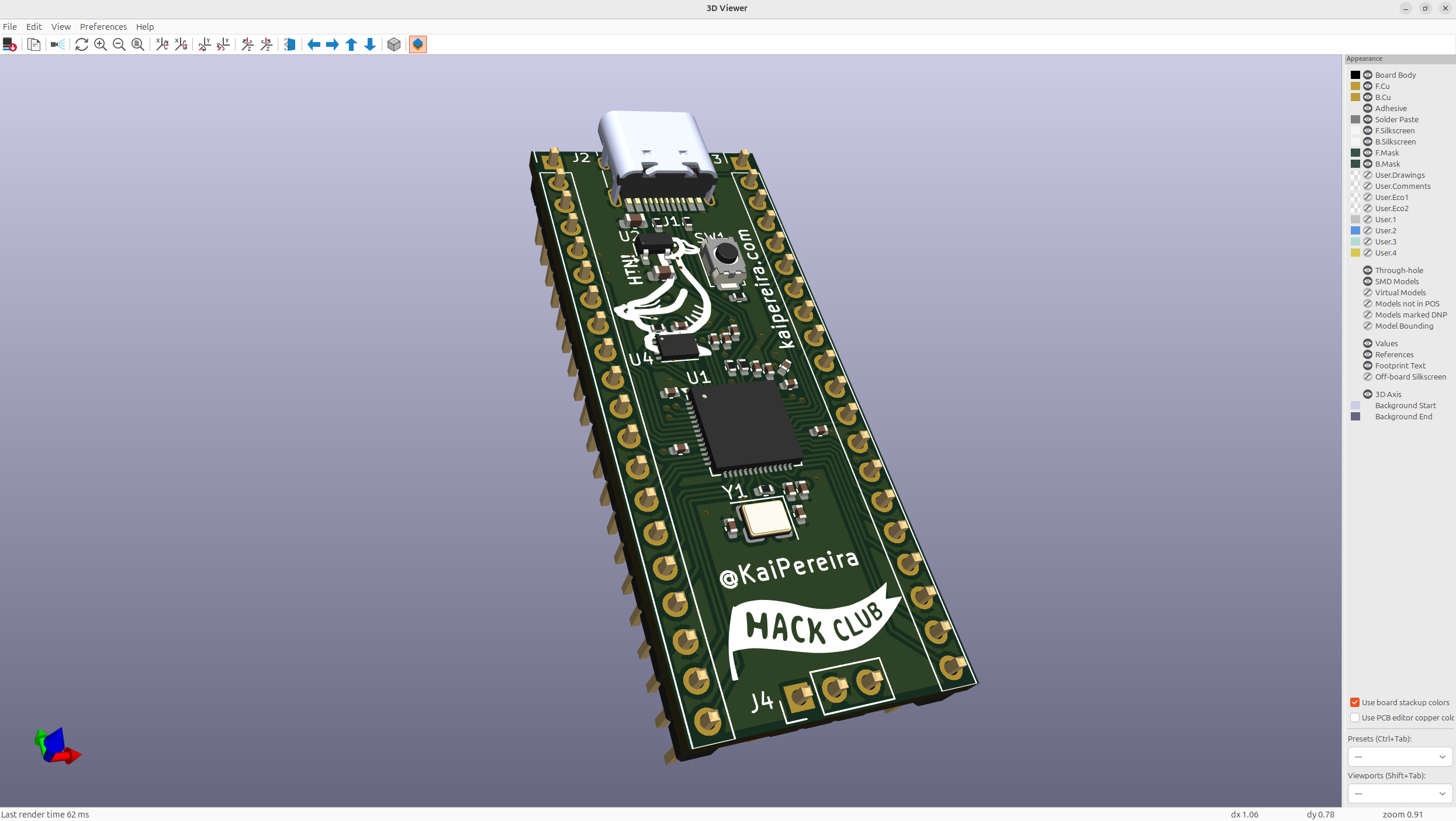
Tutorial: Designing and Building a Custom RP2040 Development Board
This is a comprehensive tutorial on designing and building a custom RP2040 development board (similar to Raspberry Pi Pico). The article pro
Understanding the Creation Process of Game Boy Cartridges
The article discusses the author's journey of creating a Game Boy cartridge from scratch, exploring how they work and utilizing the RP2040 m
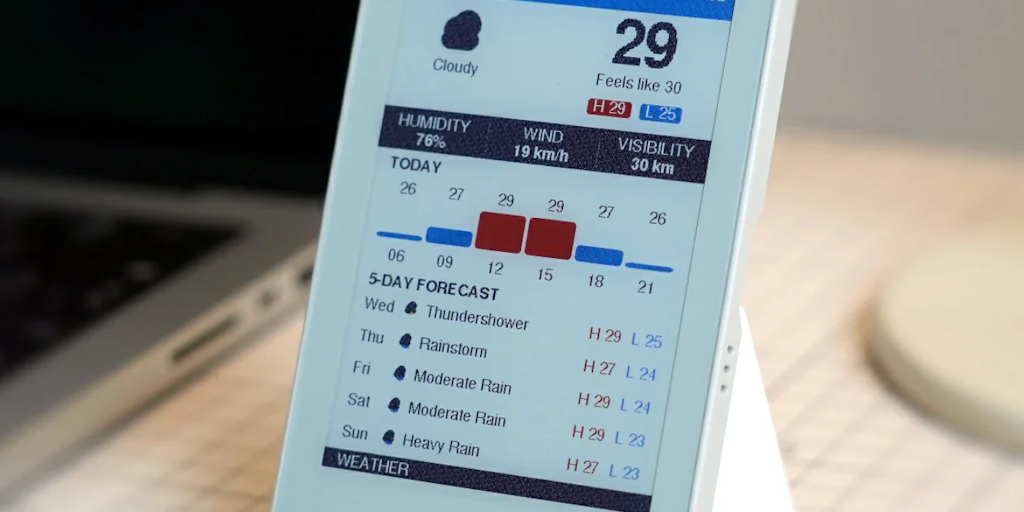
M5Stack PaperColor: A 4-inch color E Ink dev board with ESP32-S3 and audio I/O
M5Stack has released the PaperColor, a developer-ready gadget featuring a 4-inch color E Ink display (Spectra 6 panel), ESP32-S3 microcontro
 Product Hunt·1mo ago
Comments
Sign in to join the conversation.
No comments yet. Be the first.