





















How to Use Your Laptop as an HDMI Monitor for Single Board Computers
By
hasheddan

Hot, fresh, and worth queueing round the block for.
Summary
This article provides a technical guide on using a laptop as an HDMI monitor for single board computers (SBCs) like Raspberry Pi. The author explains that while they typically use headless mode for SBC setup, sometimes direct physical access with a monitor is needed. The article covers the technical requirements and methods for repurposing a laptop display to serve as an external monitor for SBCs, offering a practical solution for developers and hobbyists working with embedded systems.
Key quotes
· 3 pulledThough I spend the majority of my time working with microcontroller class devices, I also have an embarassingly robust collection of single board computers (SBC)
Typically when setting up these devices for whatever automation task I have planned for them, I'll use 'headless mode'
However, sometimes direct physical access to the SBC with a monitor is necessary
You might also wanna read


Building an Analogue TV Transmitter with STM32G431 Microcontroller
The article describes a personal project to create an analogue TV transmitter using an STM32G431 microcontroller. The author, who has an obs

BreezyBox Demo: ESP32-S3 Microcontroller as Tiny Instant-On PC with Shell and Apps
This article presents BreezyBox, a mini-shell component for ESP32-S3 microcontrollers that transforms them into tiny instant-on PCs with she
 github.com·3mo ago
Generating VGA Signals with Hubris OS on ST Nucleo Board
A developer describes their project of creating VGA signal output using a ST Nucleo-H753ZI evaluation board running Hubris, Oxide's embedded
wolfCOSE: A Lightweight COSE + CBOR Library for Embedded Systems with PQC and FIPS 140-3 Support
wolfCOSE is a lightweight C library implementing CBOR (RFC 8949) and COSE (RFC 9052/9053) for embedded systems, using wolfSSL as the crypto
github.com·1d ago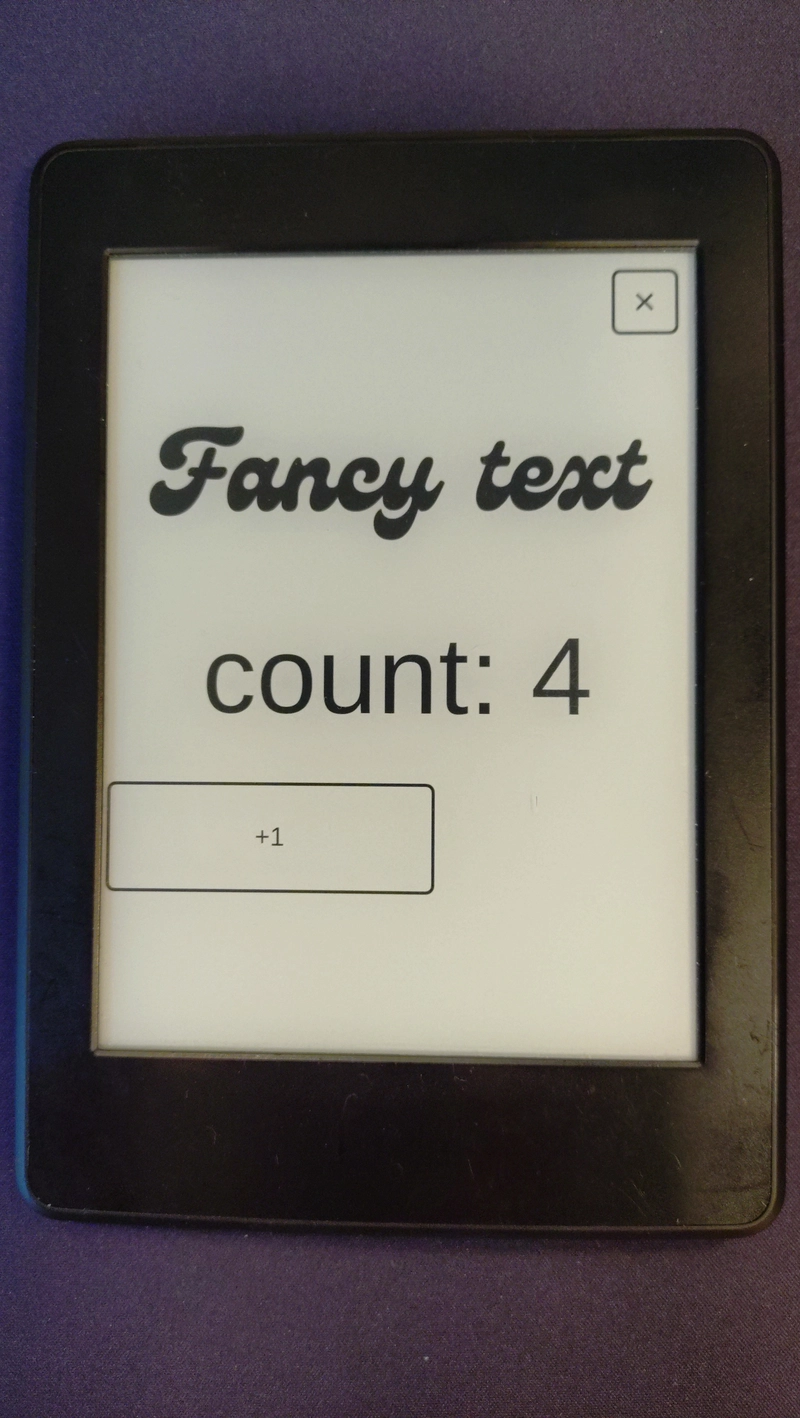
Running Rust and Slint on a Jailbroken Kindle Paperwhite
A developer jailbreaks their 7th generation Kindle Paperwhite to use it as a nightstand clock, then explores running Rust (and Slint) on the
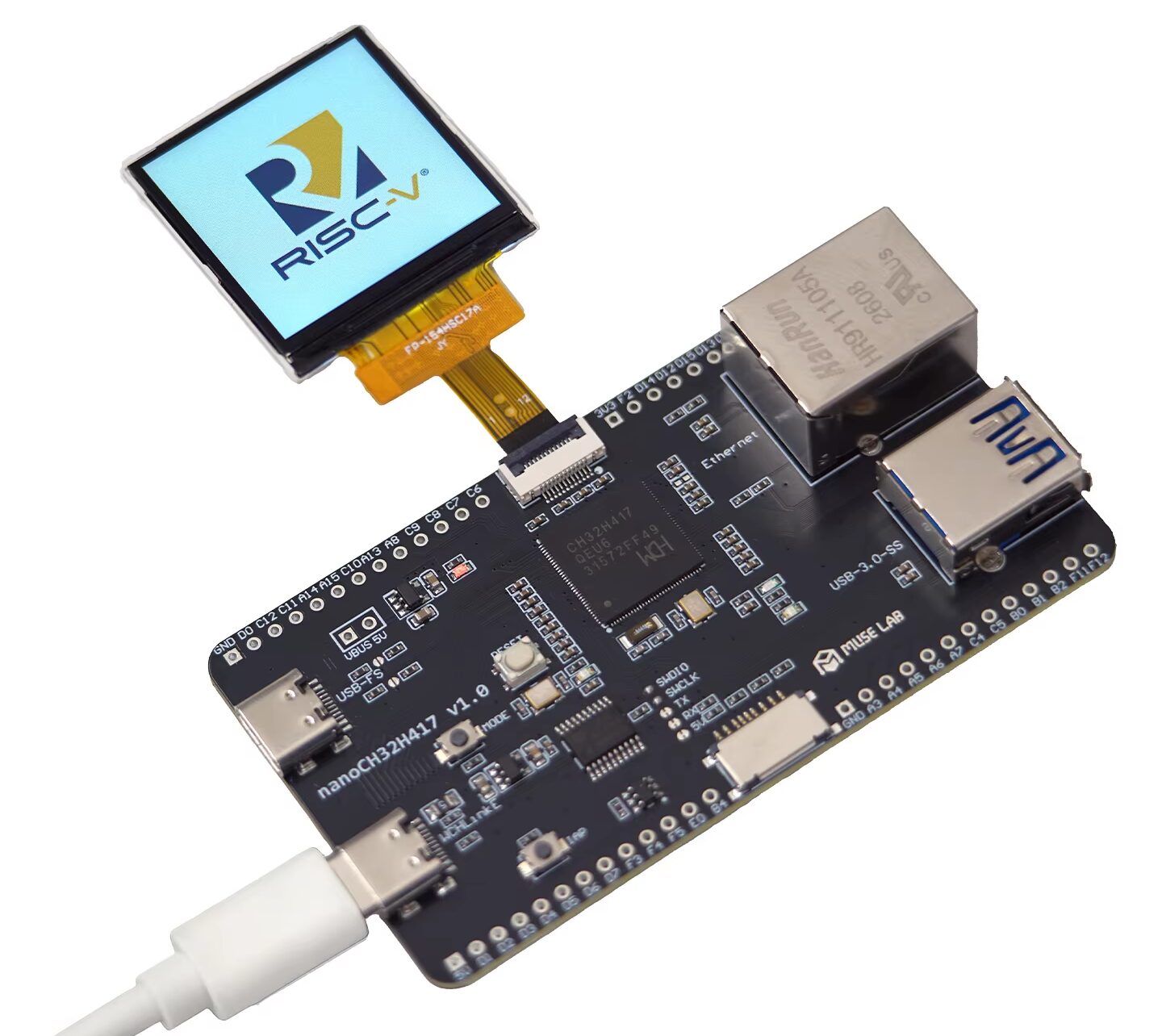
MuseLab nanoCH32H417: $17 RISC-V MCU Board with USB 3.0 and Fast Ethernet
MuseLab has released the nanoCH32H417, a third-party development board for the WCH CH32H417 dual-core RISC-V MCU. Priced at $17, the board f
 cnx-software.com·5d ago