
























Golden Gate beta 3 -- drive icons increase in size when clicked+dragged
From the article
Just installed the Golden Gate developer beta 3 on my experimental external drive (SSD). Immediately noticed something when I tried to drag a drive volume icon to relocate it on the desktop: When you click on the item and begin the drag it, the icon INCREASES in size. It "swells up". "Let go" of it, and it shrinks back down to normal size. I don't recall ever seeing this behavior of volume icons in the finder before. Has anyone else noticed this? Is there a way to turn this 'feature' off ??
Continue reading on MacRumorsYou might also wanna read


Apple Removes Controversial Menu Icons in MacOS 27 Golden Gate, Signaling Design Reset
The article celebrates Apple's decision to remove the controversial icons from menu items in MacOS 27 Golden Gate, which were introduced in
 daringfireball.net·27d ago
macOS 27 Golden Gate Announced with Performance-Focused Improvements
Apple announced macOS 27 Golden Gate, focusing on performance improvements and underlying technology enhancements similar to Mac OS X Snow L
mjtsai.com·26d ago
macOS 27 Golden Gate adds these new wallpapers and screen savers to your Mac
9to5mac.com·2d ago
Sorry, macOS Tahoe Beta 2 Still Does the Finder Icon Dirty
512pixels.net·1y ago
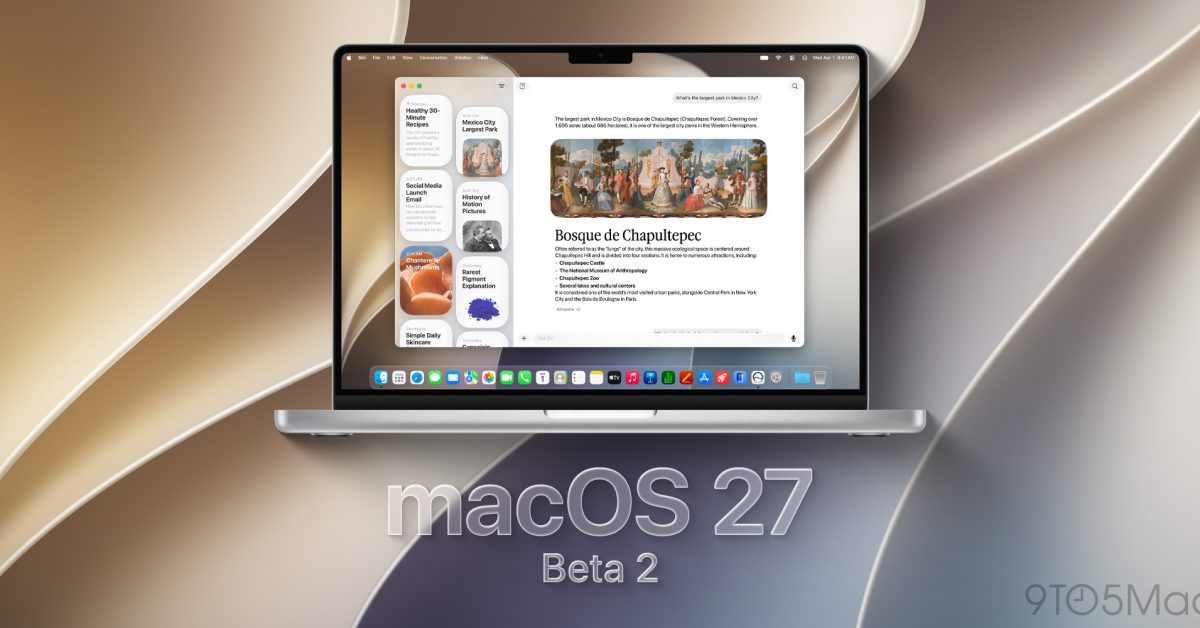
Apple releases macOS 27 Golden Gate developer beta 2 with Liquid Glass improvements
Apple has released the second developer beta of macOS 27 Golden Gate, following the initial beta rollout after WWDC. The update introduces i
 9to5mac.com·16d ago
MacOS Golden Gate 27 Beta 3 Available to Download
OS X Daily·2d ago
Comments
Sign in to join the conversation.
No comments yet. Be the first.