
























Cores: A lightweight Windows app for visualizing CPU core states in real time
Summary
Cores is a lightweight Windows utility that displays CPU core states (busy, idle, or thermally throttled) in real-time using a simple, borderless window with color-coded squares representing each physical core. The app updates five times per second, persists its window position in the registry, and can be exited by pressing ESC.
Source

 bskyCores: A lightweight Windows app for visualizing CPU core states in real timegithub.com
Key quotes
· 3 pulledCores is a Windows app to show CPU core states: busy, idle, or thermally throttled.
Cores updates its state five times a second. Core states can change in nanoseconds, so what you see is really just a snapshot.
Each physical core in your CPU is represented by a square. Each square is filled with a color.
You might also wanna read

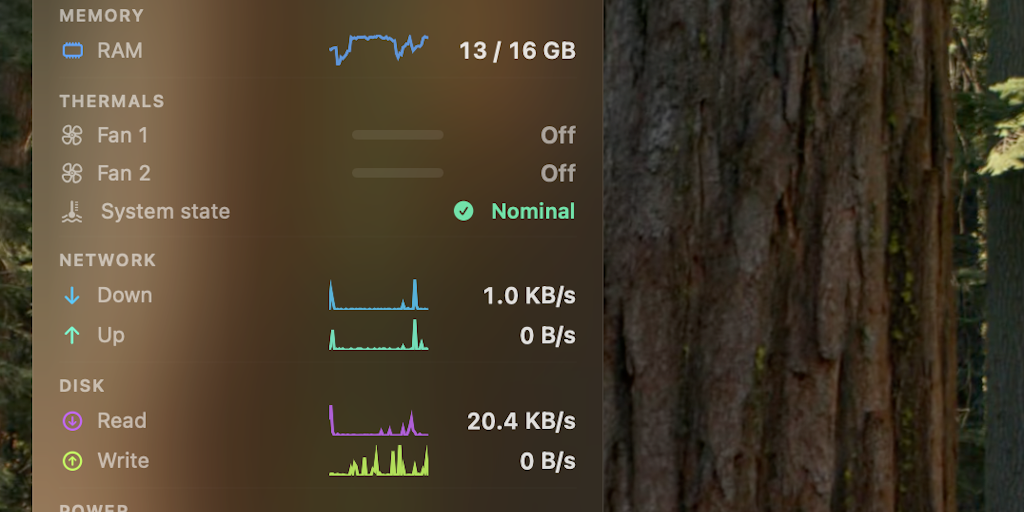
StatusStats: Mac Menu Bar System Monitoring Tool
StatusStats is a Mac utility that displays system metrics (CPU, GPU, memory, thermals, fans, network, power, storage, and battery) in a comp
 Product Hunt·3mo ago
CPU-X: System Profiling and Monitoring Application for GNU/Linux and FreeBSD
CPU-X is a system profiling and monitoring application for GNU/Linux and FreeBSD that gathers information on CPU, motherboard, memory, syste
thetumultuousunicornofdarkness.github.io·1y ago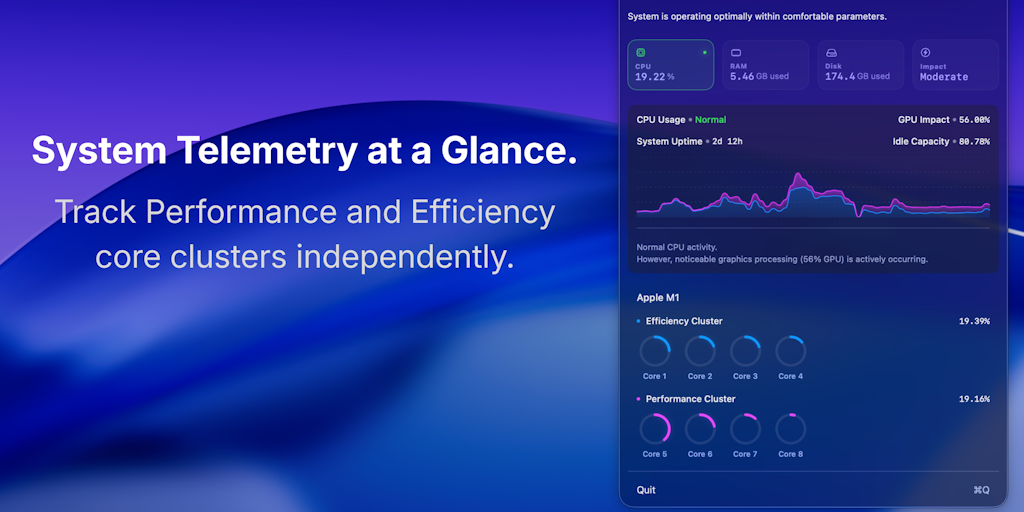
ActiveStat: macOS Menu Bar Performance Monitoring Tool for Apple Silicon
ActiveStat is a macOS menu bar application that provides real-time performance monitoring for CPU, memory, disk activity, and energy impact.
Product Hunt·3mo ago
Native macOS App Transforms System Stats into Interactive 3D Desktop Visuals
A native macOS application that transforms system performance statistics into interactive 3D animated objects on the desktop. The app monito
Product Hunt·2mo ago
Optimizing C Software Performance with Dynamic CPU Feature Detection
The article discusses techniques for optimizing C software performance through dynamic feature detection, focusing on x86-64 processors. It
gist.github.com·4mo ago
Arm's Cortex X925 CPU Core: Achieving Desktop Performance Levels
Arm's Cortex X925 represents a significant leap in Arm's high-performance CPU core design, targeting desktop and laptop performance levels t
 chipsandcheese.com·4mo ago
Comments
Sign in to join the conversation.
No comments yet. Be the first.