
























Gateway, Data Loss Prevention - Configure how sensitive data appears in DLP payload logs
2mo ago
Source
CloudflareGateway, Data Loss Prevention - Configure how sensitive data appears in DLP payload logscloudflare.comYou can now configure how sensitive data matches are displayed in your DLP payload match logs — giving your incident response team the context they need to validate alerts without compromising your security posture. To get started, go to the Cloudflare dashboard , select Zero Trust > Data loss prevention > DLP settings and find the Payload log masking card. Previously, all DLP payload logs used a single masking mode that obscured matched data entirely and hid the original character count, making it difficult to distinguish true positives from false positives. This update introduces three options: Full Mask (default): Masks the match while preserving character count and visual formatting (for example, ***-**-**** for a Social Security Number). This is an improvement over the previous default, which did not preserve character count. Partial Mask: Reveals 25% of the matched content while masking the remainder (for example, ***-**-6789 ). Clear Text: Stores the full, unmasked violation for deep investigation (for example, 123-45-6789 ). Important: The masking level you select is applied at detection time, before the payload is encrypted. This means the chosen format is what your team will see after decrypting the log with your private key — the existing encryption workflow is unchanged. Applies to all enabled detections: When a masking level other than Full Mask is selected, it applies to all sensitive data matches found within a payload window — not just the match that triggered the policy. Any data matched by your enabled DLP detection entries will be masked at the selected level. For more information, refer to DLP logging options .
You might also wanna read

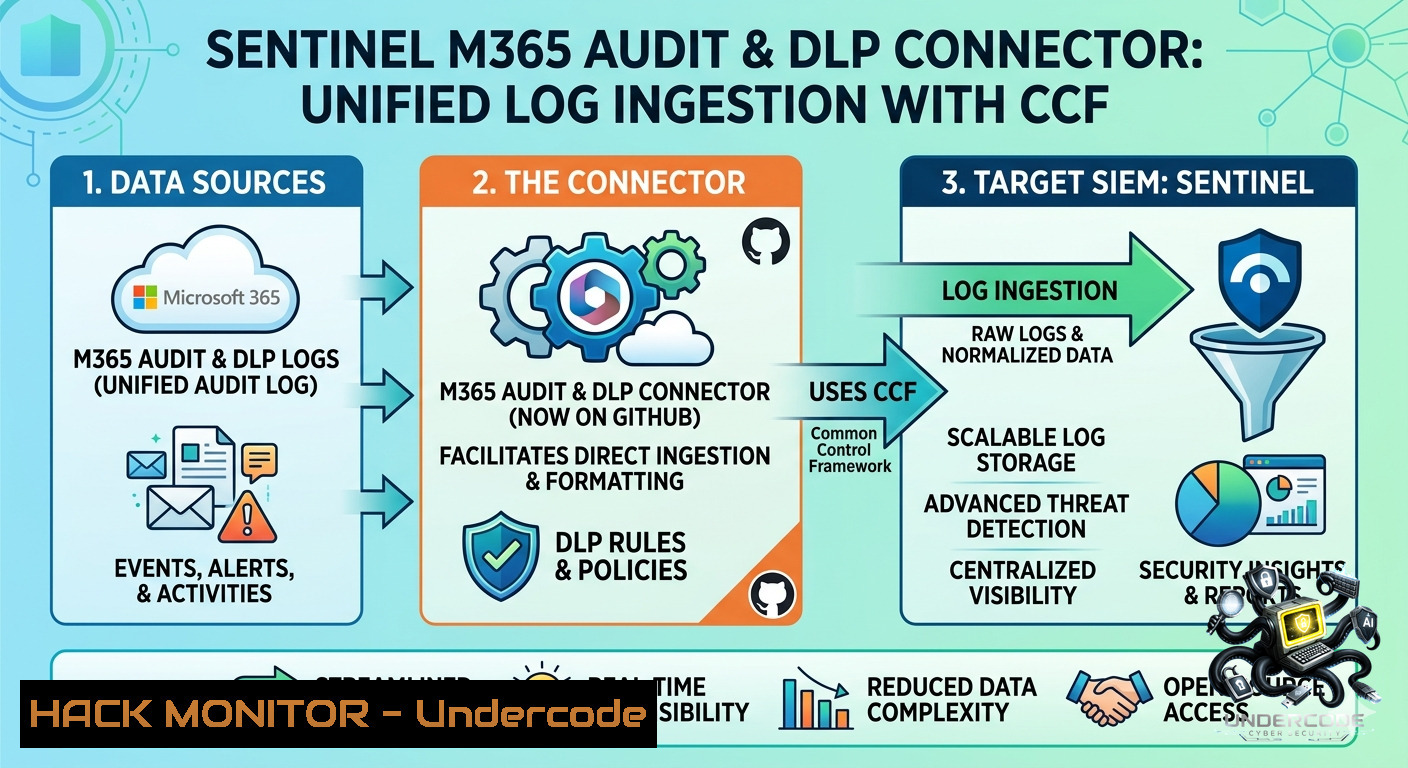
Microsoft Sentinel M365 Audit & DLP Connector Released on GitHub Using Codeless Connector Framework
Microsoft Sentinel's native connectors fail to capture critical Microsoft 365 audit events, particularly Data Loss Prevention (DLP) logs and
 undercodetesting.com·22d ago
Study Reveals Domain-Camouflaged Injection Attacks Bypass LLM Detection Systems
This research paper identifies a critical vulnerability in injection detectors used to protect LLM agents. The authors demonstrate that when
 arxiv.org·1mo ago
PrivacyFirewall: A Local AI-Powered Data Loss Prevention Solution for Browser Security
PrivacyFirewall is a local, browser-based Data Loss Prevention (DLP) solution designed to prevent sensitive data leaks to AI chatbots. It in
 github.com·6mo ago
Cloudflare expands post-quantum encryption to enterprise zero trust services
Cloudflare is rolling out post-quantum encryption for enterprise users, with approximately 35% of human-directed web traffic on its network
 cyberscoop.com·1mo ago
Comments
Sign in to join the conversation.
No comments yet. Be the first.