
























Dashboard enhancements and fixes
6mo ago
Source
MicrosoftDashboard enhancements and fixesmicrosoft.comBoolean alias formatting : Boolean values now support alias formatting, allowing users to replace "true" and "false" with custom strings. Compact global filters : Reduced the size of global filters to save space. Relative date range options : Relative date range filters now include yesterday, last week, last month, and last year. Filter widget background fix : Fixed an issue where a gray background appeared on some filter widgets. Filter reset button fix : Fixed an issue where the "Reset to default" button appeared on the active filter bar when all filters showed default values. Custom chart labels : You can now choose a custom field for chart labels. See Value labels . Sortable filter dropdown options : Authors can now sort filter dropdown options by another field. Multi-select filter paste : Viewers can now copy a column of values from a spreadsheet and paste them into a multi-select filter. Chart tooltip overflow indicator : Chart tooltips with many series now indicate when there are more series. Axis label spacing fix : Fixed an issue where long axis labels took up too much plotting area. Agent-created widget consistency : Agent-created widgets now work consistently across edit and published dashboards. Mark label angle fix : Fixed mark label angle for charts with multiple Y axes without an X axis.
You might also wanna read


Google Sheets gets a key visual improvement for data nerds
Android Authority·1d ago

Drop-Down Menu Guide: Design, UX, Accessibility, and Implementation for Better Data Quality
This article discusses the problem of inconsistent data entry in spreadsheets (e.g., the same customer name entered in different formats) wh
 electe.net·12d ago
Log Explorer - Fixed custom SQL date picker inconsistencies
Cloudflare·7mo ago
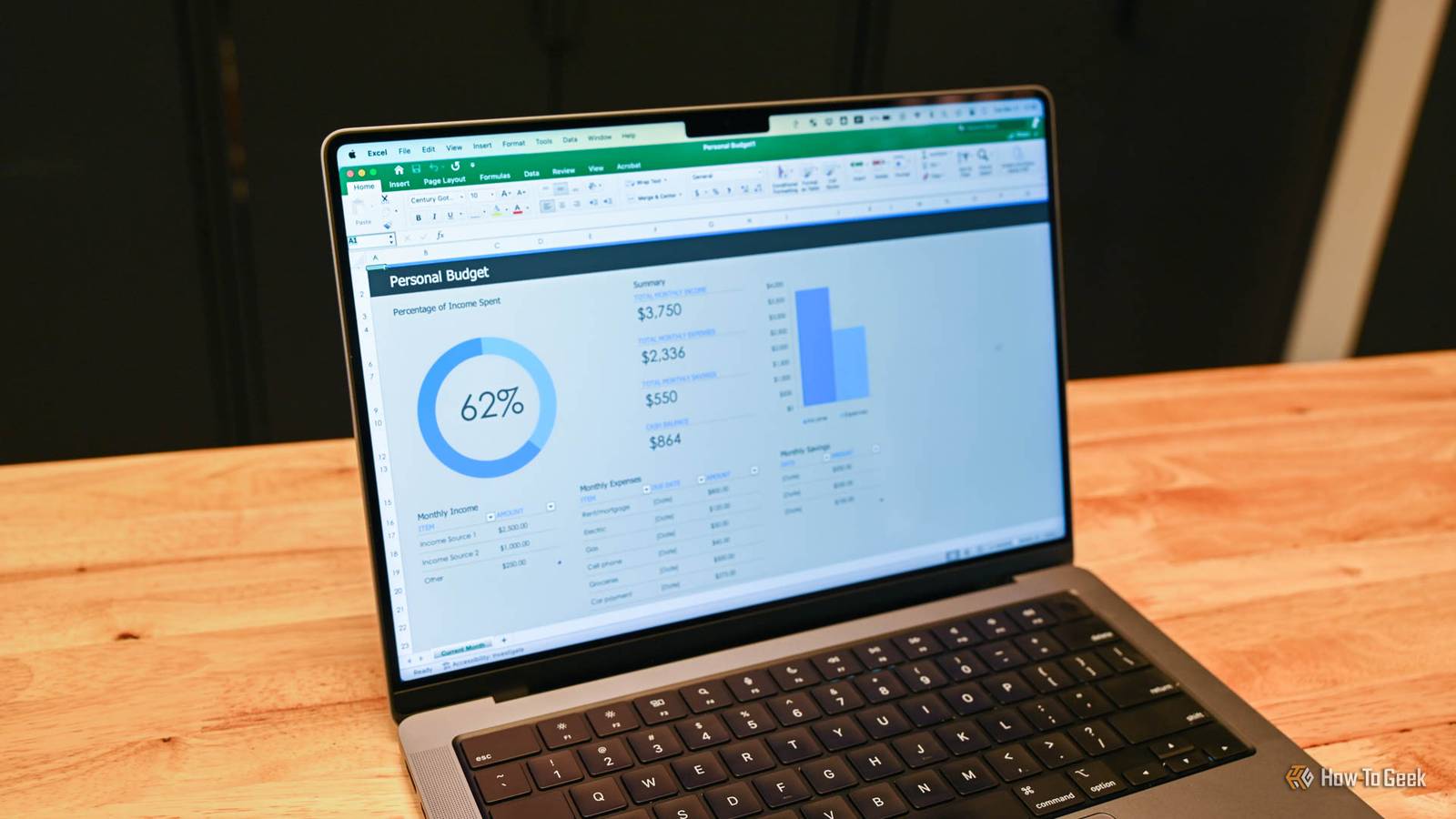
6 Microsoft Excel features that dramatically speed up spreadsheet creation
This article highlights six powerful but lesser-known Microsoft Excel features that can dramatically speed up spreadsheet creation and make
 ift.tt·1mo ago
Workers - Visualize data, share links, and create exports with the new Workers Observability dashboard
Cloudflare·4mo ago
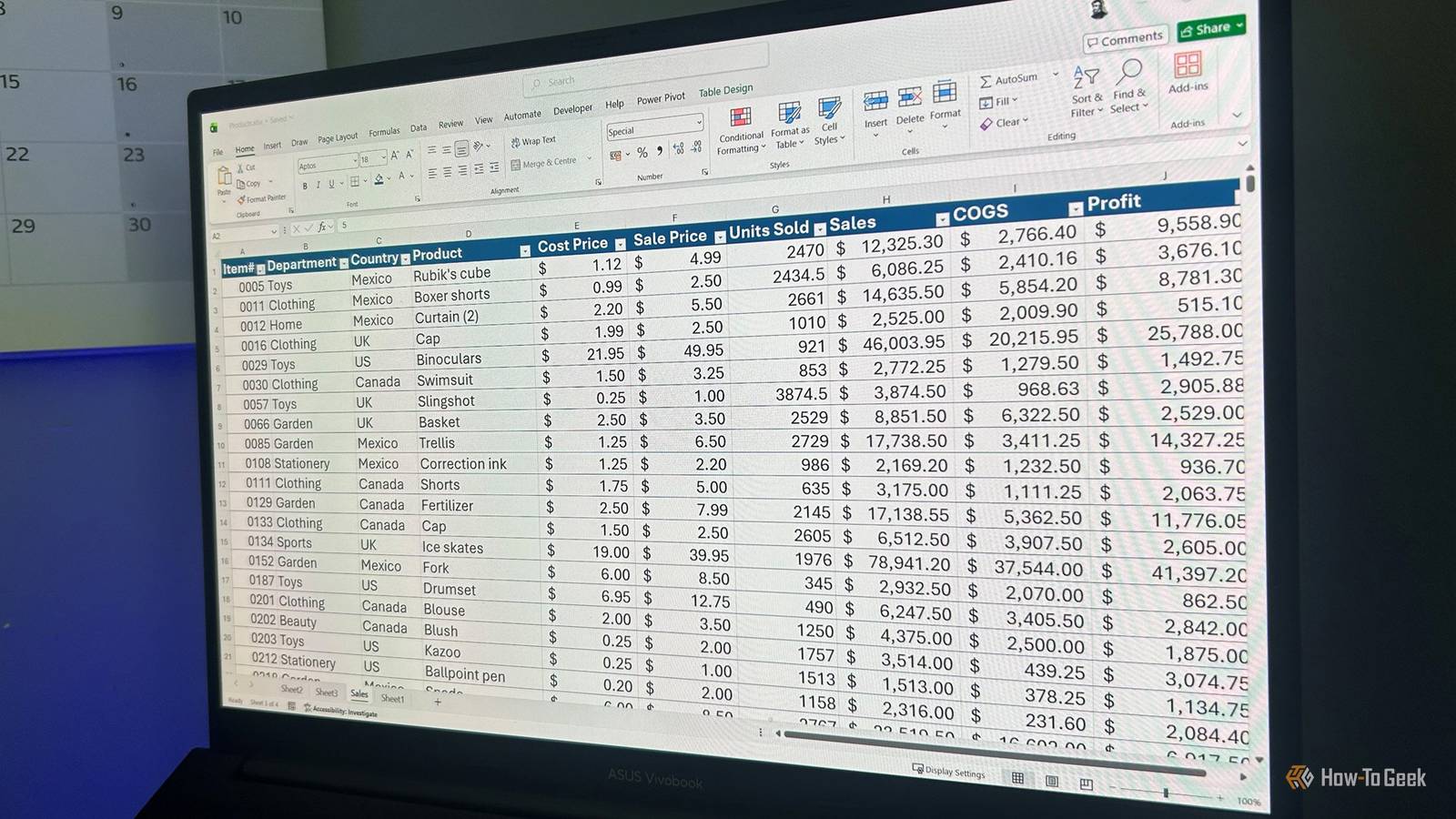
A practical guide to dynamic array functions in Microsoft Excel
This article provides a comprehensive guide on using dynamic array functions in Microsoft Excel, including FILTER, SORTBY, UNIQUE, XLOOKUP,
 howtogeek.com·1mo ago
Comments
Sign in to join the conversation.
No comments yet. Be the first.