





















A practical guide to dynamic array functions in Microsoft Excel
By
Tony Phillips

Baker's choice. Dense with flavour, light on filler.
Summary
This article provides a comprehensive guide on using dynamic array functions in Microsoft Excel, including FILTER, SORTBY, UNIQUE, XLOOKUP, and VSTACK. It explains how these functions transform static spreadsheets into real-time, interactive data systems by automatically spilling results across multiple cells. The guide covers practical use cases, syntax, and combinations of these functions to build dynamic dashboards and reporting tools without manual intervention.
Key quotes
· 5 pulledDynamic array functions fundamentally change how Excel formulas work, allowing a single formula to return multiple values that automatically spill into adjacent cells.
With FILTER, you can extract exactly the data you need based on conditions, and the results update automatically when your source data changes.
Combining UNIQUE with SORTBY creates a powerful one-two punch for generating sorted lists of distinct values without any manual effort.
XLOOKUP is the modern replacement for VLOOKUP and HLOOKUP, offering more flexibility and fewer limitations.
VSTACK allows you to vertically combine multiple ranges into a single dynamic array, perfect for consolidating data from different sheets.
You might also wanna read


Understanding Arrays and Tables as Functions in Programming
The article explores the concept of arrays and tables in programming, presenting a mental model that explains APL-style multidimensional arr
 buttondown.com·10mo ago
Sheet0 Launches YOLO Mode: Automated Data Gathering and Analysis for Spreadsheets
Sheet0 introduces a 'YOLO mode' for spreadsheets that allows users to ask questions, list sources, and automatically gather, clean, and orga
 Product Hunt·7mo ago
The Enduring Power of Pivot Tables in Modern Business Intelligence
This article explores the enduring relevance and modern resurgence of pivot tables in business intelligence. Despite the rise of AI and adva
 rilldata.com·7mo ago
QuickSheet: A Free Menu Bar Spreadsheet App for Mac with Real Formulas and Excel Compatibility
QuickSheet is a free, lightweight spreadsheet app that lives in your Mac's menu bar, allowing instant creation and editing of spreadsheets w
Product Hunt·20d ago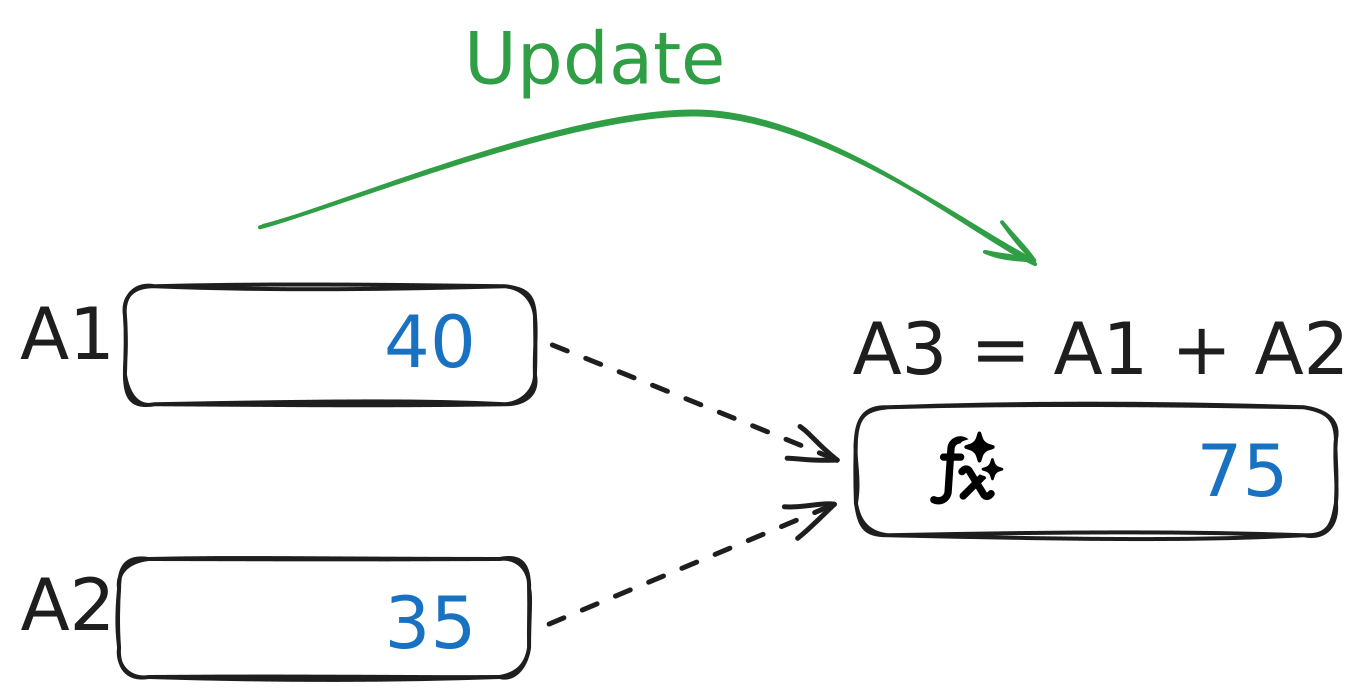
Exploring Bidirectional Spreadsheets: When Formulas Update Both Forward and Backward
The article explores the concept of a 'bidirectional spreadsheet' where formulas can update both forward (changing inputs updates outputs) a

Microsoft Excel Testing AI-Powered Copilot Function for Automated Spreadsheet Tasks
Microsoft Excel is testing a new AI-powered "COPILOT" function that can automatically fill spreadsheet cells using natural language prompts.
 The Verge·9mo ago