
























How to use custom agents in GitHub Copilot CLI to turn one-off prompts into team workflows
By
Jacklyn Carroll
Summary
This article explains how developers can use custom agents in GitHub Copilot CLI to move beyond one-off terminal prompts. It describes how custom agents allow the CLI tool to understand a team's specific stack, standards, and workflows — turning ad-hoc commands into repeatable, reviewable processes. The piece addresses common CLI friction points like re-running commands, re-explaining context, and translating logs, and positions custom agents as a solution for streamlining team-based terminal work.
Source
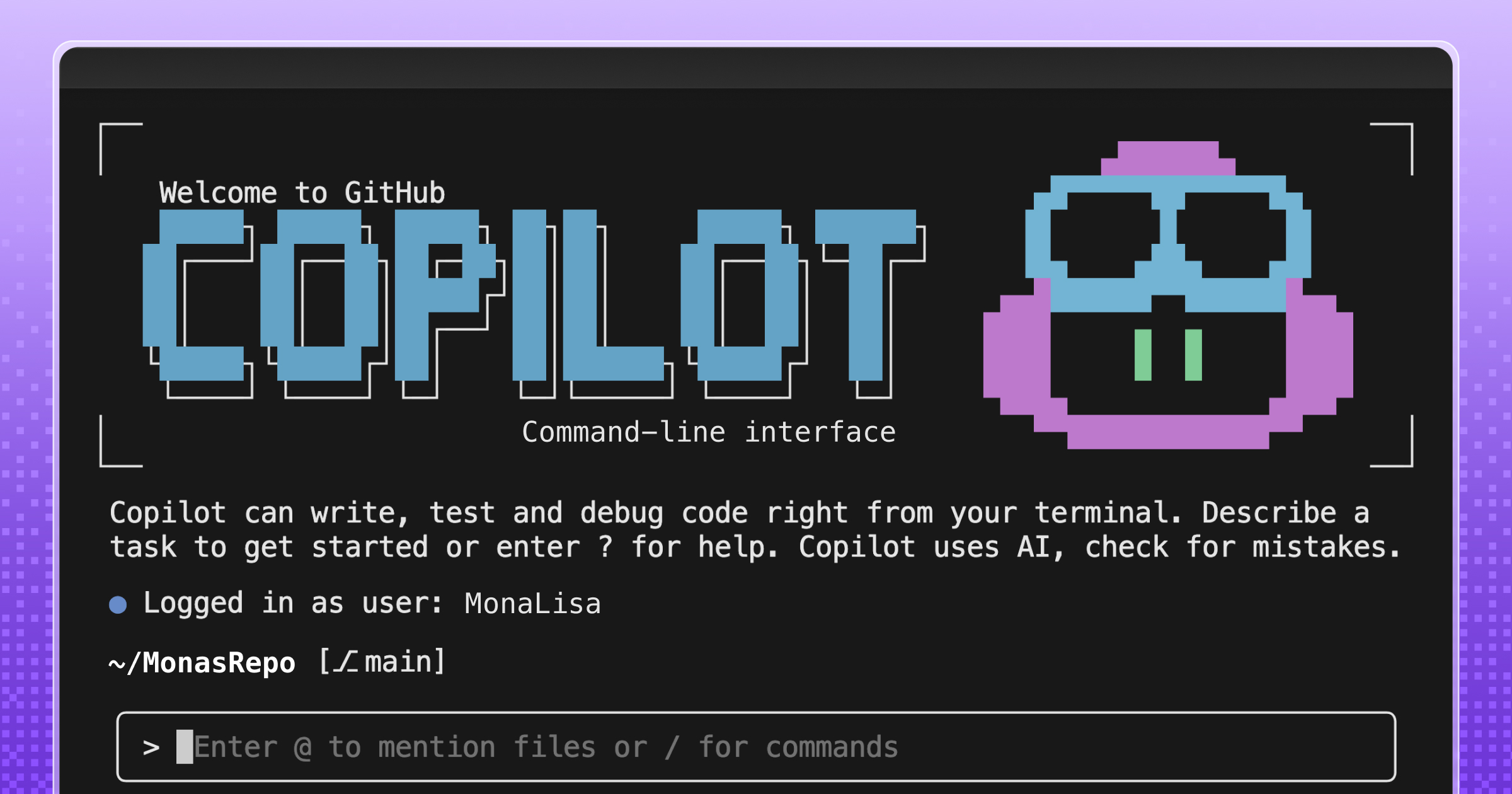
 Twitter / XHow to use custom agents in GitHub Copilot CLI to turn one-off prompts into team workflowsgithub.blog
Key quotes
· 3 pulledTools like the GitHub Copilot CLI already make this easier. You can generate commands, debug issues, and move quicker without leaving the terminal.
The CLI can still accumulate friction: re-running the same commands, re-explaining context, or translating logs for your team into something they can act on.
Custom agents let GitHub Copilot CLI understand your stack and team workflows, turning one-off terminal prompts into repeatable, reviewable processes.
You might also wanna read


GitHub Launches "Agent HQ" Platform for Multiple AI Coding Assistants
GitHub is launching "Agent HQ," a new platform that will give developers access to multiple AI coding agents beyond just GitHub Copilot. The
 The Verge·8mo ago
GitHub launches Copilot desktop app for managing AI coding agents at Microsoft Build 2026
GitHub launched the Copilot app at Microsoft Build 2026, a desktop application that serves as a dedicated workspace for managing AI coding a
 helpnetsecurity.com·26d ago
GitHub Adds Claude and Codex AI Coding Agents to Platform
GitHub is introducing Claude by Anthropic and OpenAI's Codex AI coding agents directly into its platform as part of a public preview. These
The Verge·5mo agoGitHub Copilot: A Powerful AI Tool for Debugging Code
The article explores how GitHub Copilot, an AI-powered coding assistant, can significantly streamline the debugging process for developers.
GitHub·1y ago
GitHub Agentic Workflows: Automate Repository Maintenance with AI Agents in GitHub Actions
GitHub introduces Agentic Workflows, a new feature that enables developers to automate repository maintenance using AI agents within GitHub
 github.github.io·4mo ago
GitHub Copilot: AI Peer Programming Tool for Faster Code Writing
GitHub Copilot is an AI peer programming tool that helps developers write code faster and smarter. It offers customization options and agent
github.com·1y ago
Comments
Sign in to join the conversation.
No comments yet. Be the first.