
























Cloudflare Fundamentals, Workers - Introducing Billable Usage dashboard and Budget alerts
2mo ago
Source
CloudflareCloudflare Fundamentals, Workers - Introducing Billable Usage dashboard and Budget alertscloudflare.comPay-as-you-go customers can now monitor usage-based costs and configure spend alerts through two new features: the Billable Usage dashboard and Budget alerts. Billable Usage dashboard The Billable Usage dashboard provides daily visibility into usage-based costs across your Cloudflare account. The data comes from the same system that generates your monthly invoice, so the figures match your bill. The dashboard displays: A bar chart showing daily usage charges for your billing period A sortable table breaking down usage by product, including total usage, billable usage, and cumulative costs Ability to view previous billing periods Usage data aligns to your billing cycle, not the calendar month. The total usage cost shown at the end of a completed billing period matches the usage overage charges on your corresponding invoice. To access the dashboard, go to Manage Account > Billing > Billable Usage . Budget alerts Budget alerts allow you to set dollar-based thresholds for your account-level usage spend. You receive an email notification when your projected monthly spend reaches your configured threshold, giving you proactive visibility into your bill before month-end. To configure a budget alert: Go to Manage Account > Billing > Billable Usage . Select Set Budget Alert . Enter a budget threshold amount greater than $0. Select Create . Alternatively, configure alerts via Notifications > Add > Budget Alert . You can create multiple budget alerts at different dollar amounts. The notifications system automatically deduplicates alerts if multiple thresholds trigger at the same time. Budget alerts are calculated daily based on your usage trends and fire once per billing cycle when your projected spend first crosses your threshold. Both features are available to Pay-as-you-go accounts with usage-based products (Workers, R2, Images, etc.). Enterprise contract accounts are not supported. For more information, refer to the Usage based billing documentation .
You might also wanna read


Cloudflare Workers Billing Risks: Developer Warns About Costly Overage Charges Without Usage Controls
The article discusses a developer's experience running an AI news aggregator (3mins.news) on Cloudflare Workers and the challenges with the
 news.ycombinator.com·3mo ago
Show HN: Autumn – Open-source infra over Stripe
github.com·1y ago
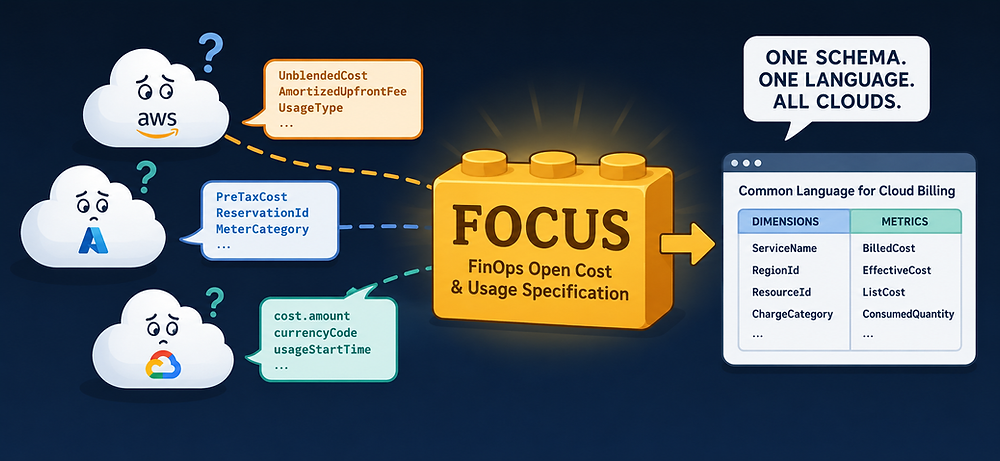
FOCUS: Solving Cloud Billing Fragmentation with a Standardized Data Format
The article discusses FOCUS (FinOps Open Cost and Usage Specification), a standardized billing data format that aims to solve the cross-clou
 shankuehn.io·20d ago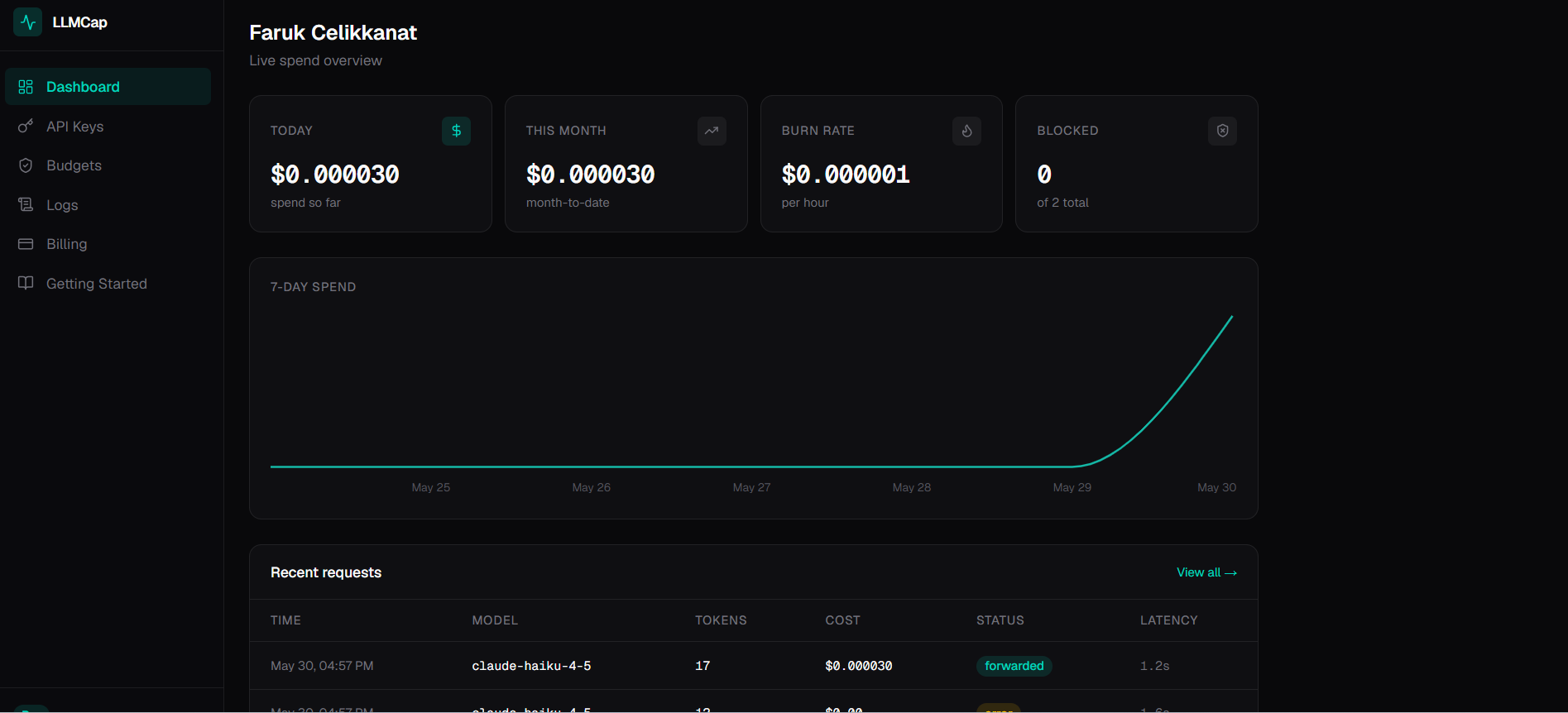
AWS Budgets' Multi-Hour Delay Fails to Catch Rapid Bedrock Cost Spikes
This article exposes a critical flaw in AWS Budgets: it can have up to an 8-hour (or more) delay in alerting users about AWS Bedrock spendin
 blog.llmcap.io·1mo ago
Users frustrated with Microsoft Azure billing system blocking payments despite high spending
The article appears to be a discussion thread about a user's frustrating experience with Microsoft Azure's billing system, where they are un
news.ycombinator.com·7mo ago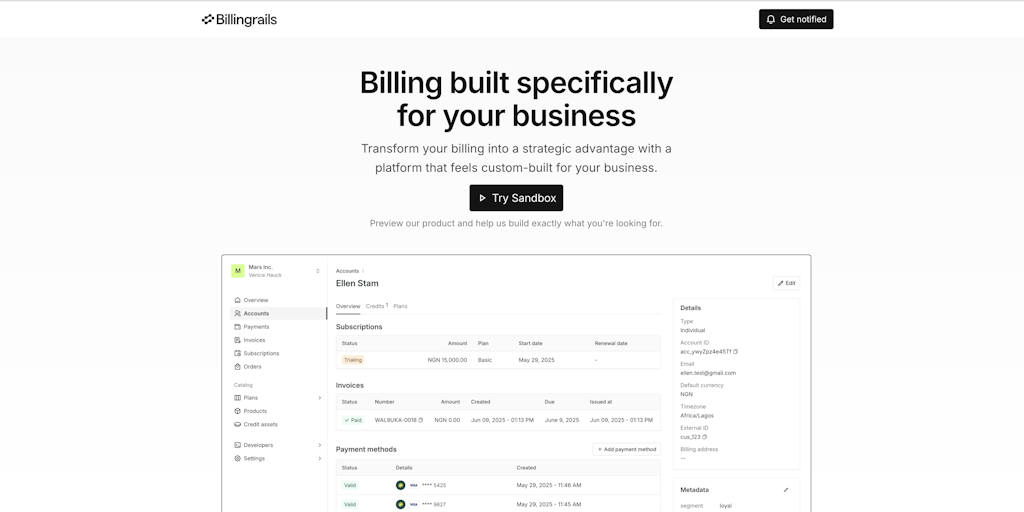
Billingrails Sandbox: Toolkit for Building Custom Billing Systems with Configuration
Billingrails launches a sandbox toolkit that enables developers to quickly build custom billing systems using configuration and events. The
 Product Hunt·1y ago
Comments
Sign in to join the conversation.
No comments yet. Be the first.