
























Browser Run - Browser Rendering adds Chrome DevTools Protocol (CDP) and MCP client support
Source
CloudflareBrowser Run - Browser Rendering adds Chrome DevTools Protocol (CDP) and MCP client supportcloudflare.comYou might also wanna read

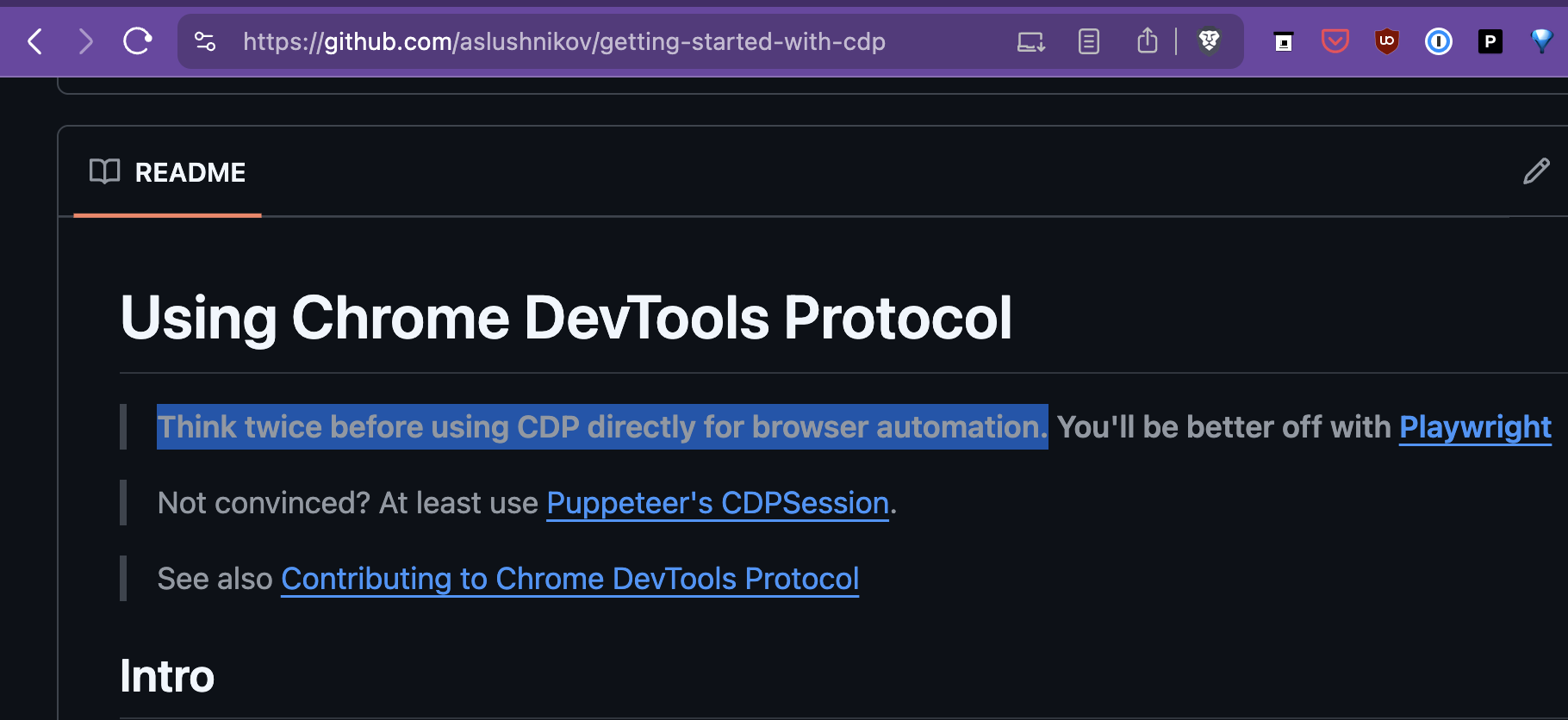
Migrating from Playwright to Chrome DevTools Protocol for Enhanced Browser Control
The article details a technical team's decision to migrate from Playwright to Chrome DevTools Protocol (CDP) for browser automation. The aut
Chrome DevTools MCP Server Update Enables Coding Agents to Debug Active Browser Sessions
Chrome DevTools MCP server now allows coding agents to directly connect to active browser sessions, enabling them to reuse existing sessions
 developer.chrome.com·3mo ago
Microsoft launches Chrome DevTools MCP for AI agent browser inspection in Edge and WebView2
Microsoft has introduced Chrome DevTools for agents (chrome-devtools-mcp), a Model-Context-Protocol (MCP) server that allows AI coding assis
Browser Harness: A lightweight CDP-based tool for LLM-driven browser automation
Browser Harness is a lightweight, self-healing browser automation tool built on Chrome DevTools Protocol (CDP) that gives LLMs direct contro
 github.com·2mo ago
Wirebrowser: A CDP-Based Runtime Instrumentation Platform for JavaScript Debugging in Chrome
Wirebrowser is a runtime instrumentation platform for browsers built on Chrome DevTools Protocol (CDP) that enables deep JavaScript debuggin
github.com·6mo ago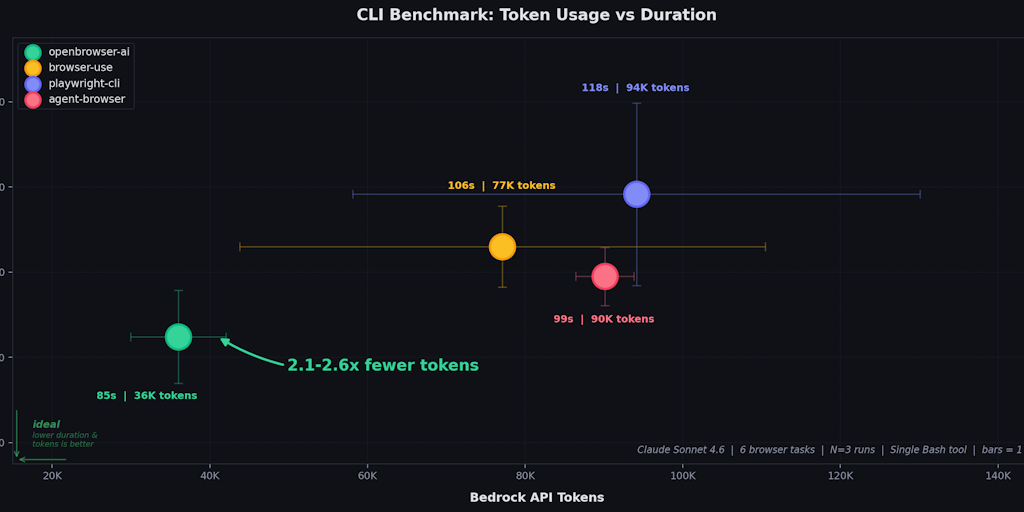
OpenBrowser-AI: Direct Browser Control for AI Agents via Chrome DevTools Protocol
OpenBrowser-AI is a tool that connects AI agents directly to web browsers using raw Chrome DevTools Protocol (CDP) without abstraction layer
 Product Hunt·2mo ago
Comments
Sign in to join the conversation.
No comments yet. Be the first.