
























Annoyed by iOS 26's Full-Screen Screenshots? Switch Back to Thumbnails in Seconds
By
Justin Meyers
1y agoen
Source
 Gadget HacksAnnoyed by iOS 26's Full-Screen Screenshots? Switch Back to Thumbnails in Secondsgadgethacks.com
With iOS 26 and iPadOS 26, Apple makes a few changes to its screenshotting tool, and you may or may not like one of them. By default, your iPhone or iPad now displays screenshots in the full-screen view. Here, you can crop and scale the image, annotate it with Markup, share it quickly, delete it, and save it to Photos, Files, or Quick Note. All of these options are available on iOS 18 and iPadOS 18, but they're presented in Apple's newly redesigned interface, which has rounded corners for controls, toolbars, and menus and some Liquid Glass elements mixed in. But if you rarely edit or share your screenshots on the spot, this new full-screen view might be more annoying than welcome. When you first take a screenshot after updating to iOS 26 or iPadOS 26 (currently in beta), the full-page view will appear, but you will also be asked if you'd like to "Switch to Thumbnail View." If you accidentally hit "Not Now" or tap somewhere else too quickly, there's still a way to revert to the temporar
You might also wanna read

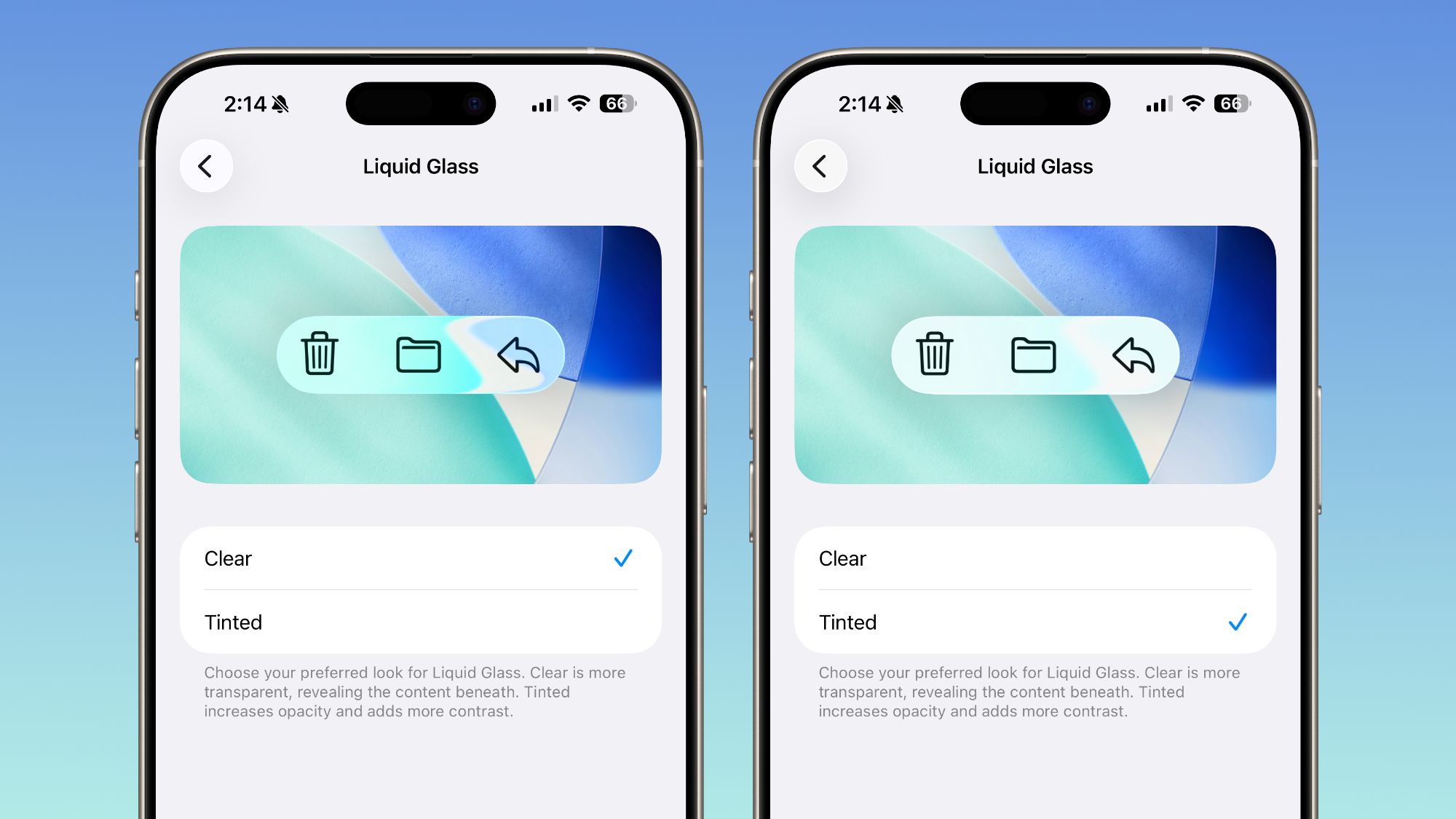
Apple Adds Liquid Glass Transparency Toggle in iOS 26.1 Beta 4
Apple has released the fourth beta versions of iOS 26.1, iPadOS 26.1, and macOS 26.1, introducing a new Liquid Glass transparency toggle tha
 macrumors.com·8mo ago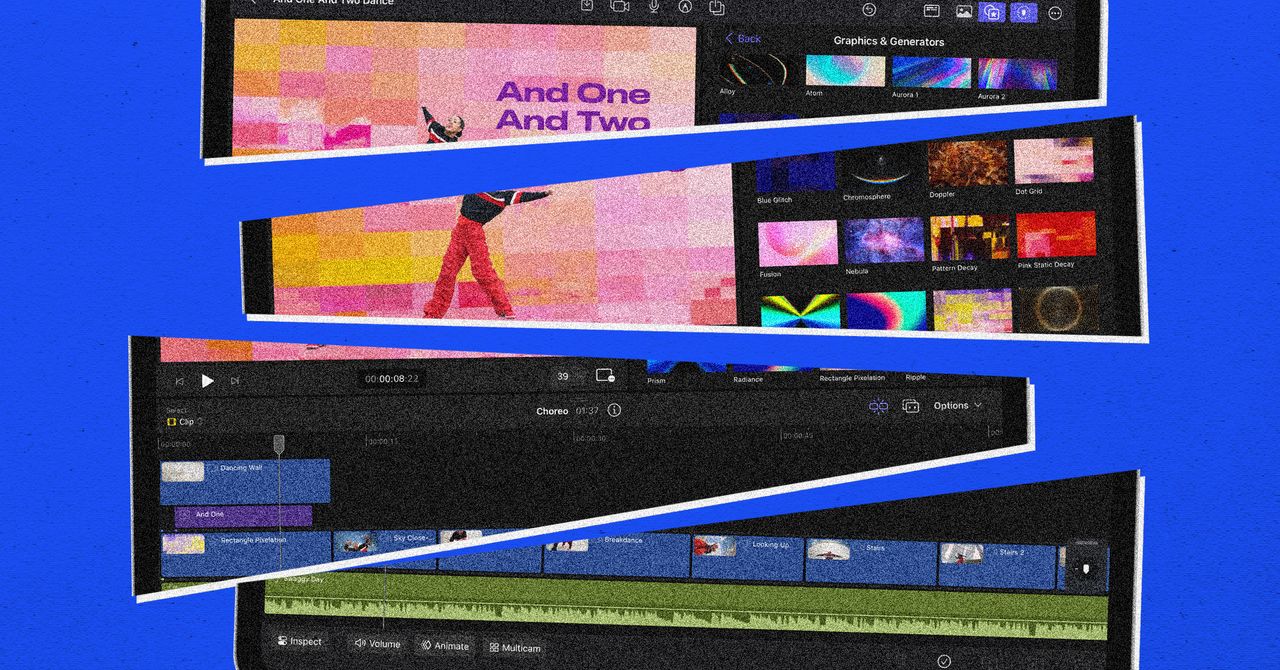
Apple's iPad Evolution: From Steve Jobs' Vision to a Touchscreen Mac
The article discusses Apple's shift in its approach to the iPad, moving away from Steve Jobs' original vision of it as a 'third category' de
 wired.com·10mo ago
Apple just rolled out a neat wallpaper trick Android users will envy
Android Authority·17h ago

iPad's Evolution Completes Rather Than Betrays Steve Jobs' Original Vision
The article argues that Apple's evolution of the iPad with iPadOS 26 features like windowed apps and multitasking does not betray Steve Jobs
 victorwynne.com·10mo ago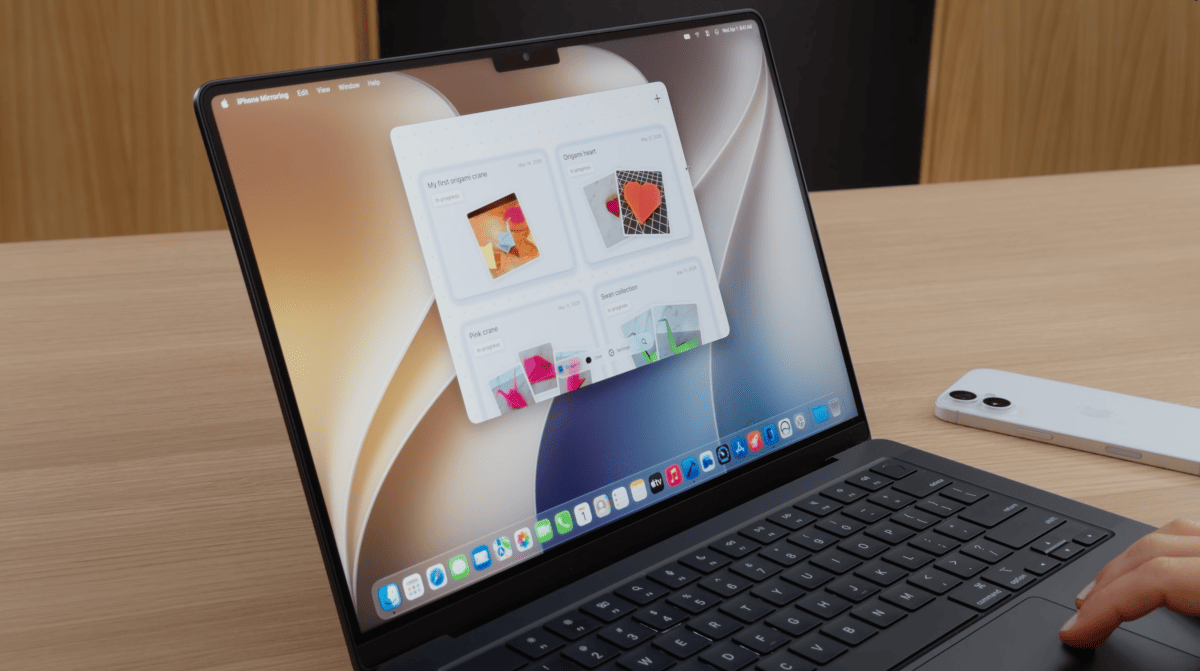
macOS 27 brings resizable windows and Control Center access to iPhone Mirroring
Apple is releasing the first major update for iPhone Mirroring with macOS 27, announced at WWDC26. The update introduces flexible window res
 heise.de·18d ago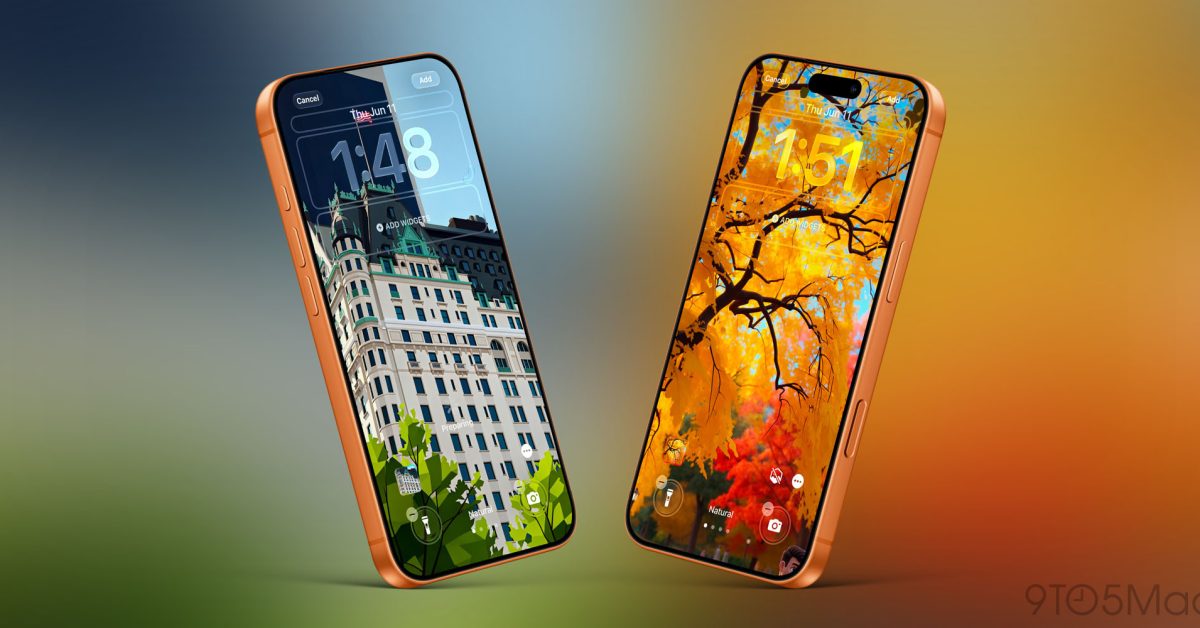
iOS 27 adds custom wallpaper creation through revamped Image Playground app
iOS 27 introduces a new feature allowing iPhone users to create custom wallpapers through an overhauled Image Playground app. The update enh
 9to5mac.com·26d ago
Comments
Sign in to join the conversation.
No comments yet. Be the first.