
























Apple Adds Liquid Glass Transparency Toggle in iOS 26.1 Beta 4
With the fourth betas of iOS 26.1, iPadOS 26.1, and macOS 26.1, Apple has introduced a new setting that's designed to allow users to customize...
Read the full articleYou might also wanna read


Still Struggling With Liquid Glass on iOS? Tone It Down With These 5 Settings
Apple's polarizing UI design isn't going anywhere, but the iOS 27 public beta gives you more control. Here's how to make Liquid Glass less t

Still Struggling With Liquid Glass on iOS? Tone It Down With These 5 Settings
Apple's polarizing UI design isn't going anywhere, but the iOS 27 public beta gives you more control. Here's how to make Liquid Glass less t

Still Struggling With Liquid Glass on iOS? Tone It Down With These 5 Settings
Apple's polarizing UI design isn't going anywhere, but the iOS 27 public beta gives you more control. Here's how to make Liquid Glass less t
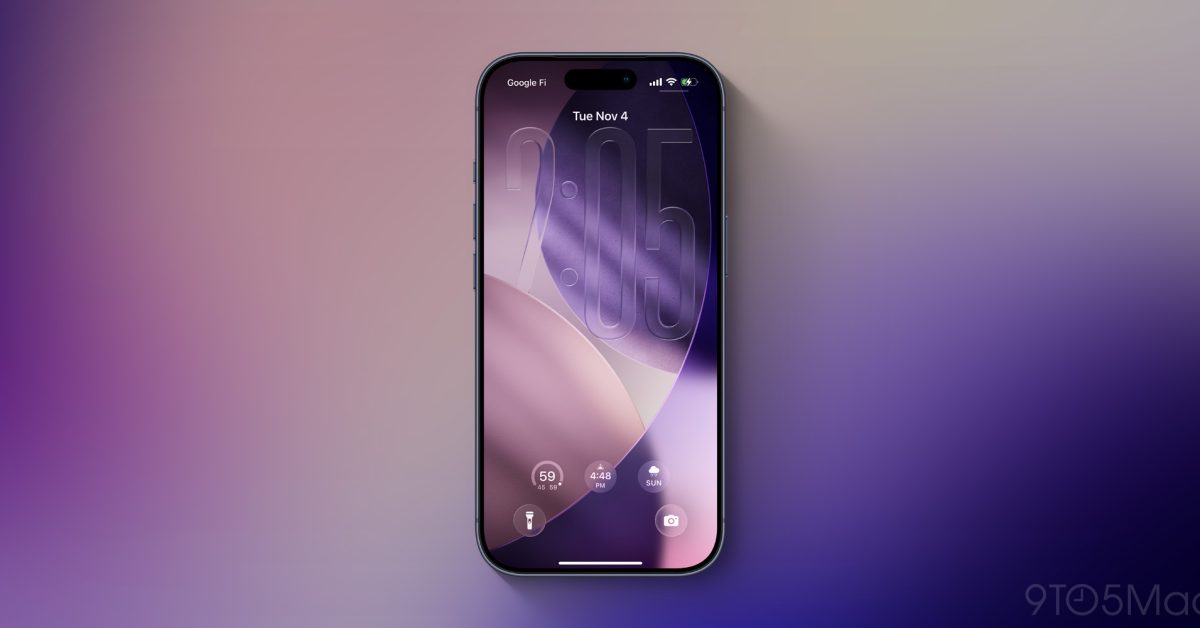
iOS 27 rumored to introduce new Liquid Glass design customization options
The next major iPhone software update, iOS 27, is rumored to bring change in two new areas related to Apple’s Liquid Glass design.
 9to5mac.com·1mo ago
What's New in iOS 26.1 Beta 4: Custom Liquid Glass & Lock Screen Fixes
iOS 26.1 Beta 4 enhances personalization with Liquid Glass customization, lock screen camera controls, and system stability improvements.

Apple Reveals iOS 26 Update with Translucent Liquid Glass Design
Apple has revealed iOS 26, its "broadest software design update ever", which features translucent buttons, expanded AI capabilities and a ga
 Dezeen·1y ago
Comments
Sign in to join the conversation.
No comments yet. Be the first.