
























Why copy-pasting errors into Claude Code slows you down
By
Robusta
Summary
The article argues that developers using Claude Code should stop manually copy-pasting error messages back into the tool, because Claude already has full context of its own work — including the code, file edits, and test results. The manual copy-paste habit slows down an otherwise fast, autonomous coding workflow. The author advocates for trusting the loop and letting Claude self-correct within its own context window.
Source
 Hacker NewsWhy copy-pasting errors into Claude Code slows you downhome.robusta.dev
Key quotes
· 4 pulledEvery time you do that, you're slowing down.
To write the code, Claude did thousands of autonomous tool calls and file edits.
It's the most gloriously fast engineering experience humanity has ever created.
And there you are in the middle of it with your pudgy fingers hitting ctrl-c, ctrl-v.
You might also wanna read


Boosting Claude Code Performance Through Automated Testing
This article discusses how to improve Claude Code's performance when programming, with the key technique being automated and more effective
 towardsdatascience.com·22d ago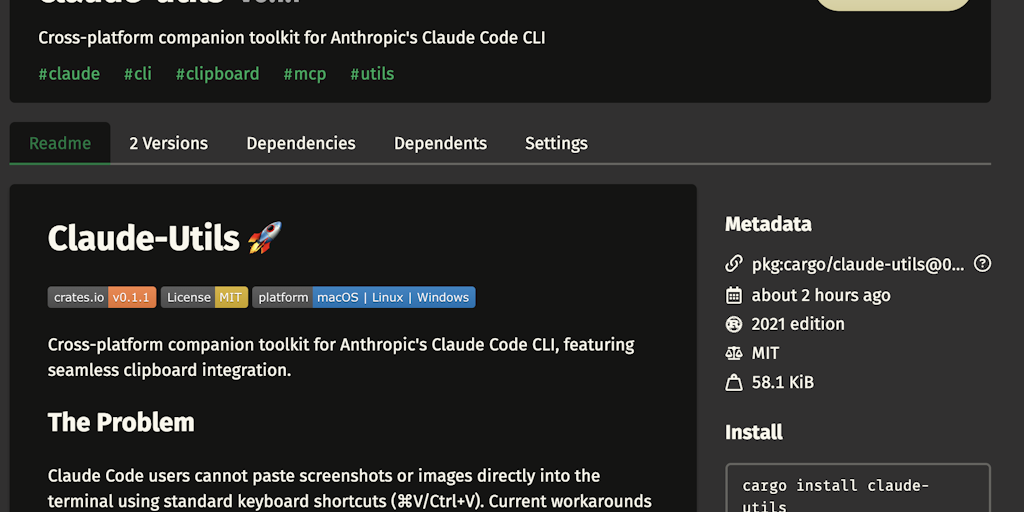
Claude-utils Simplifies Image Pasting in Claude Code
The article introduces Claude-utils, a tool that simplifies the process of pasting images into Claude Code by eliminating the need to save a
 Product Hunt·10mo ago
Why does my Claude Code go crazy like this sometimes?

How AI Changed My Software Development Workflow: From Cursor to Claude Code
The author describes a personal shift in software development workflow over the past two months, moving from using Cursor to primarily using
 lucumr.pocoo.org·22d ago
Claude Code Works Better When You Let Sessions Die

Sipcode: A context hygiene tool for Claude Code that reduces noise and improves AI response quality
Sipcode is a tool for Claude Code that improves context hygiene by capping verbose tool outputs and deduplicating same-session re-reads, all
 Product Hunt·7d ago
Comments
Sign in to join the conversation.
No comments yet. Be the first.