
























Workflows, Workers - Workflows is now Generally Available
1y ago
Source
CloudflareWorkflows, Workers - Workflows is now Generally Availablecloudflare.comWorkflows is now Generally Available (or "GA"): in short, it's ready for production workloads. Alongside marking Workflows as GA, we've introduced a number of changes during the beta period, including: A new waitForEvent API that allows a Workflow to wait for an event to occur before continuing execution. Increased concurrency: you can run up to 4,500 Workflow instances concurrently — and this will continue to grow. Improved observability, including new CPU time metrics that allow you to better understand which Workflow instances are consuming the most resources and/or contributing to your bill. Support for vitest for testing Workflows locally and in CI/CD pipelines. Workflows also supports the new increased CPU limits that apply to Workers, allowing you to run more CPU-intensive tasks (up to 5 minutes of CPU time per instance), not including the time spent waiting on network calls, AI models, or other I/O bound tasks. Human-in-the-loop The new step.waitForEvent API allows a Workflow instance to wait on events and data, enabling human-in-the-the-loop interactions, such as approving or rejecting a request, directly handling webhooks from other systems, or pushing event data to a Workflow while it's running. Because Workflows are just code, you can conditionally execute code based on the result of a waitForEvent call, and/or call waitForEvent multiple times in a single Workflow based on what the Workflow needs. For example, if you wanted to implement a human-in-the-loop approval process, you could use waitForEvent to wait for a user to approve or reject a request, and then conditionally execute code based on the result. JavaScript import { WorkflowEntrypoint , WorkflowStep , WorkflowEvent , } from "cloudflare:workers" ; export class MyWorkflow extends WorkflowEntrypoint { async run ( event , step ) { // Other steps in your Workflow let stripeEvent = await step . waitForEvent ( "receive invoice paid webhook from Stripe" , { type : "stripe-webhook" , timeout : "1 hour" }, ) ; // Rest of your Workflow } } TypeScript import { WorkflowEntrypoint , WorkflowStep , WorkflowEvent } from "cloudflare:workers" ; export class MyWorkflow extends WorkflowEntrypoint < Env , Params > { async run ( event : WorkflowEvent < Params >, step : WorkflowStep ) { // Other steps in your Workflow let stripeEvent = await step . waitForEvent < IncomingStripeWebhook > ( "receive invoice paid webhook from Stripe" , { type : "stripe-webhook" , timeout : "1 hour" } ) // Rest of your Workflow } } You can then send a Workflow an event from an external service via HTTP or from within a Worker using the Workers API for Workflows: JavaScript export default { async fetch ( req , env ) { const instanceId = new URL ( req . url ) . searchParams . get ( "instanceId" ) ; const webhookPayload = await req . json () ; let instance = await env . MY_WORKFLOW . get ( instanceId ) ; // Send our event, with `type` matching the event type defined in // our step.waitForEvent call await instance . sendEvent ( { type : "stripe-webhook" , payload : webhookPayload , } ) ; return Response . json ( { status : await instance . status () , } ) ; }, }; TypeScript export default { async fetch ( req : Request , env : Env ) { const instanceId = new URL ( req . url ) . searchParams . get ( "instanceId" ) const webhookPayload = await req . json < Payload > () let instance = await env . MY_WORKFLOW . get ( instanceId ) ; // Send our event, with `type` matching the event type defined in // our step.waitForEvent call await instance . sendEvent ( { type : "stripe-webhook" , payload : webhookPayload } ) return Response . json ( { status : await instance . status () , } ) ; }, }; Read the GA announcement blog to learn more about what landed as part of the Workflows GA.
You might also wanna read

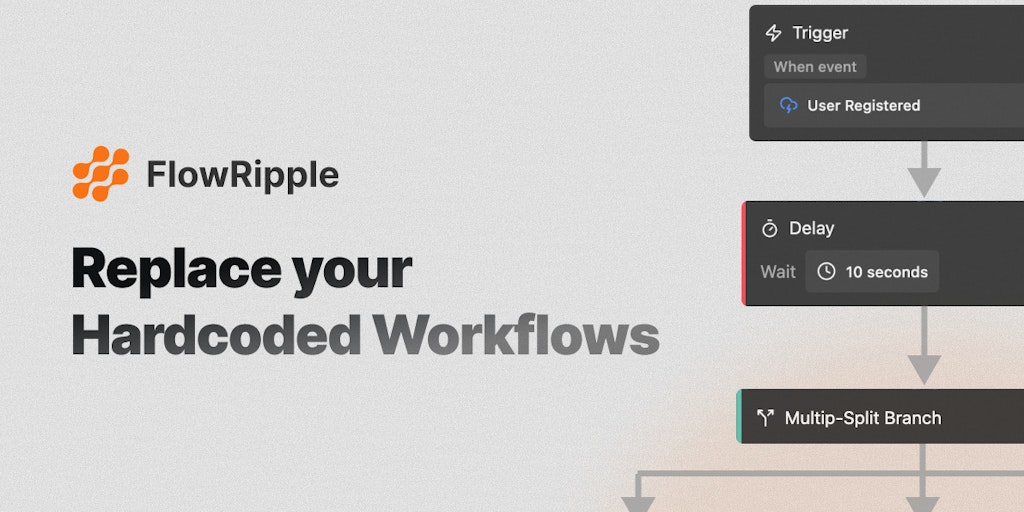
Flowripple: No-Code Workflow Automation Platform for SaaS Applications
Flowripple is a no-code workflow automation platform that enables SaaS users to trigger and manage workflows from their applications. The pl
 Product Hunt·3mo ago
The workflow is the product: Copilot Cowork plugins change what AI can do for businesses
Microsoft·4d ago
Workflow SDK: Adding Durability and Reliability to TypeScript Functions
The article introduces Workflow SDK, a tool that adds durability, reliability, and observability to asynchronous JavaScript/TypeScript funct
 useworkflow.dev·8mo ago
Nextflow: Workflow System for Data-Driven Computational Pipelines
Nextflow is a workflow system based on the dataflow programming model, simplifying the creation of parallel and distributed pipelines. It al
github.com·11mo ago
Comments
Sign in to join the conversation.
No comments yet. Be the first.