
























Workers - Local Explorer for local resource data
Source
CloudflareWorkers - Local Explorer for local resource datacloudflare.comYou might also wanna read

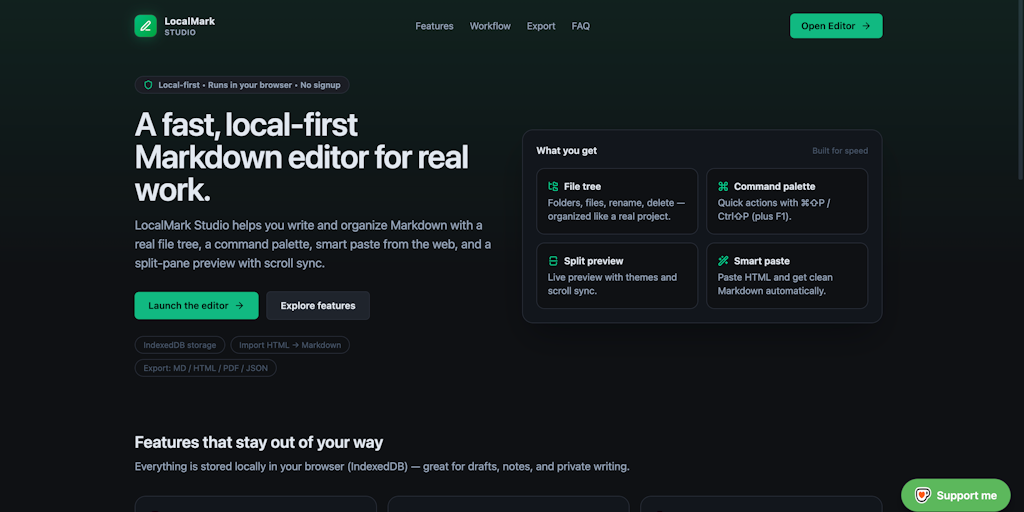
LocalMark Studio: A Local-First Markdown Editor for Browser-Based Note-Taking
LocalMark Studio is a local-first Markdown editor that prioritizes speed and privacy by storing notes locally in the browser's IndexedDB. It
 Product Hunt·5mo ago
Dadroit V Web: Browser-Based JSON Viewer for Large Files with Local Processing
Dadroit V Web is a browser-based JSON viewer that handles large files locally without uploading to servers. It allows users to open files fr
Product Hunt·3mo ago
Org-Web-Adapter: A Local Web Interface for Browsing and Editing Org Roam Notes
Org-Web-Adapter is a lightweight local web application for browsing and editing Org Roam notes. It provides a three-pane interface with edit
 github.com·4mo ago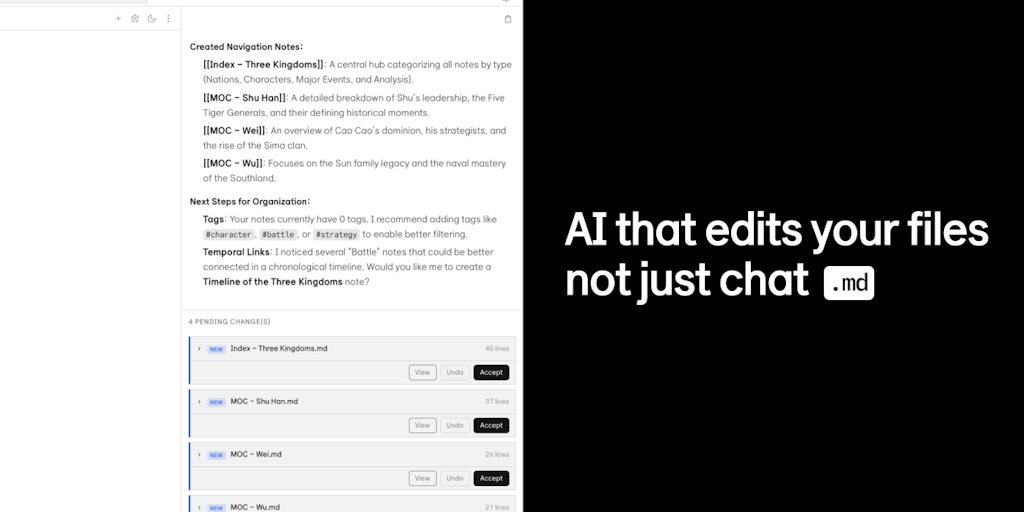
Kuku: A Native, Local-First Markdown Editor for macOS Built with Tauri
Kuku is a native, local-first markdown editor for macOS built with Tauri instead of Electron. It stores notes as plain markdown files with w
Product Hunt·1mo ago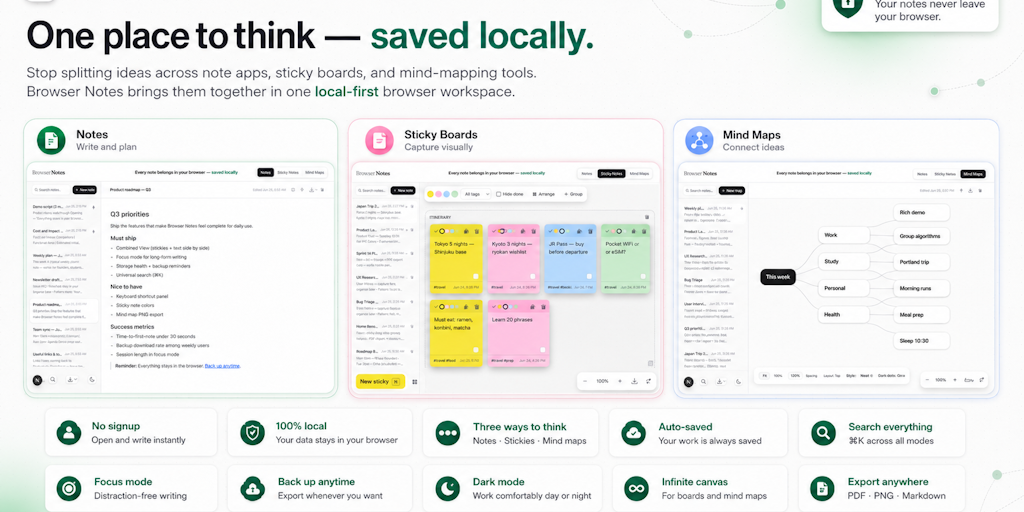
Browser Notes: A local-first, no-signup workspace for notes, sticky boards, and mind maps
Browser Notes is a local-first productivity tool that combines notes, sticky notes, and mind maps into a single browser-based workspace. It
Product Hunt·9d ago
OpenWorkers: Open-Source Runtime for Self-Hosted Cloudflare Workers Implementation
OpenWorkers is an open-source runtime that enables developers to run Cloudflare Workers-style JavaScript applications on their own infrastru
 openworkers.com·6mo ago
Comments
Sign in to join the conversation.
No comments yet. Be the first.