
























Workers AI - Workers AI now supports structured JSON outputs.
1y ago
Source
CloudflareWorkers AI - Workers AI now supports structured JSON outputs.cloudflare.comWorkers AI now supports structured JSON outputs with JSON mode , which allows you to request a structured output response when interacting with AI models. This makes it much easier to retrieve structured data from your AI models, and avoids the (error prone!) need to parse large unstructured text responses to extract your data. JSON mode in Workers AI is compatible with the OpenAI SDK's structured outputs response_format API, which can be used directly in a Worker: JavaScript import { OpenAI } from "openai" ; // Define your JSON schema for a calendar event const CalendarEventSchema = { type : "object" , properties : { name : { type : "string" }, date : { type : "string" }, participants : { type : "array" , items : { type : "string" } }, }, required : [ "name" , "date" , "participants" ] , }; export default { async fetch ( request , env ) { const client = new OpenAI ( { apiKey : env . OPENAI_API_KEY , // Optional: use AI Gateway to bring logs, evals & caching to your AI requests // // baseUrl: " } ) ; const response = await client . chat . completions . create ( { model : "gpt-4o-2024-08-06" , messages : [ { role : "system" , content : "Extract the event information." }, { role : "user" , content : "Alice and Bob are going to a science fair on Friday." , }, ] , // Use the `response_format` option to request a structured JSON output response_format : { // Set json_schema and provide ra schema, or json_object and parse it yourself type : "json_schema" , schema : CalendarEventSchema , // provide a schema }, } ) ; // This will be of type CalendarEventSchema const event = response . choices [ 0 ] . message . parsed ; return Response . json ( { calendar_event : event , } ) ; }, }; TypeScript import { OpenAI } from "openai" ; interface Env { OPENAI_API_KEY : string ; } // Define your JSON schema for a calendar event const CalendarEventSchema = { type : "object" , properties : { name : { type : "string" }, date : { type : "string" }, participants : { type : "array" , items : { type : "string" } }, }, required : [ "name" , "date" , "participants" ] , }; export default { async fetch ( request : Request , env : Env ) { const client = new OpenAI ( { apiKey : env . OPENAI_API_KEY , // Optional: use AI Gateway to bring logs, evals & caching to your AI requests // // baseUrl: " } ) ; const response = await client . chat . completions . create ( { model : "gpt-4o-2024-08-06" , messages : [ { role : "system" , content : "Extract the event information." }, { role : "user" , content : "Alice and Bob are going to a science fair on Friday." , }, ] , // Use the `response_format` option to request a structured JSON output response_format : { // Set json_schema and provide ra schema, or json_object and parse it yourself type : "json_schema" , schema : CalendarEventSchema , // provide a schema }, } ) ; // This will be of type CalendarEventSchema const event = response . choices [ 0 ] . message . parsed ; return Response . json ( { calendar_event : event , } ) ; }, }; To learn more about JSON mode and structured outputs, visit the Workers AI documentation .
You might also wanna read


Structured outputs samples
github.com·11mo ago
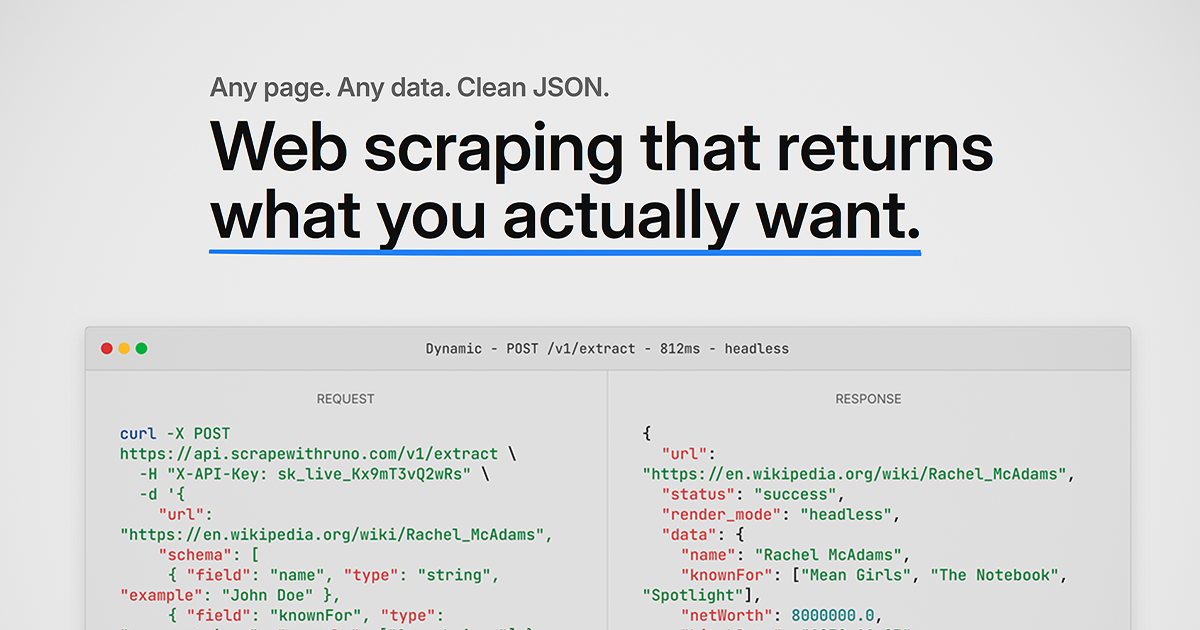
Runo: AI-Powered Web Scraping API That Converts URLs to Structured JSON
Runo is a web scraping API that extracts structured, typed JSON data from any URL using AI. Users define a custom schema with field names, t
 scrapewithruno.com·1mo ago
Structured outputs guide
OpenAI·11mo ago
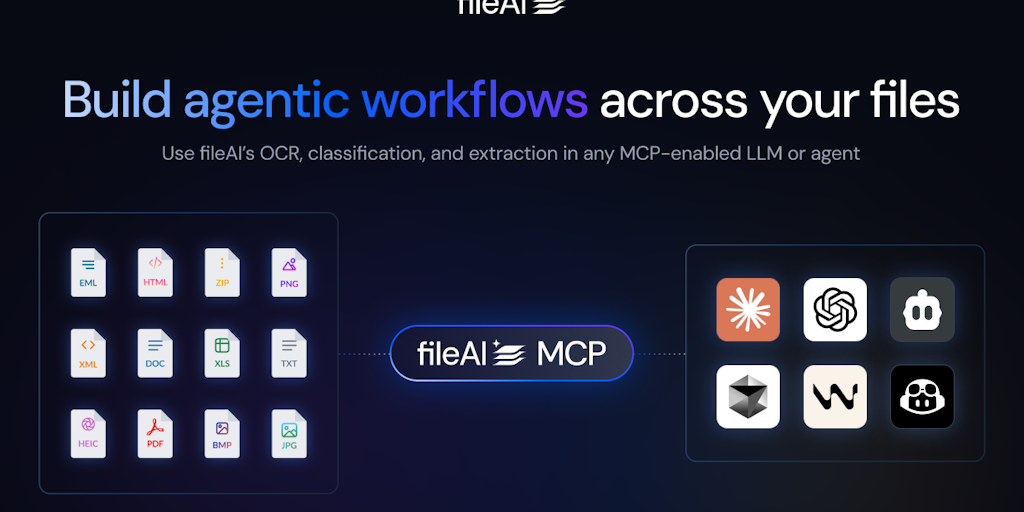
fileAI: AI OCR Tool for Extracting Structured Data from Files for LLMs and AI Agents
fileAI is a developer tool that uses AI OCR technology to extract structured, zero-shot data from any file format. It transforms unstructure
 Product Hunt·1y ago
DevDay — structured outputs breakout
youtube.com·11mo ago

New Alibaba AI framework skips loading every tool, cutting agent token use 99%
VentureBeat·2d ago
Comments
Sign in to join the conversation.
No comments yet. Be the first.