
























Workers AI - New Deepgram Flux model available on Workers AI
9mo ago
Source
CloudflareWorkers AI - New Deepgram Flux model available on Workers AIcloudflare.comDeepgram's newest Flux model @cf/deepgram/flux is now available on Workers AI, hosted directly on Cloudflare's infrastructure. We're excited to be a launch partner with Deepgram and offer their new Speech Recognition model built specifically for enabling voice agents. Check out Deepgram's blog for more details on the release. The Flux model can be used in conjunction with Deepgram's speech-to-text model @cf/deepgram/nova-3 and text-to-speech model @cf/deepgram/aura-1 to build end-to-end voice agents. Having Deepgram on Workers AI takes advantage of our edge GPU infrastructure, for ultra low latency voice AI applications. Promotional Pricing For the month of October 2025, Deepgram's Flux model will be free to use on Workers AI. Official pricing will be announced soon and charged after the promotional pricing period ends on October 31, 2025. Check out the model page for pricing details in the future. Example Usage The new Flux model is WebSocket only as it requires live bi-directional streaming in order to recognize speech activity. Create a worker that establishes a websocket connection with @cf/deepgram/flux export default { async fetch ( request , env , ctx ) : Promise < Response > { const resp = await env . AI . run ( "@cf/deepgram/flux" , { encoding : "linear16" , sample_rate : "16000" }, { websocket : true } ) ; return resp ; }, } satisfies ExportedHandler < Env >; Deploy your worker npx wrangler deploy Write a client script to connect to your worker and start sending random audio bytes to it const ws = new WebSocket ( 'wss://' ) ; ws . onopen = () => { console . log ( 'Connected to WebSocket' ) ; // Generate and send random audio bytes // You can replace this part with a function // that reads from your mic or other audio source const audioData = generateRandomAudio () ; ws . send ( audioData ) ; console . log ( 'Audio data sent' ) ; }; ws . onmessage = ( event ) => { // Transcription will be received here // Add your custom logic to parse the data console . log ( 'Received:' , event . data ) ; }; ws . onerror = ( error ) => { console . error ( 'WebSocket error:' , error ) ; }; ws . onclose = () => { console . log ( 'WebSocket closed' ) ; }; // Generate random audio data (1 second of noise at 44.1kHz, mono) function generateRandomAudio () { const sampleRate = 44100 ; const duration = 1 ; const numSamples = sampleRate * duration ; const buffer = new ArrayBuffer ( numSamples * 2 ) ; const view = new Int16Array ( buffer ) ; for ( let i = 0 ; i < numSamples ; i ++ ) { view [ i ] = Math . floor ( Math . random () * 65536 - 32768 ) ; } return buffer ; }
You might also wanna read

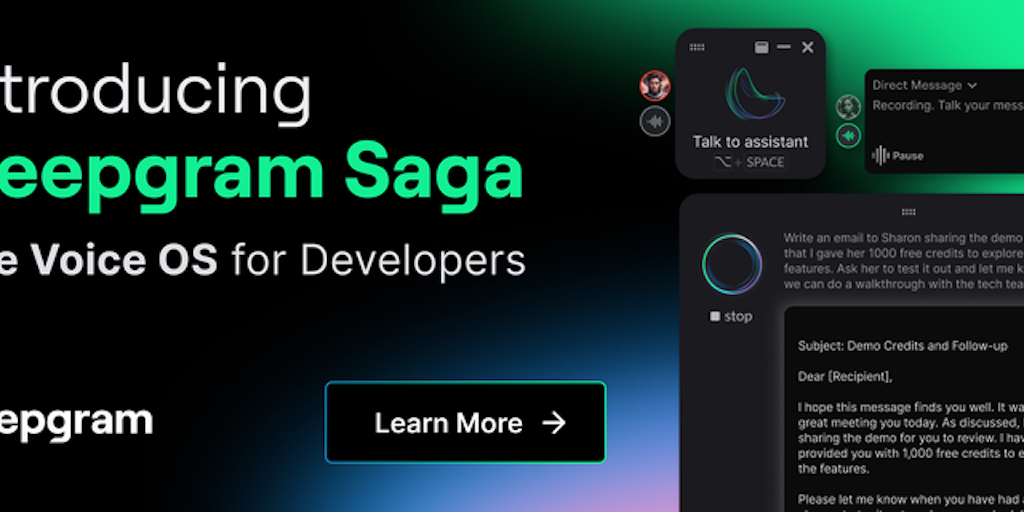
Deepgram: Enterprise Voice AI Platform for Developers
Deepgram is an enterprise Voice AI platform designed for developers building voice-first products. It offers speech-to-text, text-to-speech,
 Product Hunt·1y ago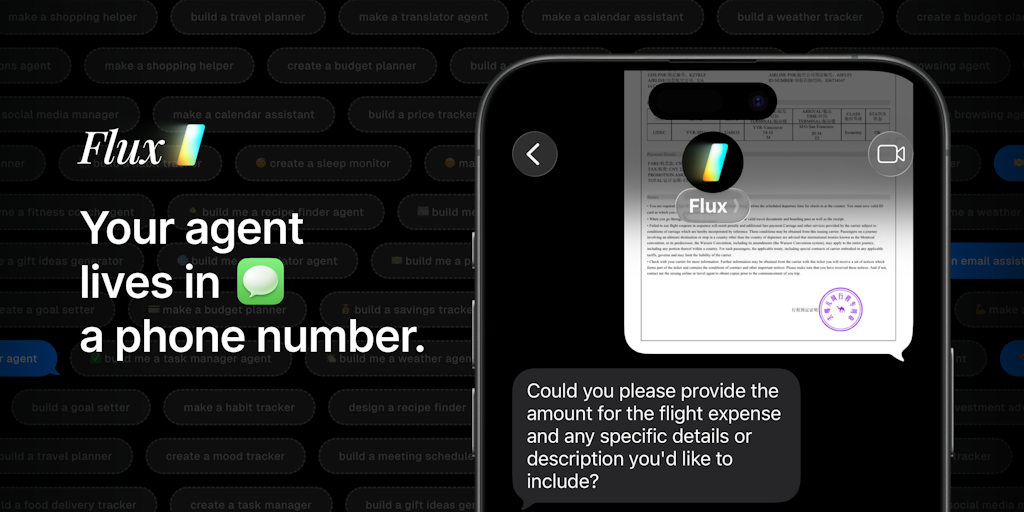
Flux Platform Enables Building Conversational AI Agents for Messaging Apps
Flux is a platform for building personalized conversational AI agents that integrate directly into messaging apps like iMessage and WhatsApp
Product Hunt·6mo ago
VoiceAI: A Developer's Learning Path for Building Real-Time Voice Agents
A curated, developer-friendly learning path for building real-time voice AI agents, covering the full stack from speech-to-text foundations
 GitHub·2mo ago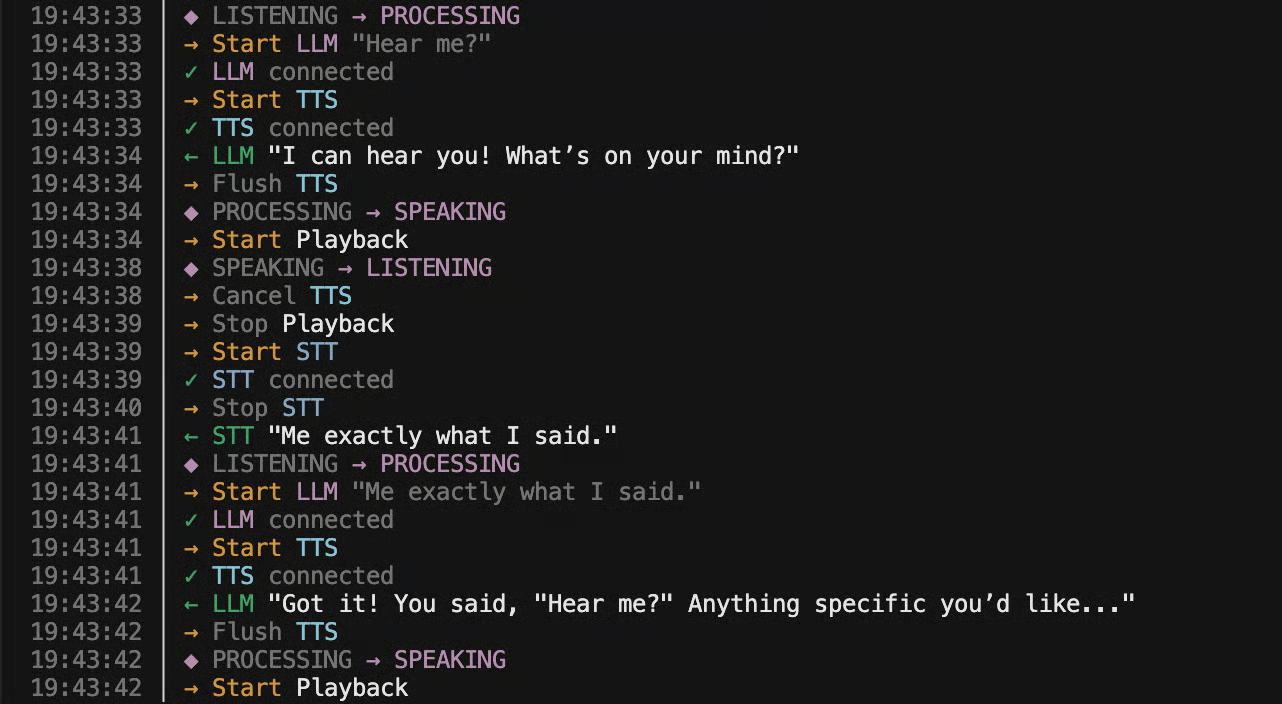
Building a Sub-500ms Latency Voice Agent: Technical Architecture and Implementation
Nick Tikhonov shares his technical journey building a sub-500ms latency voice agent from scratch, detailing the challenges of achieving real
 ntik.me·4mo ago
I built a voice AI that has memory, executes real tools, and has a body made of particles
v.redd.it·1mo ago

Building a Multi-Channel AI Appointment Agent with AgenDuet, Bedrock Nova Sonic, and OpenClaw
A technical guide presents an architectural blueprint for "Claudia," an inbound clinic appointment assistant that solves voice AI latency is
clawbeat.co·19d ago
Comments
Sign in to join the conversation.
No comments yet. Be the first.