
























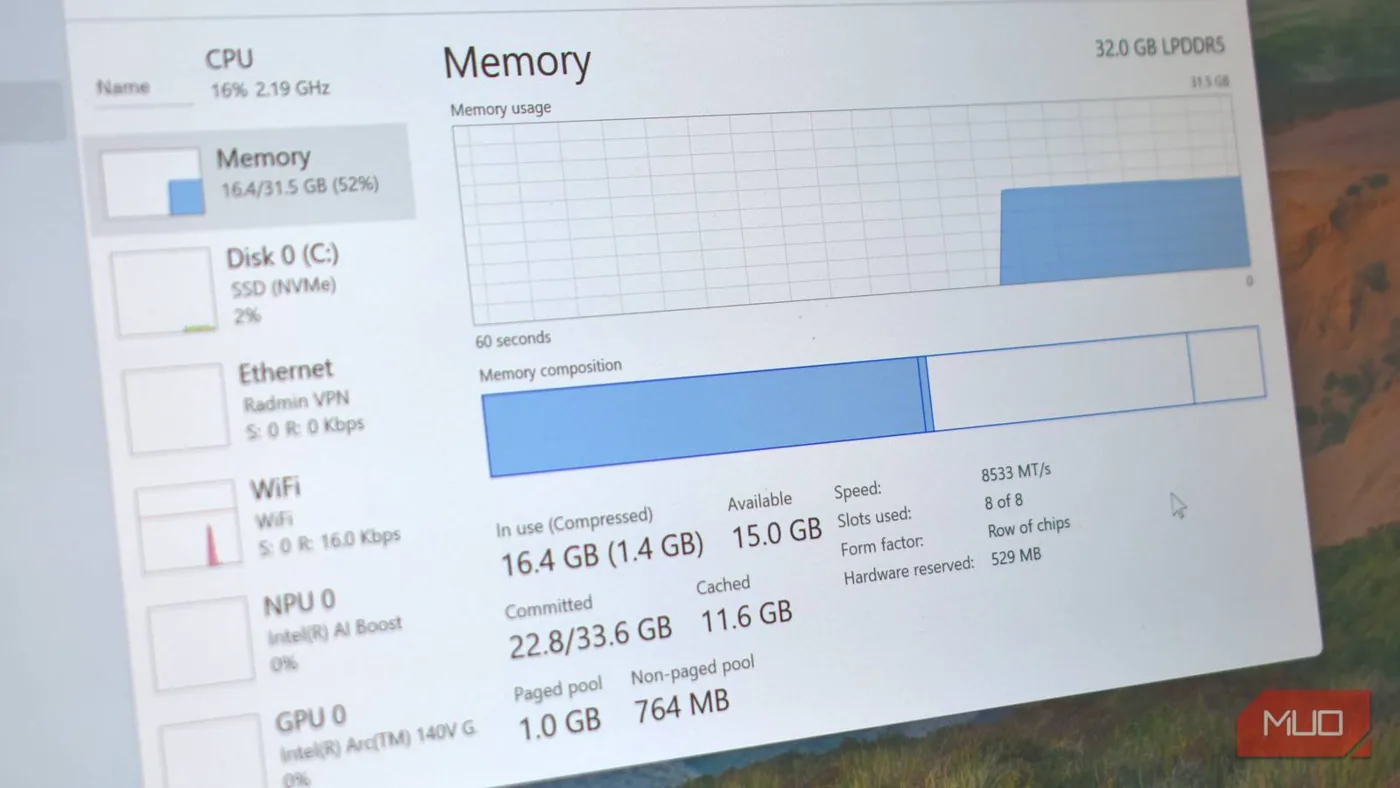
How to reduce Windows' reserved RAM and free up system memory
By
Oluwademilade Afolabi
Summary
This article explains how Windows reserves a portion of system RAM for hardware and system processes, often without users realizing it. It details what Windows RAM reservation is, why it happens (system stability, hardware mapping, SuperFetch/Prefetch), and provides step-by-step methods to reduce or reclaim reserved RAM, including adjusting virtual memory, disabling SuperFetch, modifying Registry settings, and using third-party tools. The article aims to help users free up memory for better performance, especially on systems with limited RAM.
Source
 bskyHow to reduce Windows' reserved RAM and free up system memorymakeuseof.com
Key quotes
· 5 pulledWindows reserves a portion of your RAM for system processes and hardware mapping, often without you even realizing it.
If you're running a system with 8GB or less of RAM, every megabyte counts.
Disabling SuperFetch can free up memory, but it may also slow down app launch times.
The Registry hack is not for the faint of heart — one wrong move and you could destabilize your system.
Before you go tweaking settings, understand that Windows reserves RAM for good reasons — system stability and performance.
You might also wanna read

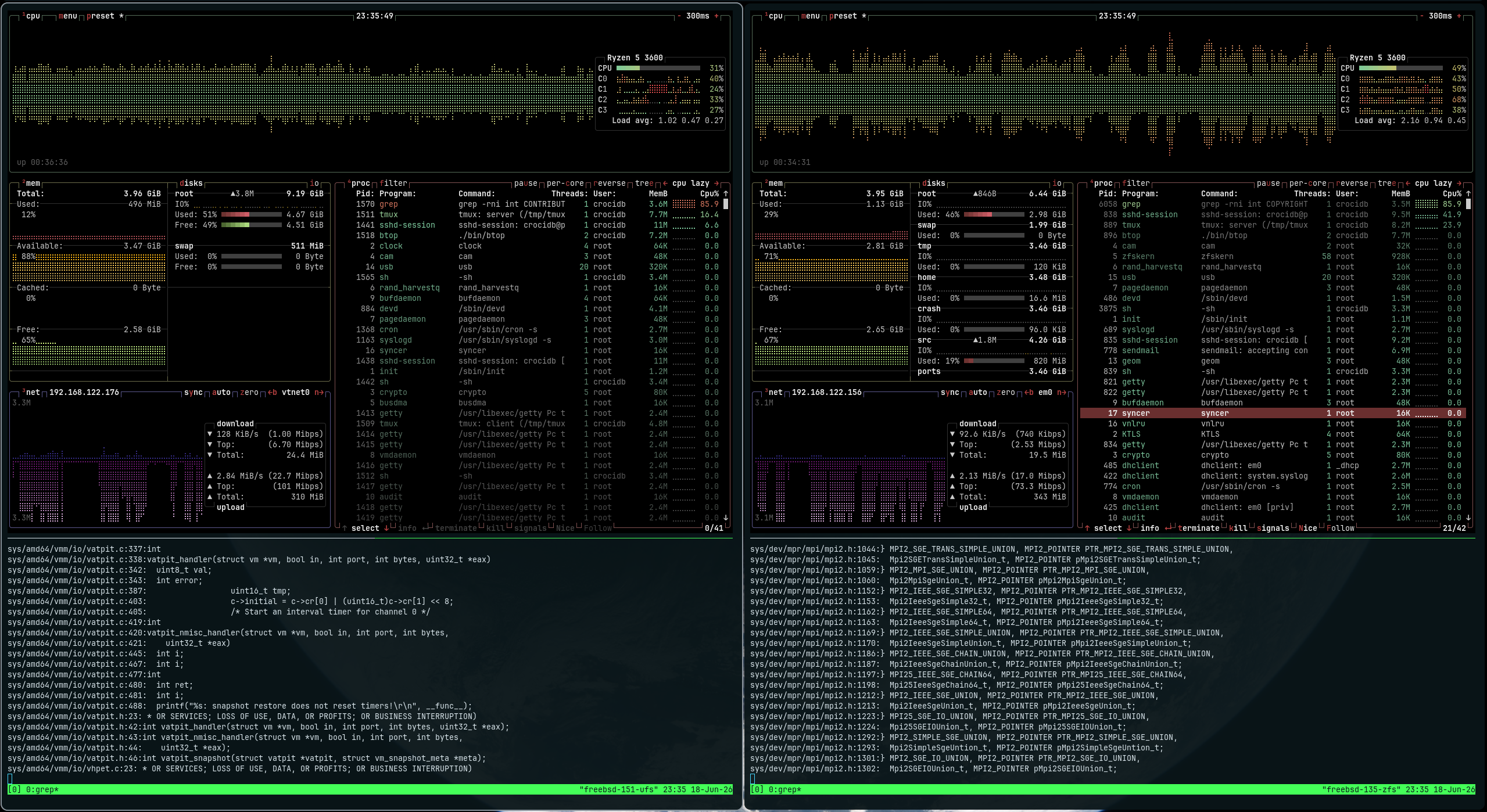
Understanding FreeBSD RAM reporting: Why htop, btop, and fastfetch show different memory usage
A deep technical investigation into why different system monitoring tools (htop, btop, fastfetch) report different RAM usage statistics on F

Understanding Linux Memory Management: Page Faults, mmap, and userfaultfd
This technical article explores Linux memory management concepts including page faults, mmap system calls, and userfaultfd. The author expla
 shayon.dev·3mo ago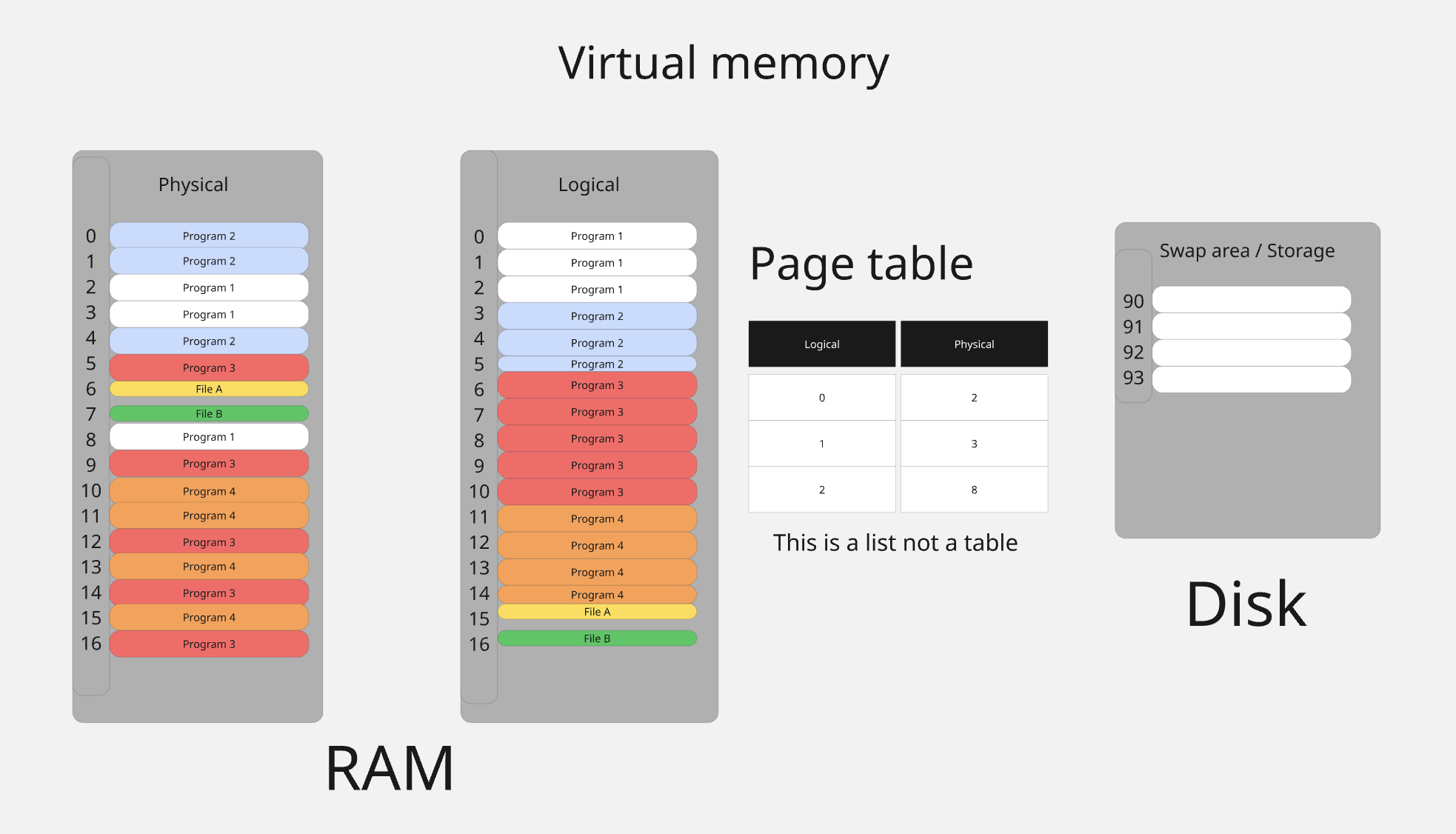
Understanding Linux Process Memory Management: Virtual Address Spaces and Page Tables
This article provides an educational deep dive into how Linux manages process memory, explaining the illusion of continuous memory that Linu
 0xkato.xyz·8mo ago
Understanding Swap Space: Correcting Common Misconceptions About Memory Management
This technical article defends the use of swap space in computer systems, arguing that swap is essential for proper memory management rather
 chrisdown.name·9mo ago
How to Enable ZRAM on Linux Systems for Better Memory Optimization
The article discusses enabling ZRAM (compressed RAM) on Linux systems to optimize memory usage and potentially save money on hardware upgrad
 cnx-software.com·2mo ago
Comments
Sign in to join the conversation.
No comments yet. Be the first.