
























Why You Need a Password Manager
By
Sean Peters
2y agoen
Source
almart.comWhy You Need a Password Manageralmart.comWe’re sorry to be the bearers of bad news, but your “luckykitty92” password from middle school is a lot easier to crack than you’d like to believe. But, we also know that long and strong passwords are difficult to remember. Enter: password managers! These tools help you come up with, store, manage, and protect your passwords across sites and devices. It does the remembering so you don’t have to! Let’s dig into all the information you need to know about password managers. Benefits of a Password Manager Password managers can be a great tool when it comes to keeping track of all your passwords for both business and personal information. The benefits of password managers include: Passwords are stored in a secure place You can access password with one click You don’t have to remember complicated, strong passwords It gives you access to your passwords across all devices Security checks to prevent comprising your information Password managers can also do things like notify you when one of your passwords appears in a data breach, help you spot fake websites so you don’t fall for phishing scams , and more. Things to Look For in a Password Manager There’s a lot of information out there about cybersecurity, ways to protect your information, and what to look for in tools you’re using. Here are five things you should look for when you’re choosing a password manager: Breach notifications. You want to be aware of security threats before they happen, so having a password manager that will notify you of any compromise to your information will help you get ahead of those threats. Strong encryption. This will help make sure that in the case that the password manager is hacked, your information will still be safe and secure. Industry standard encryption is AES-256-bit encryption. Ability to sync across multiple devices. This feature will help you store your information on your phone, computer, desktop, etc., without having to pay for multiple password managers or keep your data in an unsecure place. Strong password generator. The only thing as complicated as remembering a strong password is coming up with one. Find a password manager that can do it for and with you! Password auto-fill. This is an additional way to keep you from having to remember every single complex password you come up with. Your password manager should be able to autofill forms, payment information, and passwords with one click. Tech Squared Recommends Here at Tech Squared, we definitely recommend using a password manager to keep things stored, safe, and secure. Our CEO prefers using 1Password or Dashlane. Let’s break those down: 1Password 5 different plans - individual, family, teams, business, and enterprise Here’s an in-depth comparison of their plan features All plans include Total Privacy - the 1Password team does not access your data 1Password Watchtower - you receive alerts for compromised websites and vulnerable passwords Travel Mode - remove sensitive data from your accounts when you cross international borders, and restore it with one click when you get home Unrivaled support - one-on-one support from the global team Digital Wallet - a secure place to store card and bank information Advanced encryption - tactics include using AES-256 bit encryption Dashlane 4 plans - two personal (individual, friends & family), two business (business, enterprise) Here’s an in-depth comparison of their plan features All plans include Cross-device password management and access Unlimited secure password sharing One-click passwords and forms Password generator Secure financial, medical, and private information Dark web monitoring and alerts Keep Your Passwords Secure Don’t fall prey to cybercrime just because strong passwords are difficult to remember. Do yourself and your team a favor and invest in a good, secure password manager. It will take the stress off of you and keep your information secure!
You might also wanna read
Your Password Manager is Compromised - Now What?
Packetlabs·3y ago
Why Do You Need a Password Manager?
Packetlabs·5y ago


Understanding Passkeys: The Challenges of Password Manager-Generated Credentials
The article discusses passkeys, which are randomly generated passwords managed by password managers. Unlike traditional passwords, passkeys
 danfabulich.medium.com·11mo ago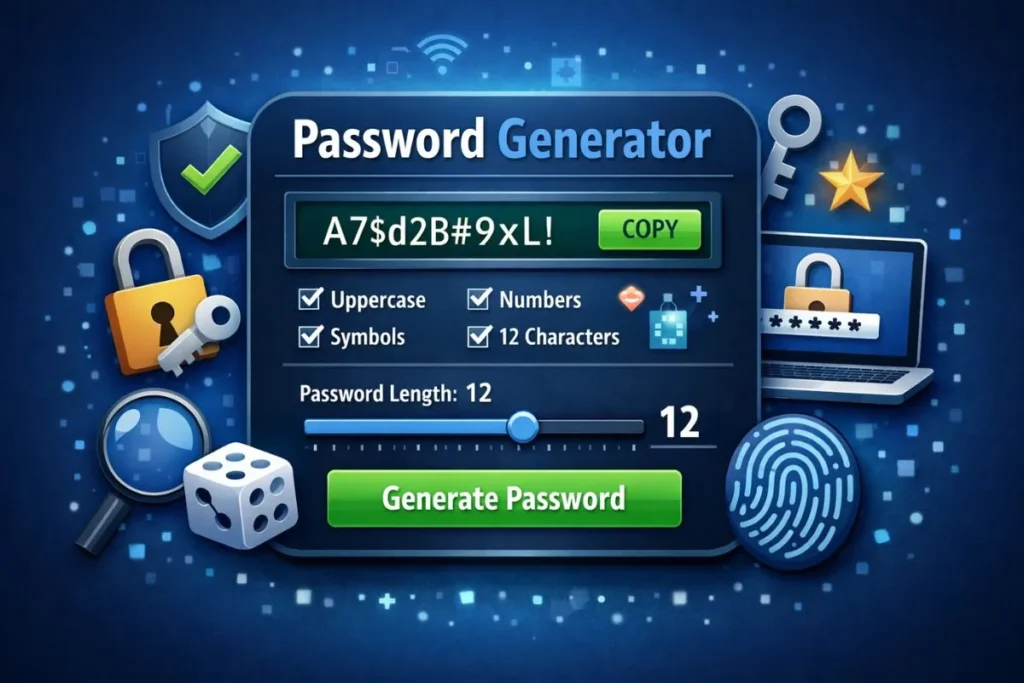
How to Use a Password Generator for Strong, Secure Passwords
A practical guide explaining what a password generator is, why it's important for security, how to use it step by step, and what settings cr
 diaryok.com·9d ago
ETH Zurich Researchers Find Security Vulnerabilities in Popular Password Managers
Researchers from ETH Zurich discovered serious security vulnerabilities in three popular cloud-based password managers, allowing them to vie
 ethz.ch·4mo ago
Are You Guilty of These Password Sins? Your Guide to Password Security
Packetlabs·2y ago
Comments
Sign in to join the conversation.
No comments yet. Be the first.