





















How to optimize your Samsung TV's picture and sound settings for watching the World Cup
By
Kaycee Hill
Summary
This article provides a step-by-step guide for Samsung TV owners to optimize their picture and sound settings specifically for watching the FIFA World Cup. It explains that default Samsung TV settings (optimized for showrooms and energy savings) degrade sports viewing quality through motion smoothing, dimmed brightness, and poor audio balance. The guide offers five quick adjustments to transform the viewing experience, including disabling motion smoothing, adjusting picture mode, optimizing brightness/contrast, and tuning audio settings to prioritize commentary over crowd noise.
Source
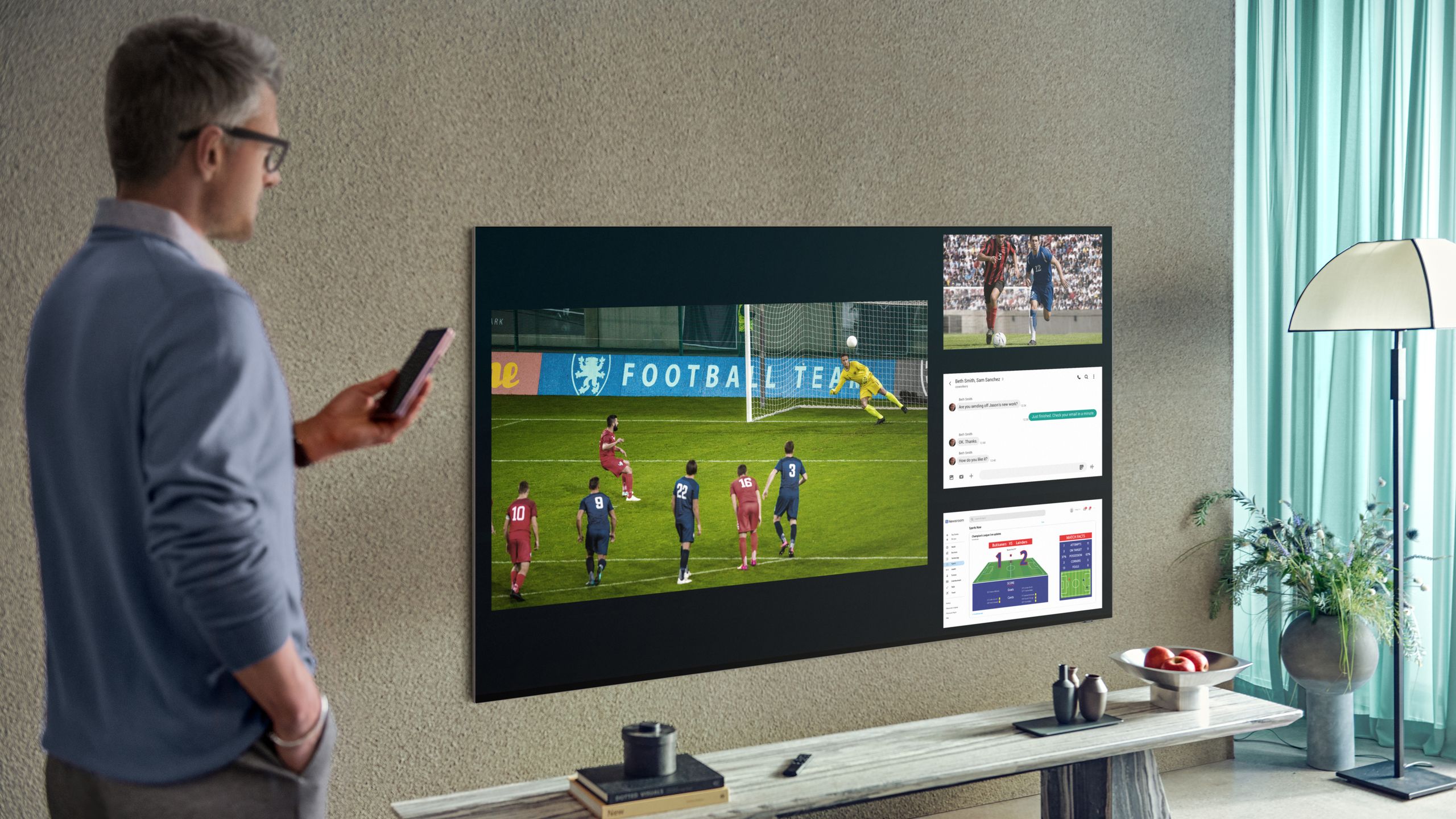
 bskyHow to optimize your Samsung TV's picture and sound settings for watching the World Cuptom-s-guide.visitlink.me
Key quotes
· 5 pulledSamsung TVs ship with default settings optimized for showroom displays and energy savings, not sports viewing.
Out of the box, your Samsung TV is working against you during the World Cup.
Motion smoothing makes live actual look unnatural.
These five quick setting changes transform how the FIFA World Cup looks and sounds.
These adjustments take minutes but deliver stadium-quality viewing.
You might also wanna read


World Cup faces sharp criticism over ticket prices, fan zones, and lack of atmosphere
A scathing critique of the upcoming World Cup, arguing that the event is poorly organized for both local fans and international visitors. Th
 Defector·15d ago
How to watch the 2026 FIFA World Cup on Prime Video
The article explains how Prime Video subscribers can watch the 2026 FIFA World Cup. It notes that while the tournament's streaming situation
 nypost.com·8d ago
Indoor TV Antennas Offer Cable-Free Access to Live World Cup Broadcasts
This article promotes indoor TV antennas as a solution for watching live sports (specifically the World Cup) and other broadcast programming
 Rolling Stone·10d ago
South Korea's Individual Brilliance Overcomes Czechia's Set-Piece Discipline in World Cup Clash
A sports writer recounts a World Cup match where South Korea's flashy, individualistic "baller" style of play clashed dramatically with Czec
Defector·8d ago
Fox and Telemundo Benefit From Expanded World Cup as FIFA Grows Tournament to 48 Teams
FIFA's expansion of the World Cup from 32 to 48 nations and 64 to 104 matches provides a significant boost to U.S. media rights holders Fox
 Deadline·9d ago
Stranger Things Creator Recommends Turning Off Advanced TV Settings for Optimal Viewing Experience
Stranger Things creator Matt Duffer advises fans to turn off all advanced TV settings like motion smoothing, noise reduction, and sharpening
 screenrant.com·5mo ago