
























How to make HTTP requests from a minimal Docker container using bash /dev/tcp
By
Marek Šuppa
18d ago· 3 min readen
Summary
A practical guide on making HTTP requests from minimal Docker containers that lack curl or wget. The solution uses bash's built-in /dev/tcp feature to open a TCP socket and manually write an HTTP/1.1 request, enabling health checks and connectivity testing between containers on a shared Docker network without installing additional tools.
Source
 Hacker NewsHow to make HTTP requests from a minimal Docker container using bash /dev/tcpmareksuppa.com
Key quotes
· 3 pulledbash can speak HTTP by itself bash can open a TCP socket, and you can write a small HTTP request to it by hand.
Opening a connection to a host and port and writing the request needs nothing beyond the shell that's already there.
The obvious move is curl http://service:8642/health. But this app image was stripped right down, with no curl or wget and nothing else around that I could use to open a socket.
Minimal container images often ship without curl, wget, or any HTTP client at all. Bash can open a TCP socket through /dev/tcp, which is enough to write a tiny HTTP/1.1 request by hand for quick checks.
You might also wanna read
Containers - Easily connect Containers and Sandboxes to Workers
Cloudflare·3mo ago

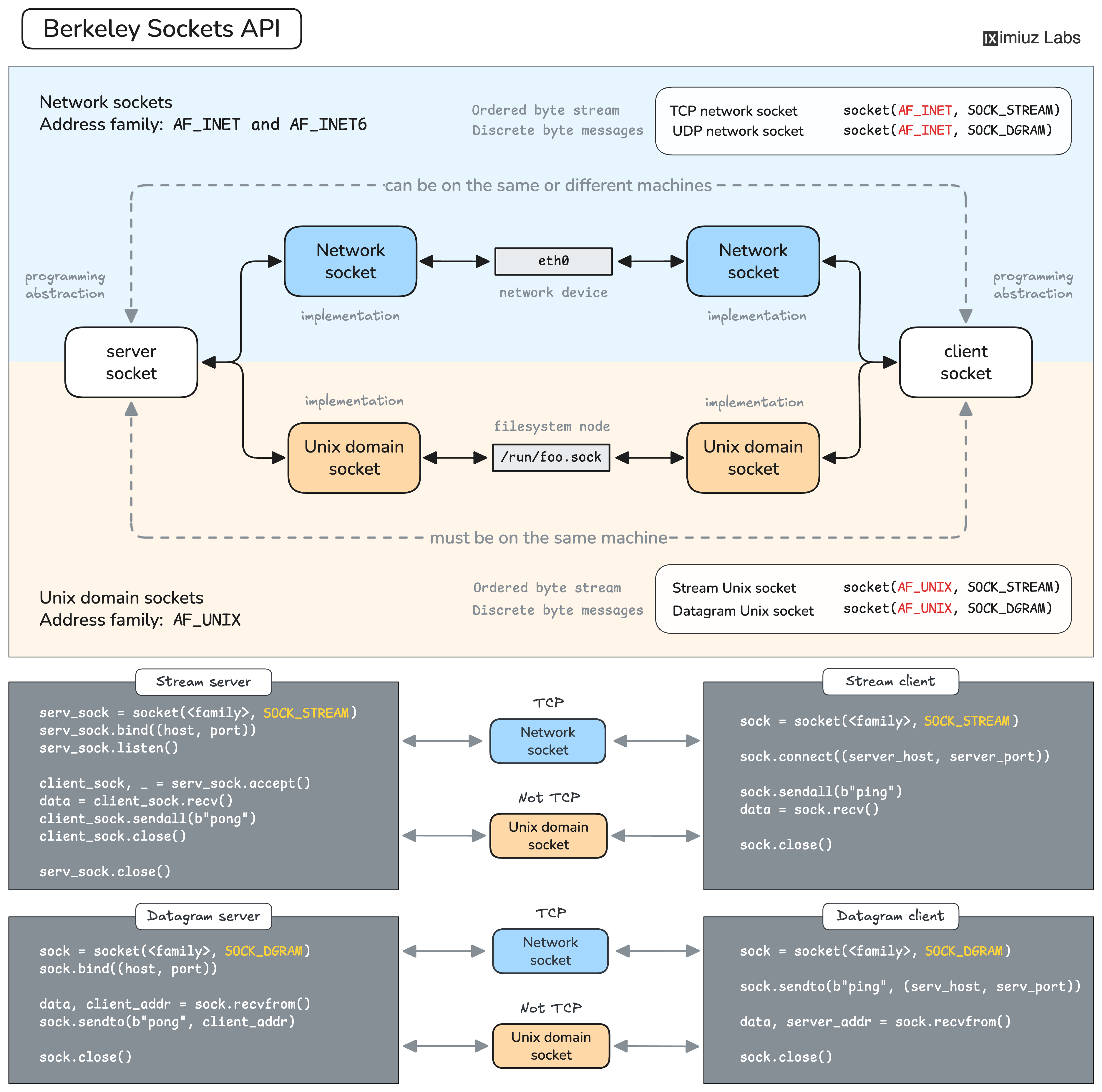
Building a TCP Server from Scratch: A Hands-On Guide to Sockets and Network Programming
A hands-on tutorial explaining how TCP servers work by building a tiny TCP server and client from scratch. It covers fundamental networking
 labs.iximiuz.com·28d ago
Containers - Wrangler supports SSH ProxyCommand for Containers
Cloudflare·1mo ago
Containers - SSH into running Container instances
Cloudflare·3mo ago
Workers VPC - TCP connections via connect() over VPC Networks
Cloudflare·19d ago
Gateway - Gateway HTTP Filtering on all ports available in open BETA
Cloudflare·11mo ago
Comments
Sign in to join the conversation.
No comments yet. Be the first.