
























How to install Windows 11 on an old, unsupported PC using Rufus
By
Yadullah Abidi
Summary
This article provides a step-by-step guide on using the Rufus tool to install Windows 11 on older, unsupported PCs that don't meet Microsoft's strict hardware requirements (TPM 2.0, Secure Boot, 8th-gen CPU or newer). It explains how Rufus bypasses these restrictions, walks through the process of creating a bootable USB drive, and discusses the pros and cons of running Windows 11 on unsupported hardware — including security risks, potential lack of updates, and performance considerations.
Source
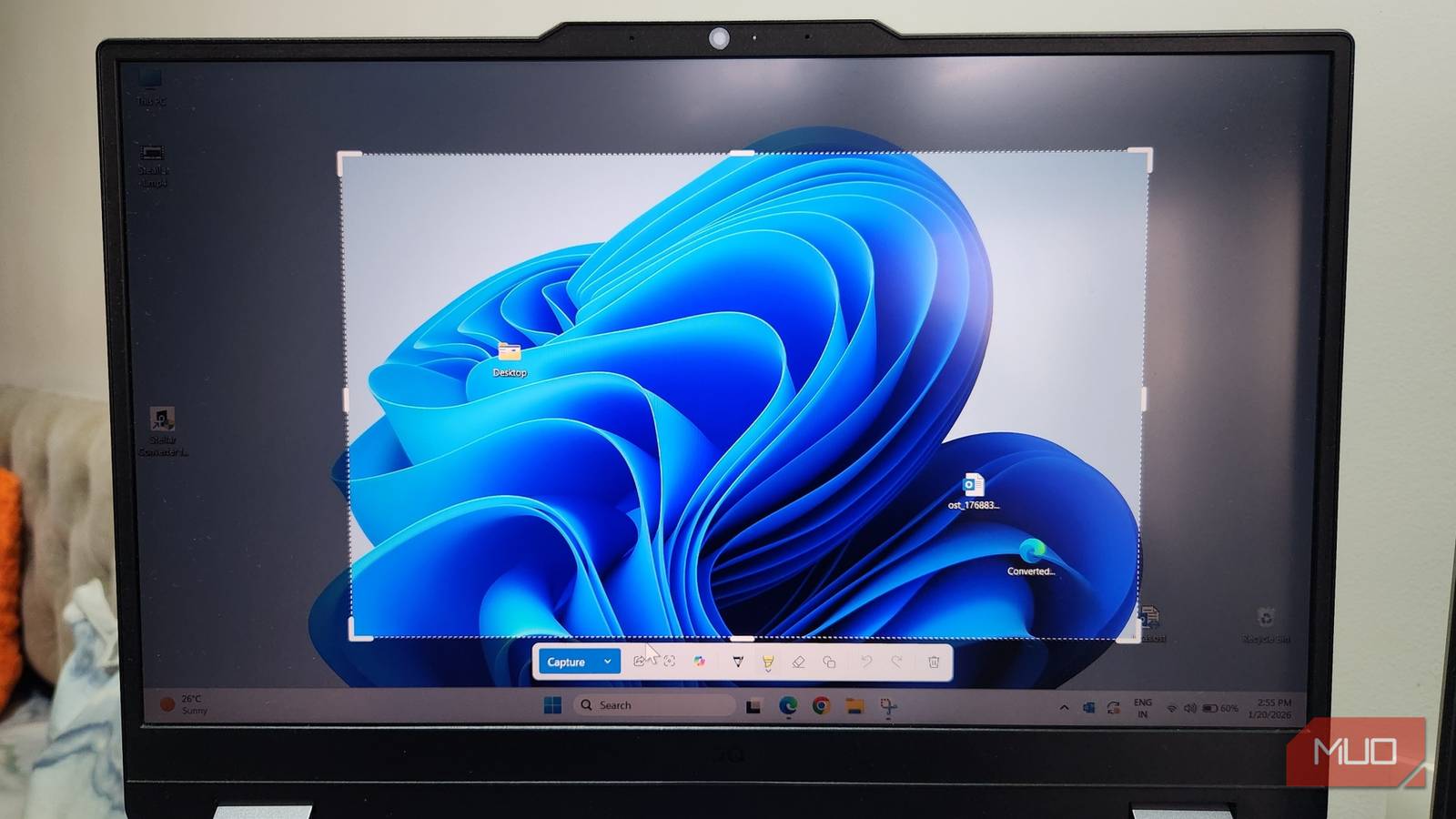
 bskyHow to install Windows 11 on an old, unsupported PC using Rufusmakeuseof.com
Key quotes
· 3 pulledRufus is a free, open-source tool that can create bootable USB drives from ISO files, and it's one of the easiest ways to get Windows 11 on an old PC.
Microsoft's strict hardware requirements for Windows 11 have left millions of perfectly capable PCs in the dust.
The biggest risk of running Windows 11 on unsupported hardware is that you might not receive security updates, leaving your system vulnerable to new threats.
You might also wanna read
How to use Rufus to create bootable Windows 11 25H2 USB


Windows 11 Upgrade Frustration: Hardware Incompatibility and Persistent Notifications
The article discusses the author's frustration with Microsoft's persistent Windows 11 upgrade notifications despite hardware incompatibility
 idiallo.com·6mo ago
How to create bootable Windows 11 USB install media
Microsoft Confirms Windows 11 Security Update Causing Boot Failures on Some PCs
Microsoft has confirmed that the January 2026 Windows security update (released January 13) is causing boot failures on some PCs, with devic
 windowscentral.com·5mo ago
Comments
Sign in to join the conversation.
No comments yet. Be the first.