
























Four Waze settings to optimize your Android Auto navigation experience
By
Cory Gunther
Summary
This article provides a detailed guide for Waze users on Android Auto, recommending four key settings changes to optimize the navigation experience. The author explains how to adjust alert preferences (reducing unnecessary notifications like police and speed bumps), enable the "Ask me later" feature for rerouting, turn off automatic zooming for better map orientation, and switch to a simpler voice option to avoid repetitive audio prompts. The goal is to reduce distractions and make Waze more useful for daily driving.
Source
 bskyFour Waze settings to optimize your Android Auto navigation experienceift.tt
Key quotes
· 5 pulled'Waze is a great navigation app, but it can be a bit much when you're using it on Android Auto.'
'The first setting I change in Waze for Android Auto is the alerts. By default, Waze alerts you to just about everything.'
'The 'Ask me later' option is a lifesaver for anyone who uses Waze on Android Auto.'
'Turning off automatic zooming in Waze on Android Auto is one of the best changes you can make.'
'The default Waze voice is fine, but it can be a bit chatty. I switch to a simpler voice that only gives me the essential information.'
You might also wanna read


Google Maps Integrates Gemini AI for Conversational Navigation and Enhanced Route Planning
Google Maps is integrating Gemini AI to enhance navigation features, including conversational route planning, landmark-based directions, and
 The Verge·8mo ago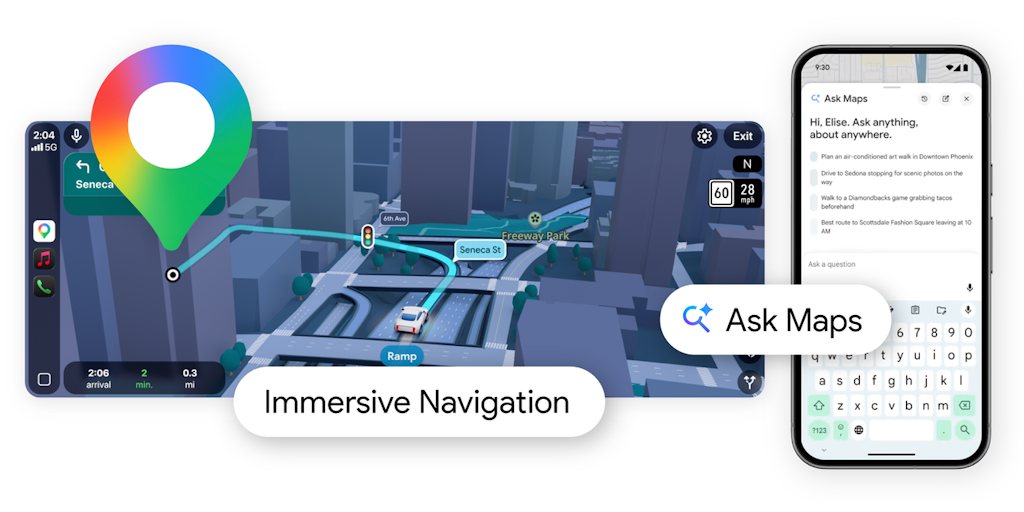
Google Maps Launches Gemini-Powered Ask Maps and Immersive Navigation Features
Google Maps has received a major upgrade powered by Gemini AI, introducing two key features: Ask Maps allows users to ask complex, real-worl
 Product Hunt·3mo ago
Google Maps Restaurant Ordering: What's Here and What's Next

Google Maps Food Ordering: What the Evidence Shows So Far
Rivian: Disabling vehicle connectivity limits navigation, safety features, and OTA updates
Rivian explains that disabling vehicle connectivity in their EVs limits features like navigation, lane keeping assistance, and over-the-air
 rivian.com·2mo ago
Google's Gemini AI Assistant Now Available on Android Auto
Google has launched its Gemini AI assistant for Android Auto, replacing Google Assistant as the default voice assistant for drivers. The new
The Verge·7mo ago
Comments
Sign in to join the conversation.
No comments yet. Be the first.