
























Samsung Galaxy Watch Glucose Monitoring: A Guide to CGM Apps and Their Limitations
By
Liz Ticong
Summary
A practical guide comparing methods for displaying continuous glucose monitor (CGM) data on Samsung Galaxy Watches. It covers official apps like Dexcom G6, third-party tools like Gluroo and xDrip+, and Wear OS display solutions. The article evaluates the pros and cons of each approach for people with diabetes who want quick, at-a-glance blood sugar readings on their wrist without needing to pull out their phone.
Source

 bskySamsung Galaxy Watch Glucose Monitoring: A Guide to CGM Apps and Their Limitationstechrepublic.com
Key quotes
· 3 pulledA good wrist setup helps when the number is easy to see during the day.
You can check your glucose, notice the direction it is moving, or catch an alert without digging for your phone.
Some setups lean on an official CGM app. Others use Wear OS display tools or companion apps that pull readings from a connected service.
You might also wanna read


CGM Toolbox: Expert Resource for Continuous Glucose Monitoring in Diabetes Practice
This article appears to be a resource page for healthcare professionals about continuous glucose monitoring (CGM) in diabetes care. It featu
 mdsc.pe·1d ago
Understanding Continuous Glucose Monitoring for Type 1 Diabetics
Continuous glucose monitoring is a technology that measures blood glucose levels frequently, primarily beneficial for type 1 diabetics. The

Personal Reflection on Using Proprietary Medical Devices for Diabetes Management
The article discusses the author's personal experience with diabetes and their difficult choice to use a proprietary continuous glucose moni
 sfconservancy.org·6mo ago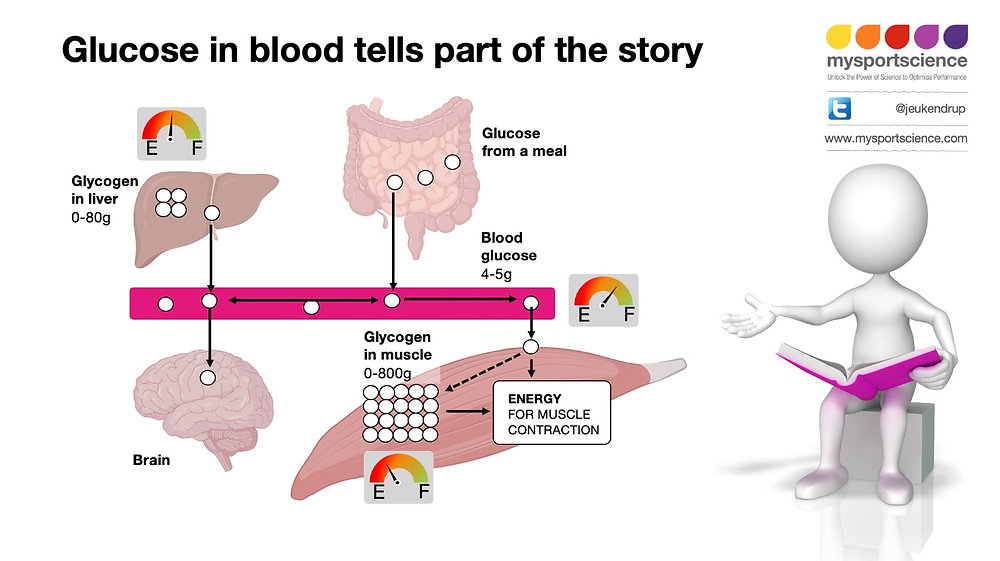
Can Continuous Glucose Monitoring (CGM) serve as a fuel gauge for athletes?
This article explores whether Continuous Glucose Monitoring (CGM) technology, now available to athletes, can serve as a reliable "fuel gauge
 mssa.app·4d ago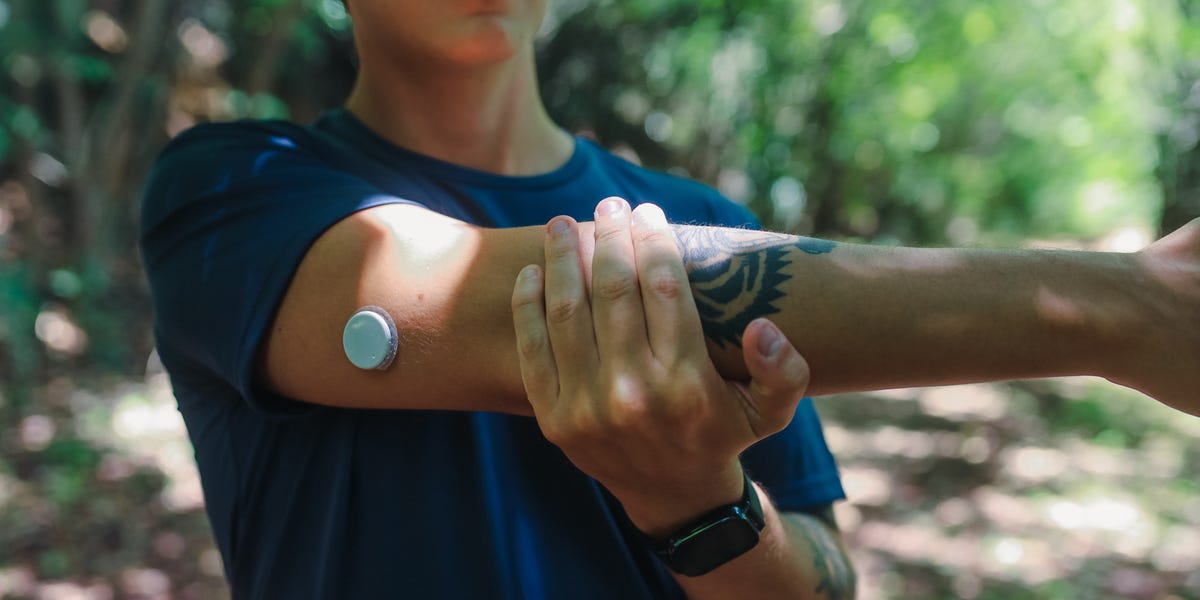
FDA Warns About Stolen Defective Dexcom G7 Glucose Monitors Sold by Third-Party Vendors
The FDA and Dexcom have issued a warning about stolen defective Dexcom G7 continuous glucose monitor sensors that were meant to be destroyed
 menshealth.com·1d ago
GlycemicGPT: Open-Source AI-Powered Diabetes Management Platform (Alpha)
GlycemicGPT is an open-source diabetes management platform that leverages AI-powered analysis to help individuals track and manage their dia
 github.com·1mo ago
Comments
Sign in to join the conversation.
No comments yet. Be the first.